1
Contents
Contents
1
2
2.1
2.2
2.3
Introduction
Site-CTRL
Loading the Software
The Room List Tab
The Settings Tab
1
1
2
3
5
2.3.1
The Event Log Tab
2.4
3
3.1
The Site-CTRL Menu
Web Access
The Main Page
8
9
10
3.1.1
3.1.2
3.1.3
3.1.4
3.1.5
3.1.6
The Master Room Controller Page
The Auxiliary Controller Page
The Devices Tab
The Macro Tab
The Scheduled Tasks Tab
The Settings Tab
11
12
13
14
15
18
7
Figures
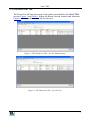
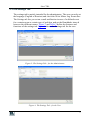
Figure 1: The Room List Tab – for the Administrator
Figure 2: The Room List Tab – for the User
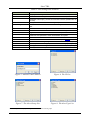
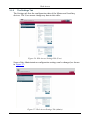
Figure 3: The Settings Tab – for the Administrator
Figure 4: The Settings Tab – for the User
Figure 5: Add an E-mail Address
Figure 6: The IP List
Figure 7: The Alert Group List
Figure 8: The Alert Type List
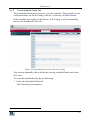
Figure 9: The Event Log Tab
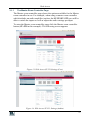
Figure 10: Entering the IP Number in the Address Bar
Figure 11: Web Access Login
Figure 12: Web Access Main Page (User)
Figure 13: Web Access SV-551 Settings (User)
Figure 14: Web Access SV-551 Settings (Admin)
Figure 15: Web Access RC-63DL Settings (User and Administrator)
Figure 16: Web Access Main Page (Admin)
Figure 17: Web Access Main Page with Connected Ports
Figure 18: Web Access Protocol Commands
Figure 19: Web Access Macro Buttons (User and Admin)
Figure 20: Scheduled Tasks Tab as Set in K-Config
Figure 21: Scheduled Tasks Tab
Figure 22: Adding a Macro to the Schedule
Figure 23: Macro Added to the Schedule
Figure 24: Select a Macro to Modify
Figure 25: Schedule Changes Window
Figure 26: Web Access Settings Tab (User)
Figure 27: Web Access Settings Tab (Admin)
3
3
5
5
6
6
6
6
7
9
9
10
11
11
12
13
13
14
14
15
16
16
16
17
17
18
18
i