1
2.
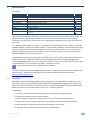
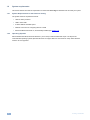
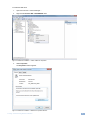
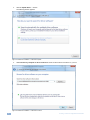
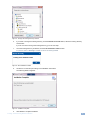
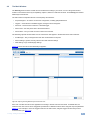
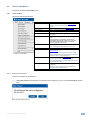
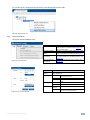
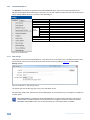
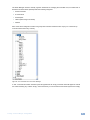
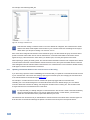
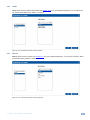
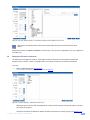
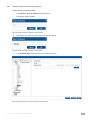
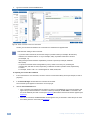
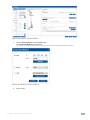
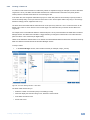
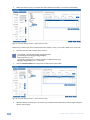
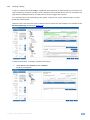
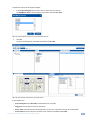
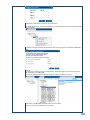
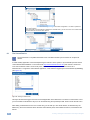
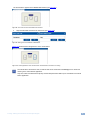
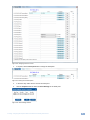
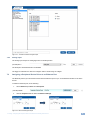
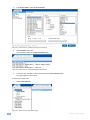
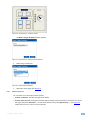
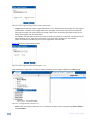
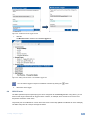
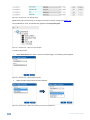
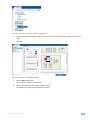
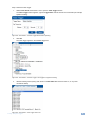
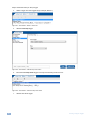
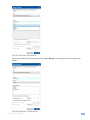
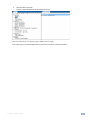
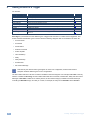
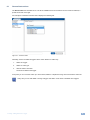
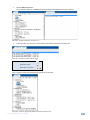
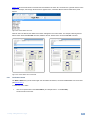
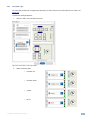
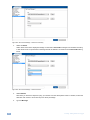
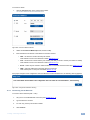
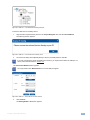
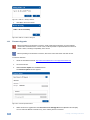
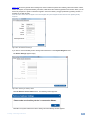
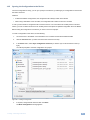
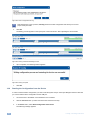
Select the number of rows you need (for the volume adjustment example, 14 rows are recommended):
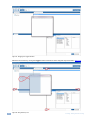
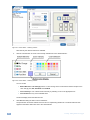
Figure 79: The Driver Manager Window – Select Number of Rows
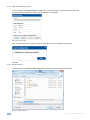
Note that if you find that you have not selected the exact number of rows, you can add or delete a row at any time.
3.
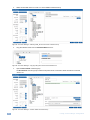
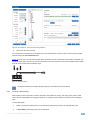
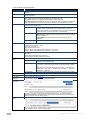
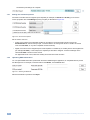
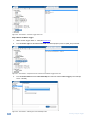
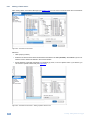
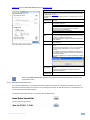
Enter the command data according to the protocol:
i
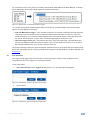
For example, a certain LCD Display command format is:
[Command1][Command2][ ][Set ID][ ][Data][CR]
Data ranges from 0 to 64.
The specific command for the Volume Control (for a Data value of 35) is:
[k][f][ ][Set ID][ ][Data][Cr]: “kf 1 ”,0x35,0x0D.
4.
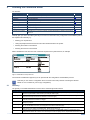
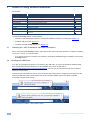
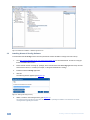
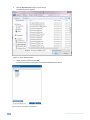
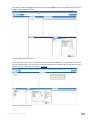
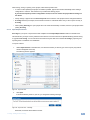
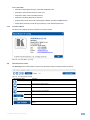
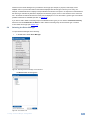
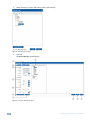
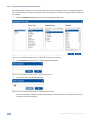
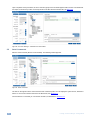
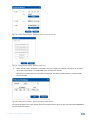
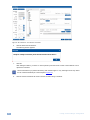
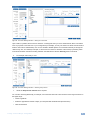
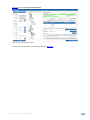
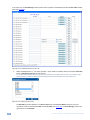
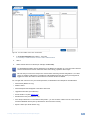
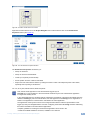
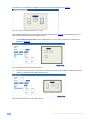
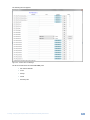
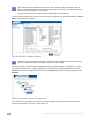
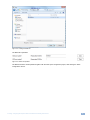
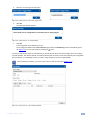
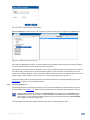
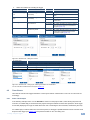
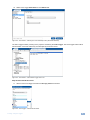
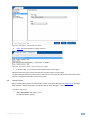
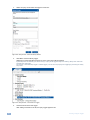
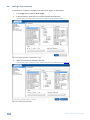
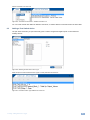
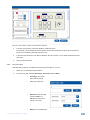
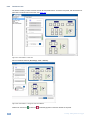
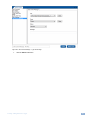
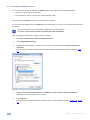
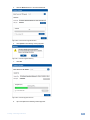
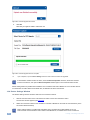
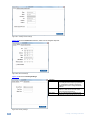
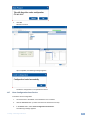
Click the Command Data area and type the command into the driver table:
Figure 80: The Driver Manager Window – Select Number of Rows
5.
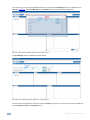
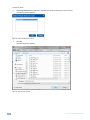
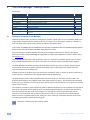
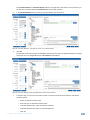
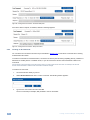
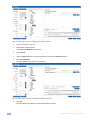
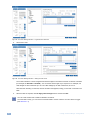
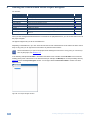
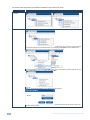
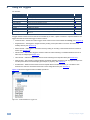
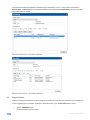
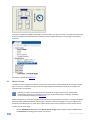
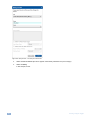
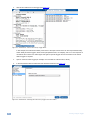
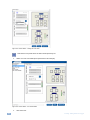
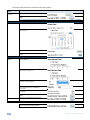
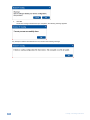
Add the following commands (you can use the copy and paste function between the rows and just change the
specific, relevant byte):
46
K-Config - The Driver Manager – Getting Started