1
As with activity information, this is stored in tables.
With resources, there are many more tables available,
and each is covered in turn. Again, as with activity
information, it is possible to define your own data
requirements in the form of extension fields, and to then
store values in those fields.
The use of these extension fields will depend on your
specific requirements from a project planning and
management application. However, there are some
powerful facilities within AMS REALTIME Projects
which enable you to make use of specific extensions to
provide detailed views into the resources and how they
are organized. This assumes that you are using
extensions to allocate resources to a Group, and then
provides facilities to produce summary information
according to these groupings. Another option enables
you to further break down resource allocations - to Cost
Centers (grouped or not).
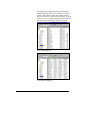
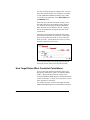
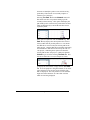
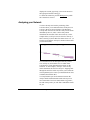
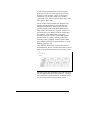
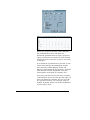
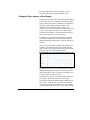
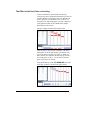
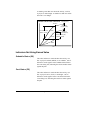
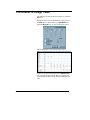
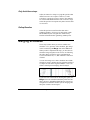
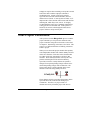
These different “dimensions” on the resource data are
illustrated below, and are covered in detail in the sections
Resource Group Summarization and Cost Centers, below.
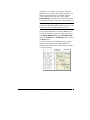
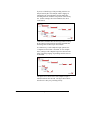
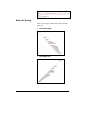
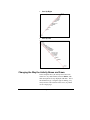
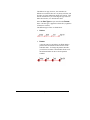
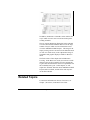
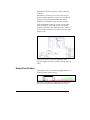
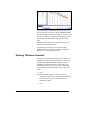
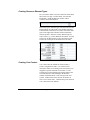
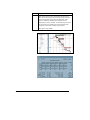
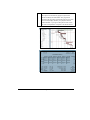
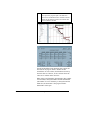
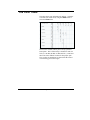
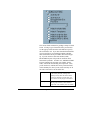
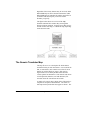
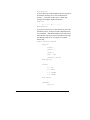
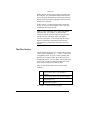
This figure shows the relationship between the Group (in
this case Department), Resource and Activity. The figure
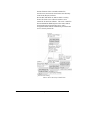
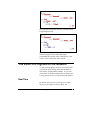
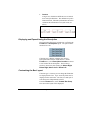
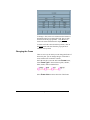
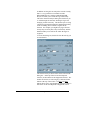
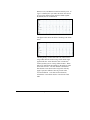
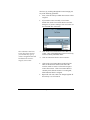
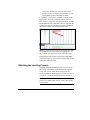
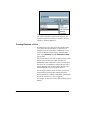
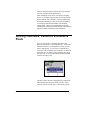
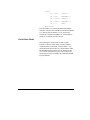
below shows how a further dimension is added by the use
of Cost Centers (in this case representing Areas).
128
Issue 1 - AMS REALTIME Projects Advanced User Guide