1
Animate
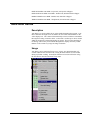
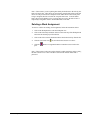
The system offers two modes of operation for the way windows behave when being
moved, re-scaled or resized using the mouse. These modes are toggled on and off
using the Animate tool.
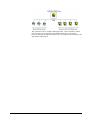
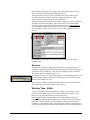
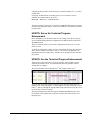
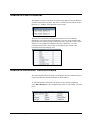
The Animate tool.
When Animate is on and an object is resized, it moves with the mouse pointer.
When animate is switched off and an object is resized, the mouse simply pulls a
dotted line out to represent the object's new size and shape. The object does not
assume that shape until the mouse is let go.
This feature has been made optional as it may be advantageous to switch off the
luxury of animation when manipulating tables that contain very large amounts of
data.
Zoom
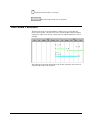
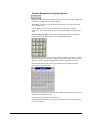
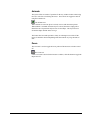
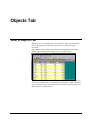
The zoom tool is used to toggle the lower portion of the Resources window on and
off.
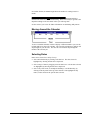
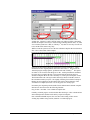
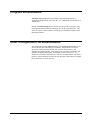
The Zoom tool.
If more real-estate is desired in the Resources window, click this button to toggle the
Report area off.
28 • REALTIME Resource 5.2
AMS REALTIME 5.2 Addendum