1
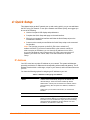
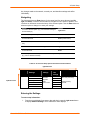
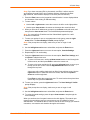
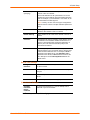
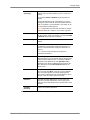
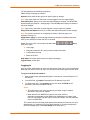
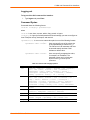
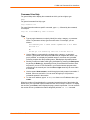
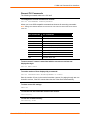
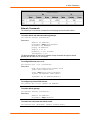
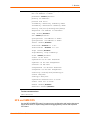
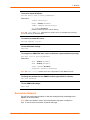
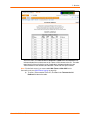
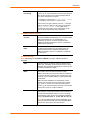
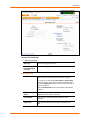
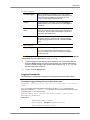
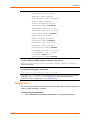
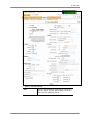
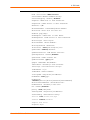
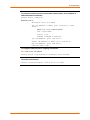
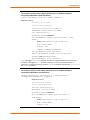
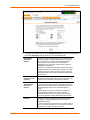
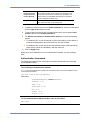
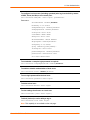
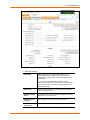
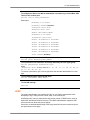
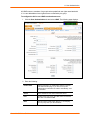
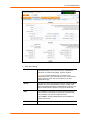
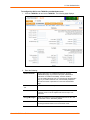
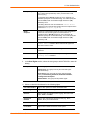
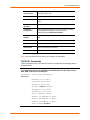
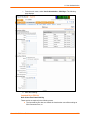
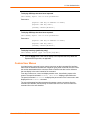
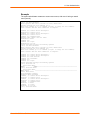
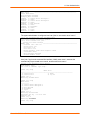
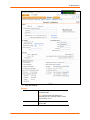
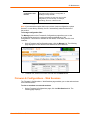
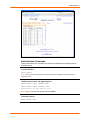
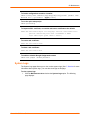
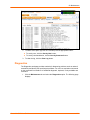
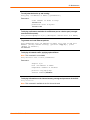
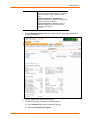
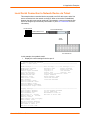
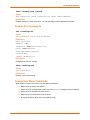
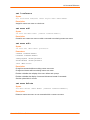
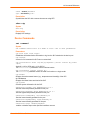
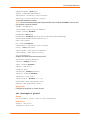
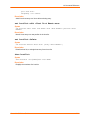
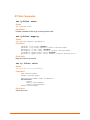
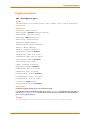
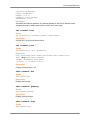
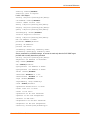
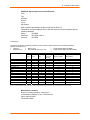
4: Quick Setup Figure 4-3. Completed Quick Setup 5. To logout, type logout at the prompt and press Enter. Next Step After quick starting the SLC, you may want to configure other settings. You can use the web page or the command line interface for configuration. For information about the web and the command line interfaces, go to 5: Web and Command Line Interfaces. To continue configuring the SLC, go to 6: Basic Parameters. SecureLinx SLC User Guide 33