1
8: Devices
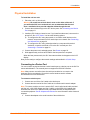
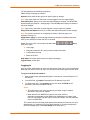
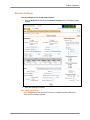
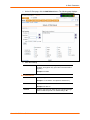
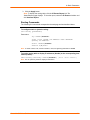
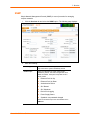
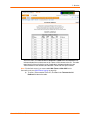
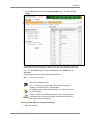
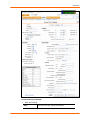
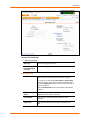
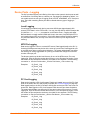
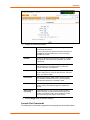
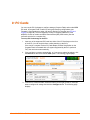
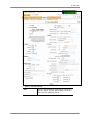
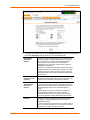
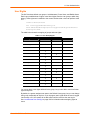
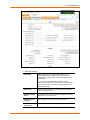
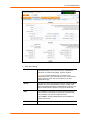
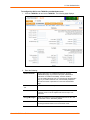
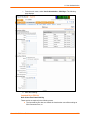
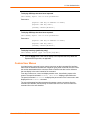
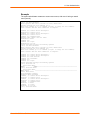
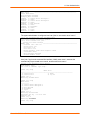
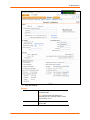
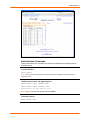
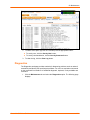
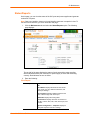
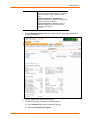
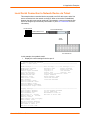
1. Click the Devices tab and select the Device Status option. The following page
displays:
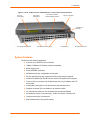
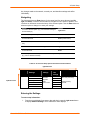
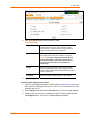
Current port numbering schemes for Telnet, SSH, and TCP ports display on the left.
The list of ports 1-16 on the right includes the individual ports and their current mode.
Note: To view additional ports, click the 17-32 button or the 33-48 button, as
appropriate.
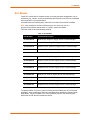
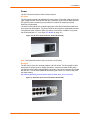
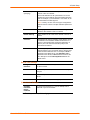
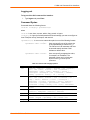
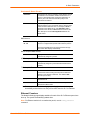
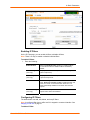
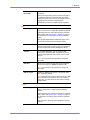
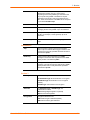
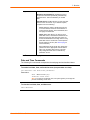
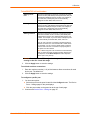
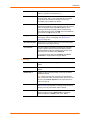
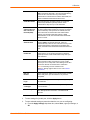
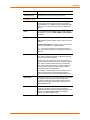
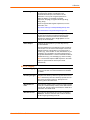
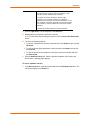
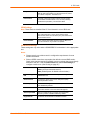
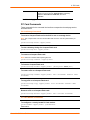
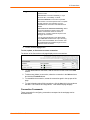
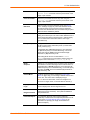
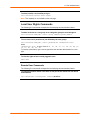
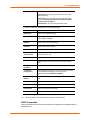
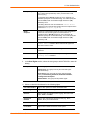
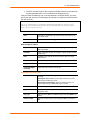
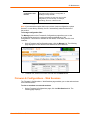
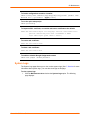
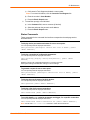
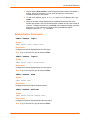
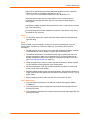
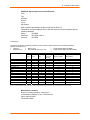
Icons that represent some of the possible modes include:
Idle
The port is not in use.
The port is in data/text mode.
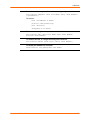
Note: You may set up ports to allow Telnet access using the IP
Settings on the Device Ports – Settings page.
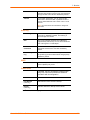
An external modem is connected to the port. The user may dial into
or out of the port.
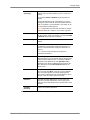
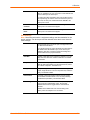
Telnet in or SSH in is enabled for the device port. The device port is
either waiting for a Telnet or SSH login or has received a Telnet or
SSH login (a user has logged in).
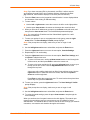
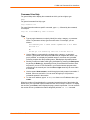
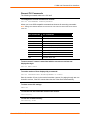
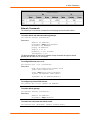
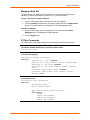
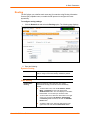
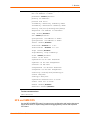
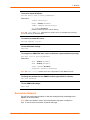
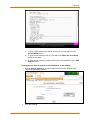
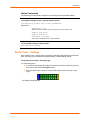
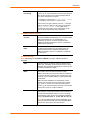
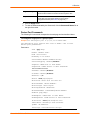
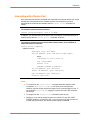
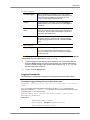
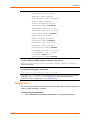
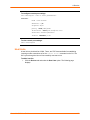
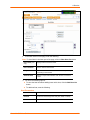
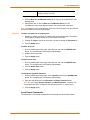
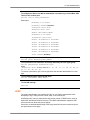
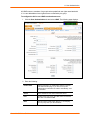
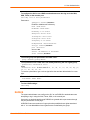
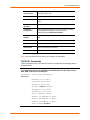
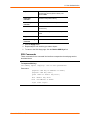
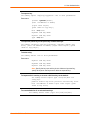
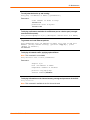
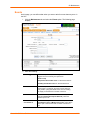
To set up Telnet, SSH, and TCP port numbering:
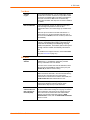
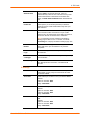
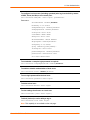
1. Enter the following:
SecureLinx SLC User Guide
74