1
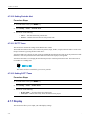
4.7.1.1 Setting Ring Style
4.7.1.1 Setting Ring Style
Procedure Steps
1
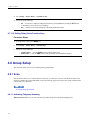
From the home screen, press MENU key.
2
Select Setup → Ring Style.
3
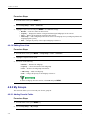
Select one of the following:
• Duplex — To set the new ring style to all duplex calls.
• Simplex — To set the new ring style to all simplex calls.
Upon entry into this sub-menu, the display shows the current ring style used.
4
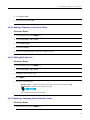
Scroll to the desired style and press Select.
New ring style is played immediately for a few seconds. If necessary, adjust the volume level.
4.7.2 Set Volume
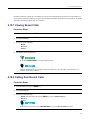
This menu item allows you to adjust the Speaker and Earpiece tone volumes.
-
4-27