1
Start the Software Program
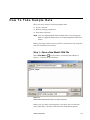
To start the program, proceed as follows:
From the Windows desktop, press the Start menu and select
Programs|TSI Inc|AIM SMPS 3034.
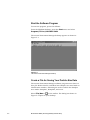
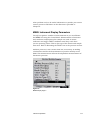
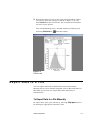
The Aerosol Instrument Manager desktop appears as shown in
Figure 5-1.
Figure 5-1
The Aerosol Instrument Manager Desktop
Create a File for Saving Your Particle Size Data
The Aerosol Instrument Manager software program saves data in a
data file. Within this file, individual test Samples are saved with an
identification number, indicating the order in which the Samples
were made: Sample#1, Sample#2, and so on.
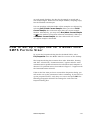
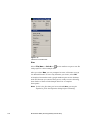
on the toolbar. The dialog box shown in
Select File|New or
Figure 5-2 opens on your desktop.
5-4
Model 3034 SMPS (Scanning Mobility Particle Sizer)