1
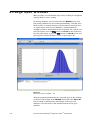
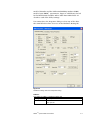
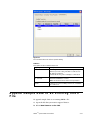
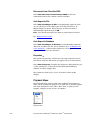
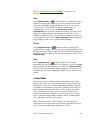
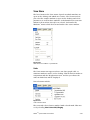
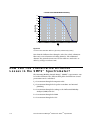
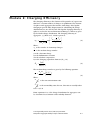
Figure 4-1
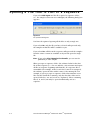
Select an SMPS™ Filename When you Open a New File
Note: The following step must be performed before you start
collecting data.
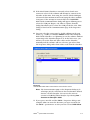
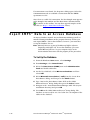
2. Select a filename (and, optionally, a location other than the
Aerosol Instrument Manager® folder). The default name is
“AIM1” for the first file you open, “AIM2” for the second file you
open and so on.
You can accept the default name or enter any name you choose.
3. Verify that the “Files of Type” box indicates the correct
extension for the spectrometer you are using (.S80 for an
SMPS™ spectrometer). You do not need to enter an extension in
the filename box. It is assigned automatically.
4. Click the Open button.
4-2
Aerosol Instrument Manager® Software for SMPSTM Spectrometer