1
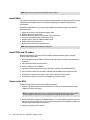
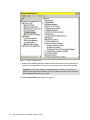
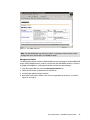
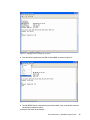
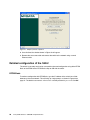
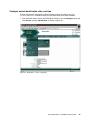
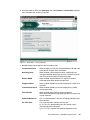
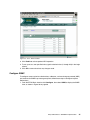
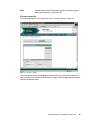
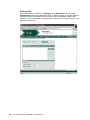
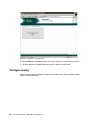
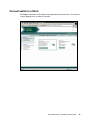
Figure 10 ServeRAID download
Note: The ServeRAID Manager will be installed in a subsequent section after the basic
configuration of the 16M-2 switch and DS400 controller.
Management Station
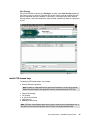
The Management Station software is downloaded from the same page as the ServeRAID CD
image and the DS400 firmware. It works in conjunction with ServeRAID, allowing a server to
be added to ServeRAID as a Management Station for SAN-connected storage.
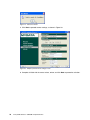
1. From the support Web site select the Management Station link.
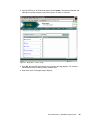
2. Follow the instructions to download and unzip the file.
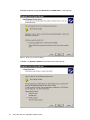
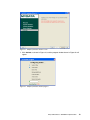
3. Install the Management Station software.
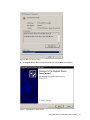
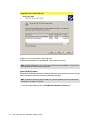
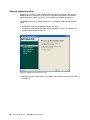
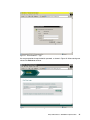
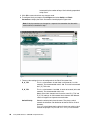
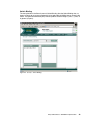
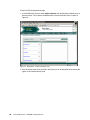
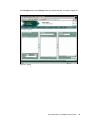
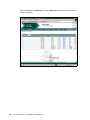
4. During the install process define a user name and password for the server, as shown in
Figure 11 on page 12.
Entry SAN Switches: SAN16M-2 Implementation
11