1
Setting Up and Maintaining Queues
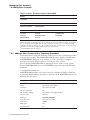
14.8 Solving Queue Problems
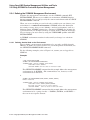
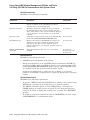
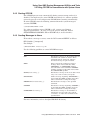
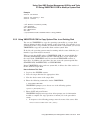
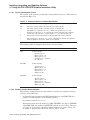
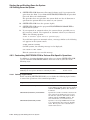
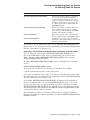
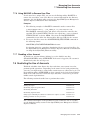
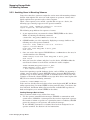
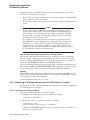
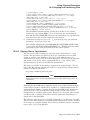
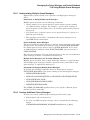
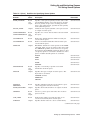
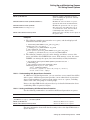
14.8.3 Fixing a Stalled Output Queue
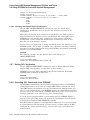
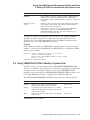
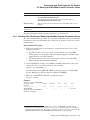
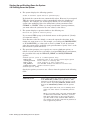
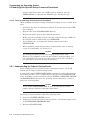
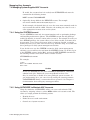
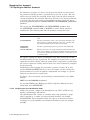
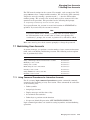
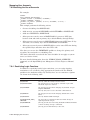
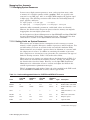
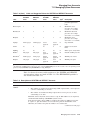
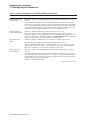
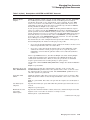
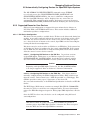
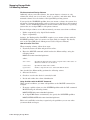
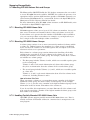
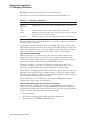
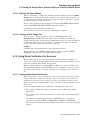
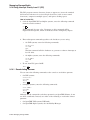
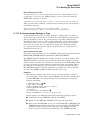
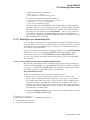
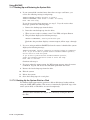
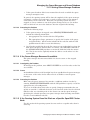
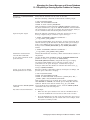
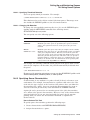
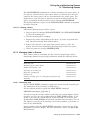
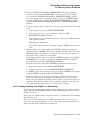
If an output queue is in the stalled state, the device on which the queue is
running is malfunctioning. Check the device and fix the problem. Once the
problem is fixed, the queue will leave the stalled state.
If you cannot fix the problem immediately, stop the queue by entering
STOP/QUEUE/RESET. While the queue is stopped, you might want to reroute
the jobs in the queue to a functioning queue, as explained in Section 14.7.1.10.
When the problem is fixed, deassign the logical queue and start the queue by
entering START/QUEUE.
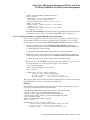
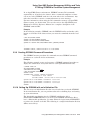
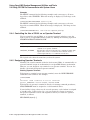
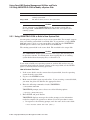
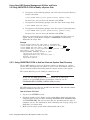
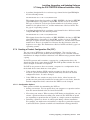
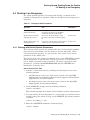
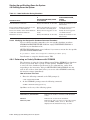
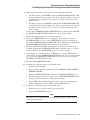
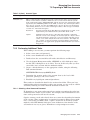
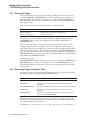
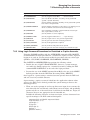
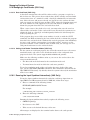
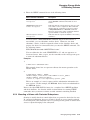
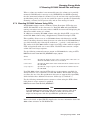
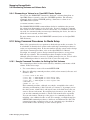
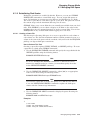
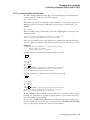
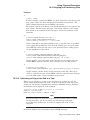
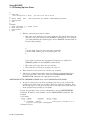
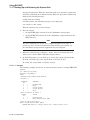
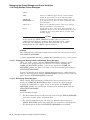
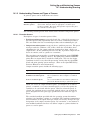
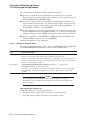
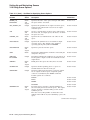
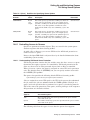
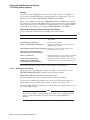
14.8.4 Determining Why an Autostart Queue Does Not Start
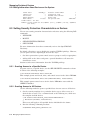
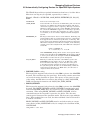
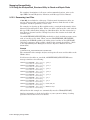
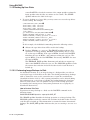
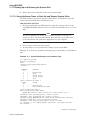
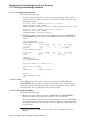
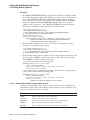
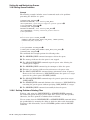
If you attempt to start an autostart queue with ENABLE AUTOSTART/QUEUES
and the queue does not start, the queue might not be active for autostart.
ENABLE AUTOSTART/QUEUES starts only active autostart queues capable of
running on a node. To activate an autostart queue, you must include the /START
qualifier with INITIALIZE/QUEUE or enter START/QUEUE.
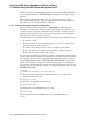
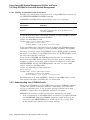
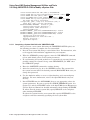
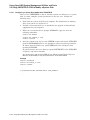
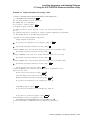
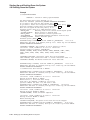
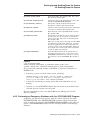
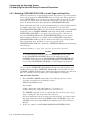
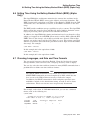
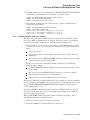
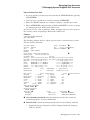
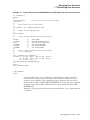
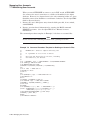
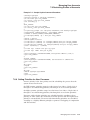
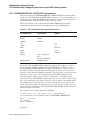
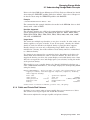
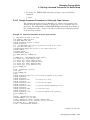
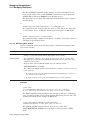
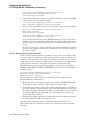
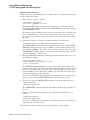
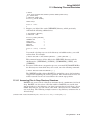
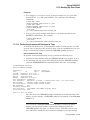
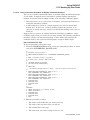
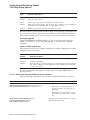
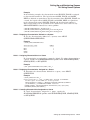
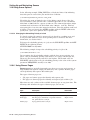
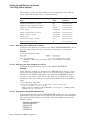
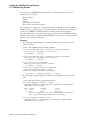
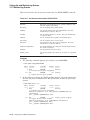
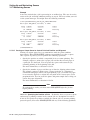
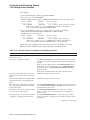
Example
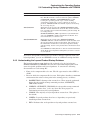
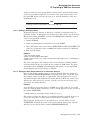
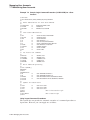
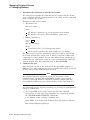
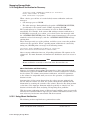
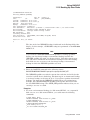
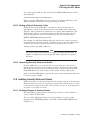
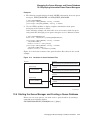
$ ENABLE AUTOSTART/QUEUES/ON_NODE=KATY::!
$ SHOW QUEUE KATY_BATCH
Batch queue KATY_BATCH, stopped, autostart inactive, on KATY::"
$ START/QUEUE KATY_BATCH#
$ SHOW QUEUE KATY_BATCH/ALL
Batch queue KATY_BATCH, idle, on KATY::$
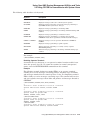
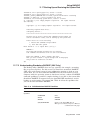
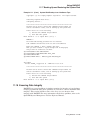
The numbers in following list correspond to numbers in the example:
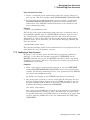
! ENABLE AUTOSTART/QUEUES attempts to start autostart queues on node
KATY.
" The SHOW QUEUE display shows that the autostart batch queue KATY_
BATCH did not start. The display also reveals that the queue is inactive for
autostart; the queue was either not activated initially or it was deactivated
with STOP/QUEUE/NEXT or STOP/QUEUE/RESET.
# START/QUEUE activates the queue for autostart.
$ SHOW QUEUE informs you that the queue is started.
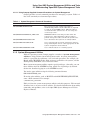
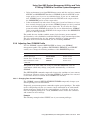
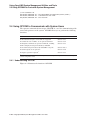
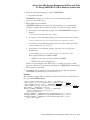
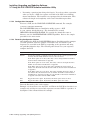
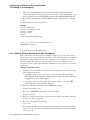
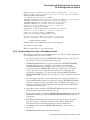
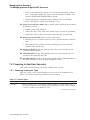
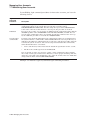
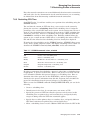
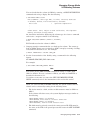
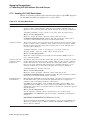
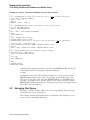
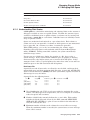
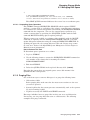
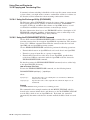
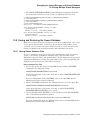
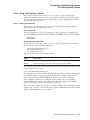
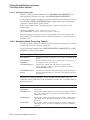
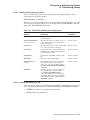
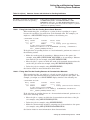
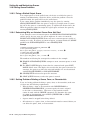
14.8.5 Solving Problems Deleting a Queue, Form, or Characteristic
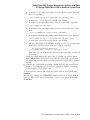
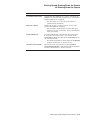
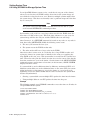
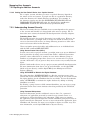
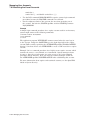
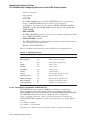
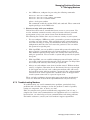
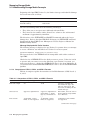
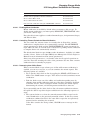
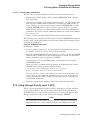
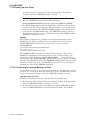
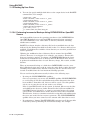
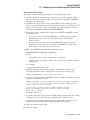
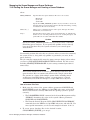
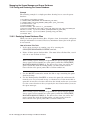
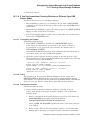
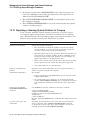
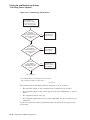
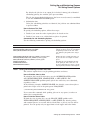
If you are having problems deleting a queue, form, or characteristic, make sure
you have met the following requirements:
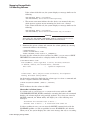
•
When deleting a form or characteristic with DELETE/FORM or
DELETE/CHARACTERISTICS, you must specify the name assigned
to the form or characteristic. (The form or characteristic number
cannot be used with the DELETE command.) To determine the name
of a form or characteristic, enter SHOW QUEUE/FORM or SHOW
QUEUE/CHARACTERISTICS.
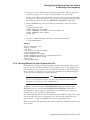
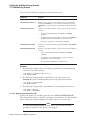
•
A queue must be stopped before being deleted.
•
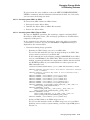
All references to a queue, form, or characteristic must be removed before you
can delete the queue, form, or characteristic.
14–76 Setting Up and Maintaining Queues