1
Managing Storage Media
9.7 Mounting ISO 9660 Volume Sets and Groups
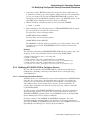
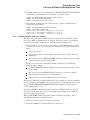
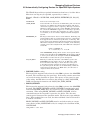
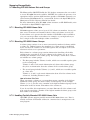
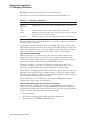
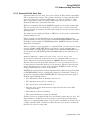
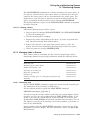
When a volume-set member is not mounted because the volume set is partially
mounted, OPCOM sends a message to the OPERATOR class DISK requesting
that the unmounted volume be mounted. If you do not honor the request within a
specified time period, or if you do not enable the option to provide for dynamically
mounting a volume, the I/O process fails, and an error message is issued.
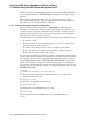
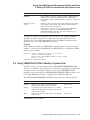
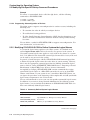
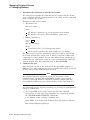
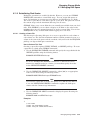
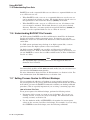
9.7.4 Mounting ISO 9660 Volumes Using SVDs
All ISO 9660 volumes contain a Primary Volume Descriptor (PVD) that uses
ASCII (ISO 646-IRV) as the character set. Both ISO 9660 and OpenVMS file
naming conventions use the same subset of ASCII characters when displaying the
directories and file names of a volume.
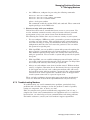
In addition to mounting ISO 9660 volumes using the default PVD, you can also
mount ISO 9660 volumes using a Supplementary Volume Descriptor (SVD).
This capability allows access to an ISO 9660 volume with directories and file
names containing characters from character sets other than the ISO 9660 limited
set, which includes only A through Z, underscore (_), period (.) and semicolon (;).
The author of the ISO 9660 volume set must record the volume with the required
PVD, and optionally with one or more SVDs. Each SVD must contain a unique
volume label and escape sequence.
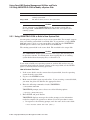
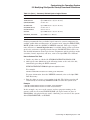
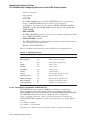
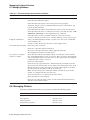
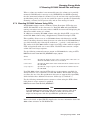
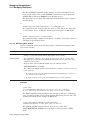
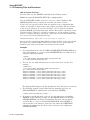
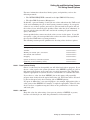
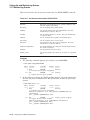
Use the following command syntax to mount an ISO 9660 device using an SVD:
MOUNT device-name volume-label /UCS_SEQUENCE=escape_sequence
where:
device-name
Specifies the physical device name or logical name of the device on
which the ISO 9660 volume is to be mounted.
volume-label
Specifies the SVD volume label obtained from the author’s label on
the CD–ROM.
escape-sequence
Specifies the escape sequence obtained from the author’s label on
the CD–ROM.
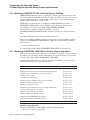
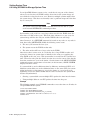
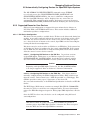
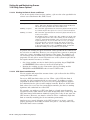
If an ISO 9660 volume contains SVDs with no escape sequence specified, the
default character set is assumed to be ISO 646 (ASCII). This default character
set allows the use of the file specification character set supported by OpenVMS,
which includes these additional characters: dollar sign ($) and dash (-).
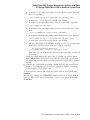
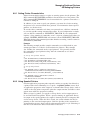
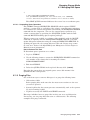
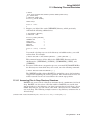
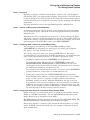
Use the following command syntax to mount a volume using the SVD volume
label when no escape sequence is specified:
MOUNT device-name volume-label /UCS_SEQUENCE=""
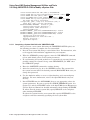
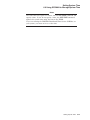
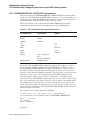
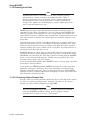
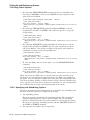
Note
If an ISO 9660 volume contains SVDs with escape sequences other than
ISO 646, ISO 2022 or ISO 13646 (formats on CDs), the character set
might not interoperate with the OpenVMS file specification syntax.
Refer to the Guide to OpenVMS File Applications for more information about ISO
9660 volume structure on CD–ROM media.
Managing Storage Media 9–49