1
Using BACKUP
11.14 Restoring Files and Directories
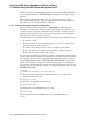
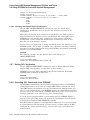
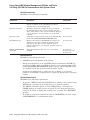
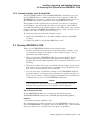
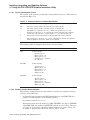
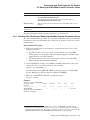
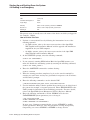
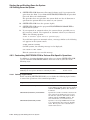
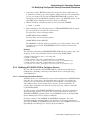
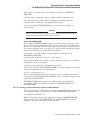
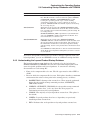
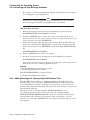
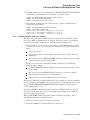
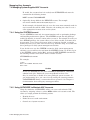
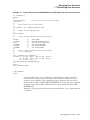
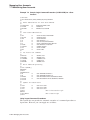
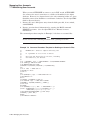
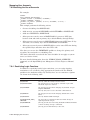
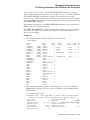
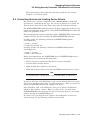
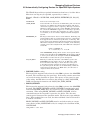
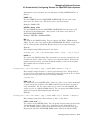
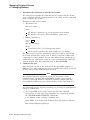
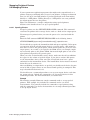
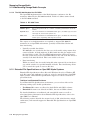
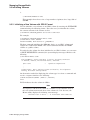
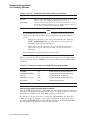
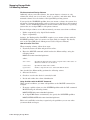
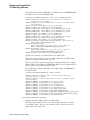
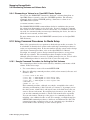
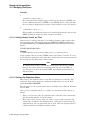
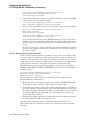
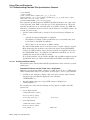
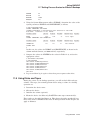
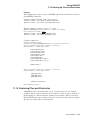
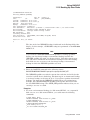
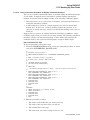
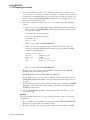
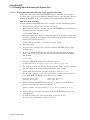
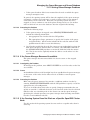
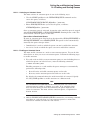
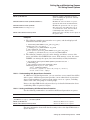
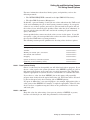
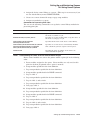
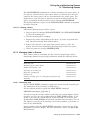
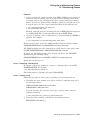
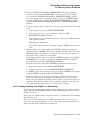
$ BACKUP
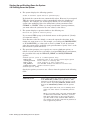
_From: MIA0:NOV2SAVE.BCK/SELECT=[LYKINS.GLENDO]STRAT1.DAT;5
_To: STRAT1.DAT;5
$ DIRECTORY STRAT1.DAT
Directory [LYKINS.GLENDO]
STRAT1.DAT;5
Total of 1 file.
$
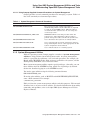
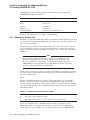
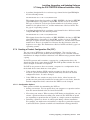
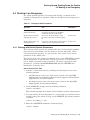
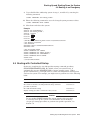
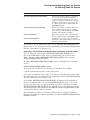
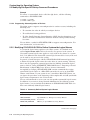
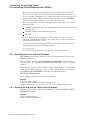
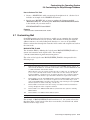
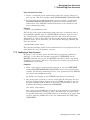
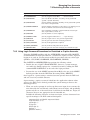
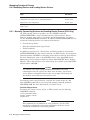
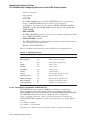
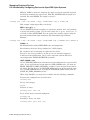
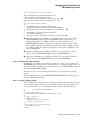
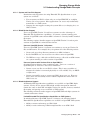
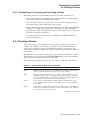
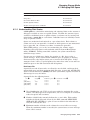
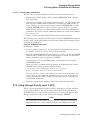
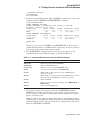
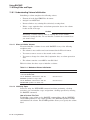
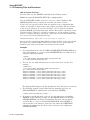
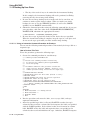
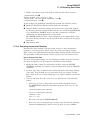
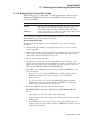
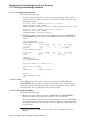
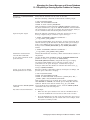
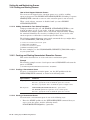
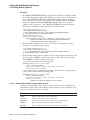
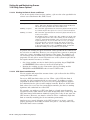
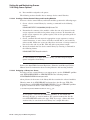
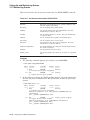
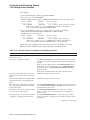
5. Suppose you deleted the entire [REPORTS] directory, which previously
contained the following subdirectories:
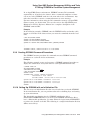
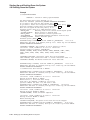
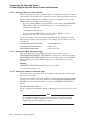
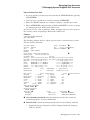
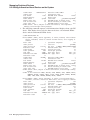
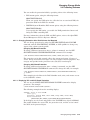
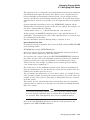
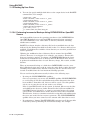
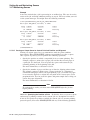
$ SET DEFAULT [REPORTS]
$ DIRECTORY *.DIR
Directory USER3:[REPORTS]
INTERNAL.DIR
PUBLIC.DIR
SUMMARIES.DIR
TEST.DIR
WEEKLY.DIR
2
5
1
3
2
Total of 5 files, 13 blocks.
$
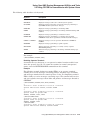
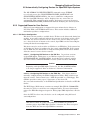
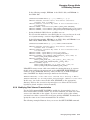
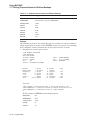
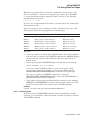
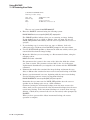
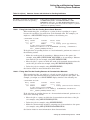
If you made a backup save set of the directory and subdirectories, you could
restore them. For example:
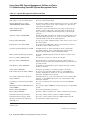
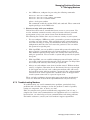
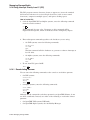
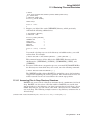
$ BACKUP MUA0:MAY-10.BCK/SELECT=[REPORTS...] USER3:[REPORTS...]
This command restores all the files in the [REPORTS] directory and the
subdirectories ([.INTERNAL], [.PUBLIC], [.SUMMARIES], [.TEST], and
[.WEEKLY]).
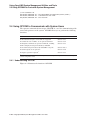
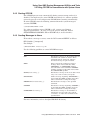
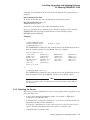
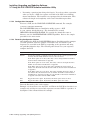
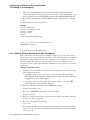
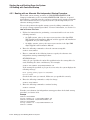
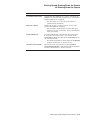
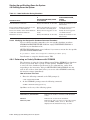
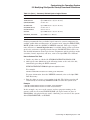
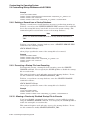
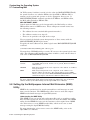
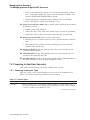
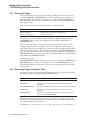
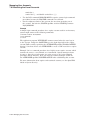
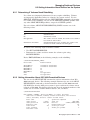
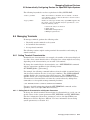
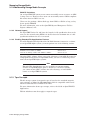
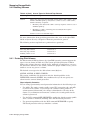
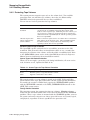
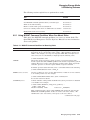
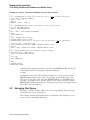
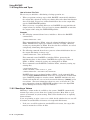
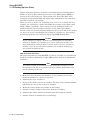
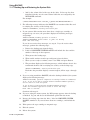
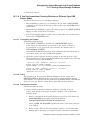
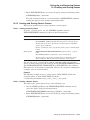
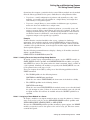
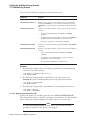
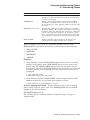
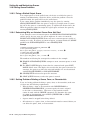
6. To restore all files from a magnetic-tape save set named NOV12SAVE.BCK to
the directory tree from which they were saved, enter the following command:
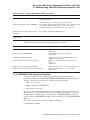
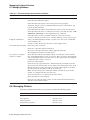
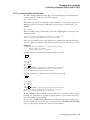
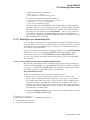
$ BACKUP TAPE:NOV12SAVE.BCK/REWIND [*...]
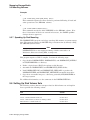
The /REWIND qualifier directs BACKUP to rewind the tape to the beginningof-tape before beginning the restore operation. This ensures that the save set
will be restored even if it is located before the current tape position.
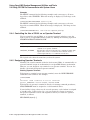
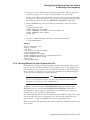
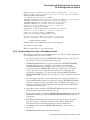
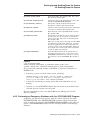
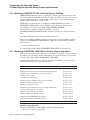
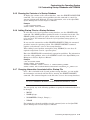
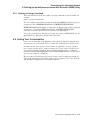
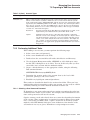
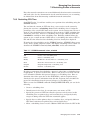
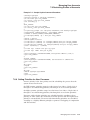
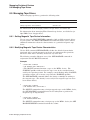
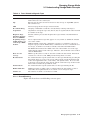
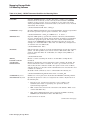
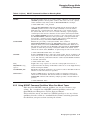
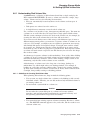
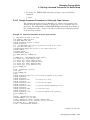
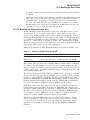
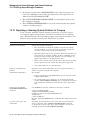
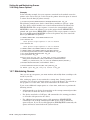
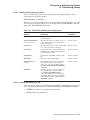
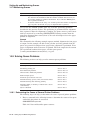
11.14.1 Accessing Files in Deep Directory Structures
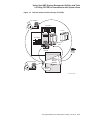
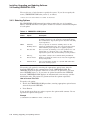
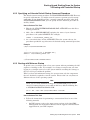
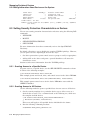
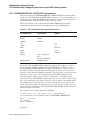
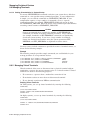
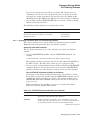
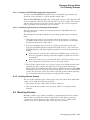
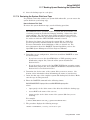
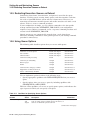
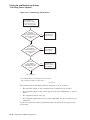
BACKUP can access a file in a directory structure that is a maximum of 32 levels
deep. BACKUP can also select a file from within a BACKUP save-set file that
was previously in a deep directory (one that is greater than 8 levels deep). On an
ODS-2 disk, however, you can restore a file from a directory that is a maximum
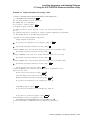
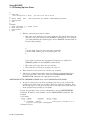
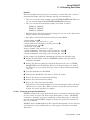
of 8 levels deep. The following example restores a deep directory structure that is
12 levels deep:
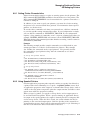
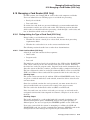
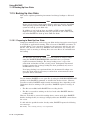
$ BACKUP MTA1:T.BCK/SAV/SELECT=[A.B.C.D.E.F.G.H.I.J.K.L]*.* DISK:[DIR]*.*;*
Using BACKUP 11–31