1
5.4 How to configure settings for DLNA Service in Vigor2130
Introduction
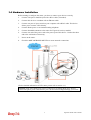
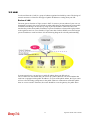
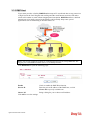
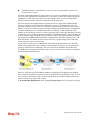
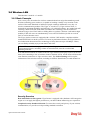
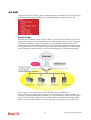
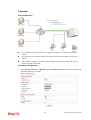
DLNA (Digital Living Network Alliance) is a framework which personal computer, HDD
video recorder, television and other digital devices can share each other data through network
connection. The DLNA devices are divided into two functions. One is server side which
transmits images, music and video, and the other is client side which receives data only. Some
devices support both functions. Vigor2130 can install server program onto the connected USB
storage device. Clients with equipments supporting DLNA can play the files stored in the USB
storage device connected to Vigor2130 through the network.
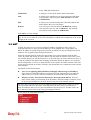
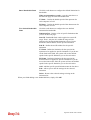
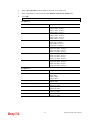
At present, the supported type and format for Video & Audio are listed as follows:
Supported Video
Format:
asf, avi, dv, divx, wmv, mjpg, mjpeg, mpeg, mpg, mpe, mp2p,
vob, mp2t, m1v, m2v, m4v, m4p, mp4ps, ts, ogm, mkv, rmvb,
mov, qt, hdmov
Supported Audio
Format:
aac, ac3, aif, aiff, at3p, au, snd, dts, rmi, mp1, mp2, mp3, mp4,
mpa, ogg, wav, pcm, lpcm, l16, wma, mka, ra, rm, ram, flac
Supported Image
Format:
bmp, ico, gif, jpeg, jpg, jpe, pcd, png, pnm, ppm, qti, qtf, qtif, tif,
tiff
Configuration
1.
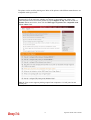
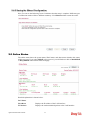
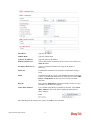
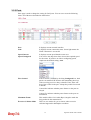
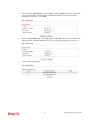
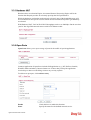
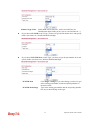
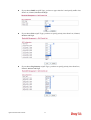
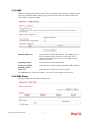
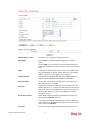
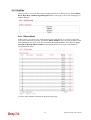
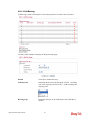
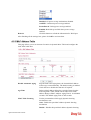
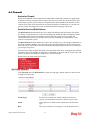
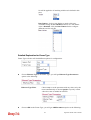
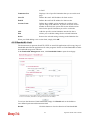
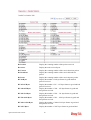
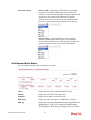
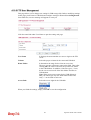
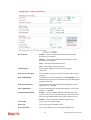
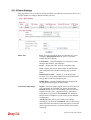
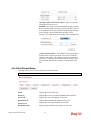
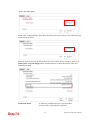
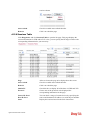
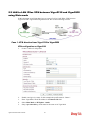
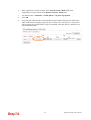
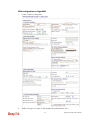
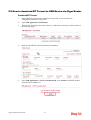
Insert USB storage device into the USB slot of Vigor2130. Then, open USB
Application>>Disk Status to check the connection status. If it is connected successfully,
the general information of that device will be shown on the screen.
Vigor2130 Series User’s Guide
321