1
4.11.1 DialPlan
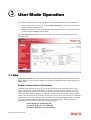
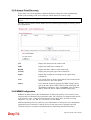
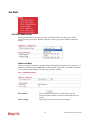
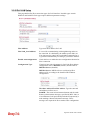
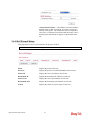
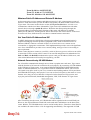
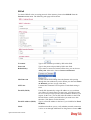
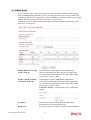
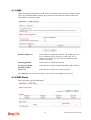
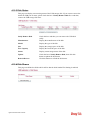
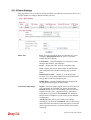
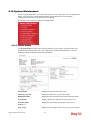
This page allows you to set phone book and digit map for the VoIP function. Click the Phone
Book, Digit Map, Call Barring and Regional links on the page to access into next pages for
dialplan settings.
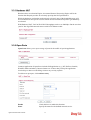
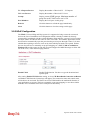
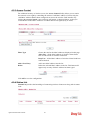
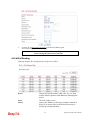
4.11.1.1 Phone Book
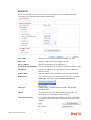
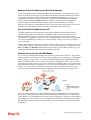
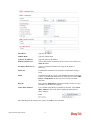
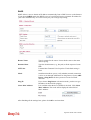
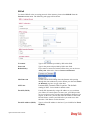
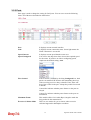
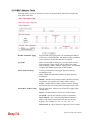
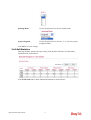
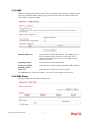
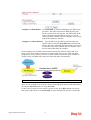
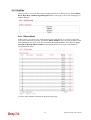
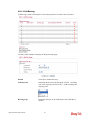
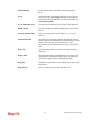
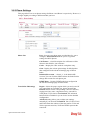
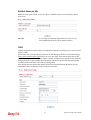
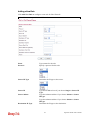
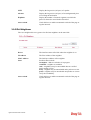
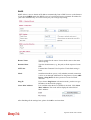
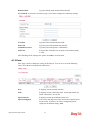
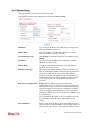
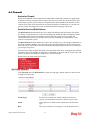
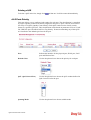
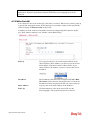
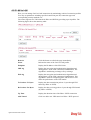
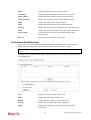
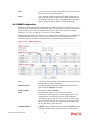
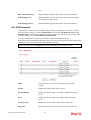
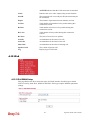
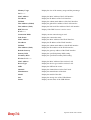
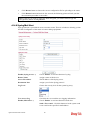
In this section, you can set your VoIP contacts in the “phonebook”. It can help you to make
calls quickly and easily by using “speed-dial” Phone Number. There are total 60 index entries
in the phonebook for you to store all your friends and family members’ SIP addresses. Loop
through and Backup Phone Number will be displayed if you are using Vigor2820V for
setting the phone book.
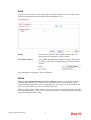
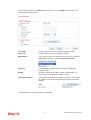
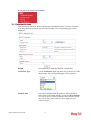
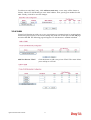
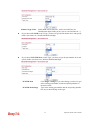
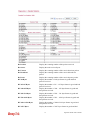
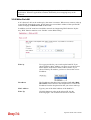
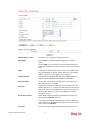
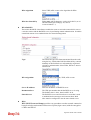
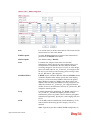
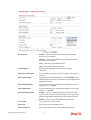
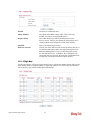
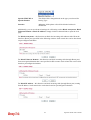
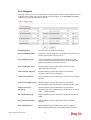
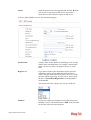
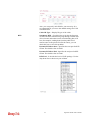
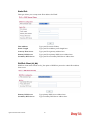
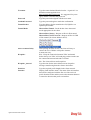
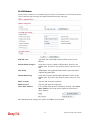
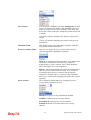
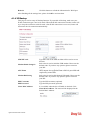
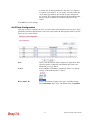
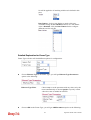
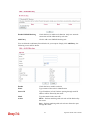
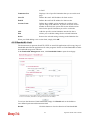
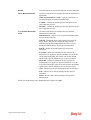
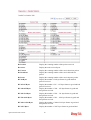
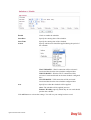
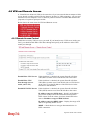
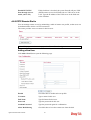
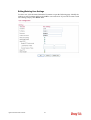
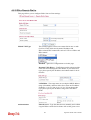
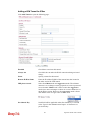
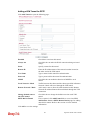
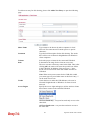
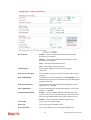
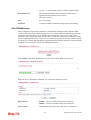
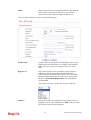
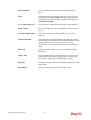
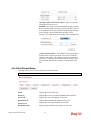
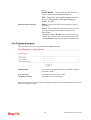
Click any index number to display the dial plan setup page.
Vigor2130 Series User’s Guide
251