1
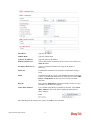
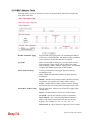
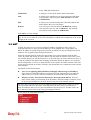
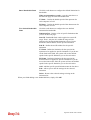
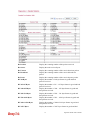
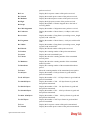
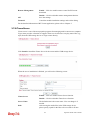
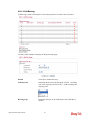
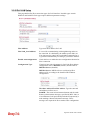
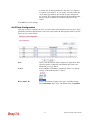
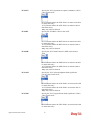
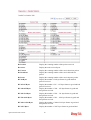
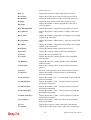
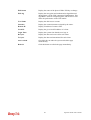
Index
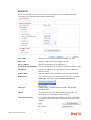
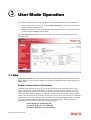
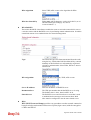
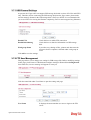
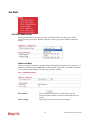
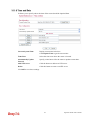
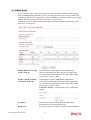
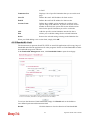
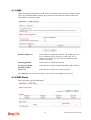
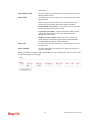
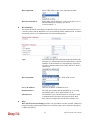
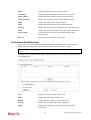
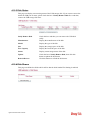
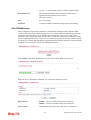
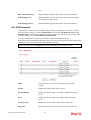
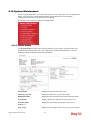
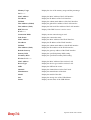
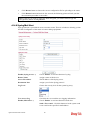
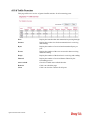
Display the number of the connected station.
IP Address
Display the WAN IP address for the connected station.
MAC Address
Display the MAC Address for the connected station.
Connected Time
Display the connection time for the connected station.
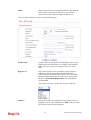
SSID
Display the SSID of the connected station.
Auth
Display the authentication of the connected station.
Encrypt
Display the encryption type adapted by the connected station.
Mode
Display the connection mode used by the connected station.
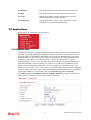
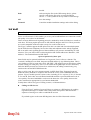
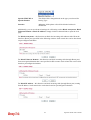
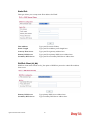
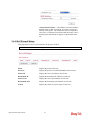
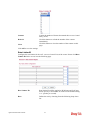
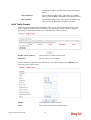
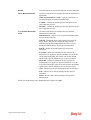
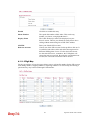
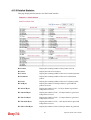
Auto-refresh
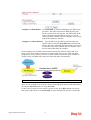
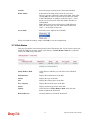
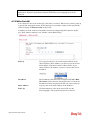
Check this box to force the system refreshing the table
automatically.
Refresh
Click this button to refresh current page.
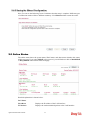
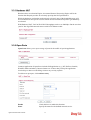
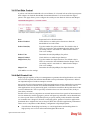
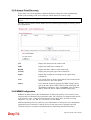
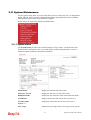
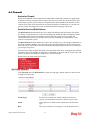
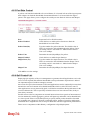
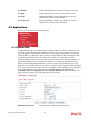
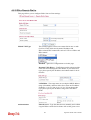
4.9.5 Access Point Discovery
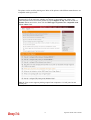
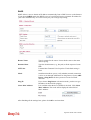
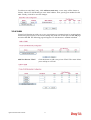
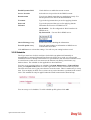
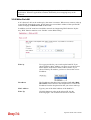
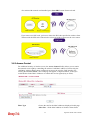
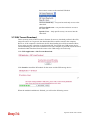
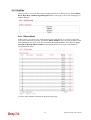
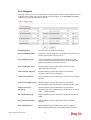
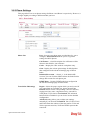
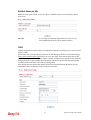
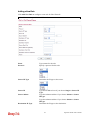
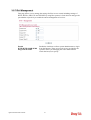
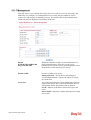
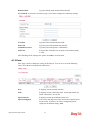
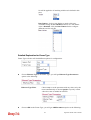
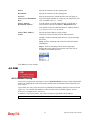
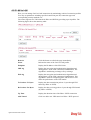
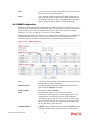
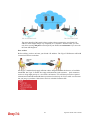
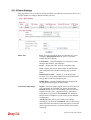
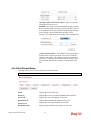
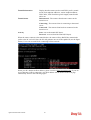
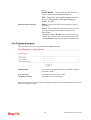
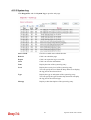
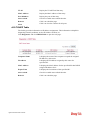
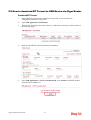
Vigor router can scan all regulatory channels and find working APs in the neighborhood.
Based on the scanning result, users will know which channel is clean for usage.
Note: During the scanning process (about 5 seconds), no client is allowed to connect to
Vigor.
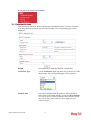
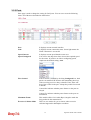
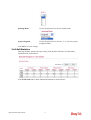
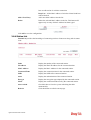
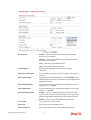
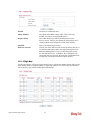
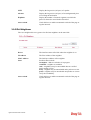
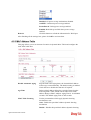
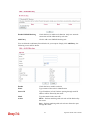
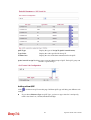
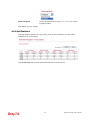
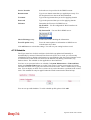
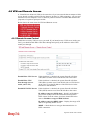
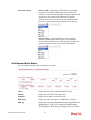
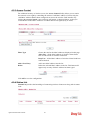
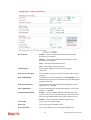
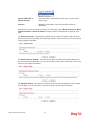
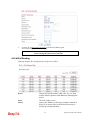
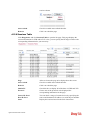
The table will list channel, SSID, BSSID, Security and the Signal strength of working APs in
the neighborhood.
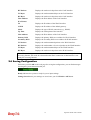
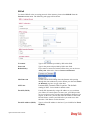
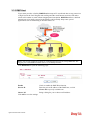
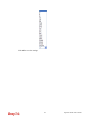
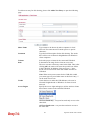
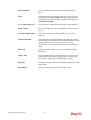
CH
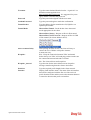
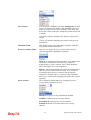
Display the channel for the scanned AP.
SSID
Display the SSID of the scanned AP.
BSSID
Display the MAC address of the scanned AP.
Security
Display the encryption type of the scanned AP.
Signal
Display the strength (in percentage) of the signal of the
scanned AP.
236
Vigor2130 Series User’s Guide