1
Summit Event Manager - Pro
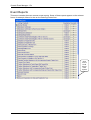
Export Presentations
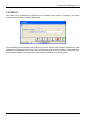
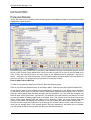
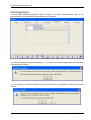
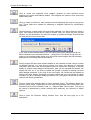
This enables you to export all your presentations.
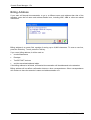
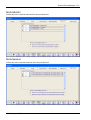
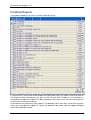
Presentation Status by Presenter
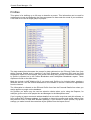
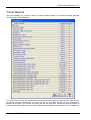
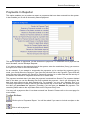
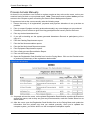
This report lists every presentation in this event and against each one prints what is known about it
and what its status is. The report is sorted by the presenter’s family name then given name. This
report can also be run from within the Programmer form.
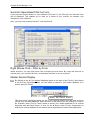
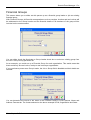
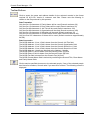
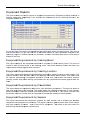
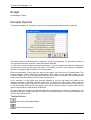
Presenter Abstracts
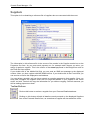
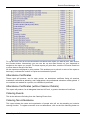
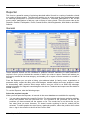
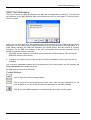
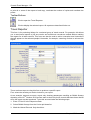
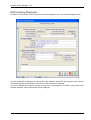
This report will list the presenter, the title of the presentation and the abstract of a presentation
(entered underneath the presentation title on the Presenter Details form) only if the presentation
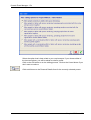
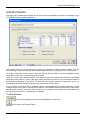
has been selected. The presenter need not be confirmed. You will be asked if you wish to display
the abstract number reference on the report.
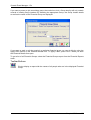
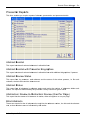
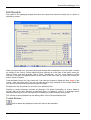
Presenter Biographies
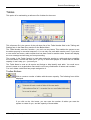
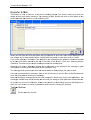
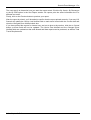
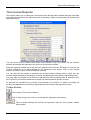
This report lists the biographies of presenters. You can restrict the listing to only those presenters
who are confirmed or report on all biographies held on file, regardless of the person’s status as a
presenter. The report is sorted by family name.
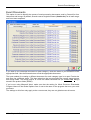
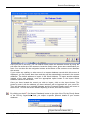
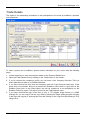
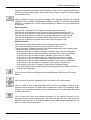
Presenter Follow-Up
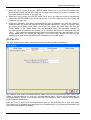
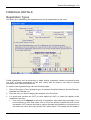
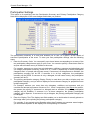
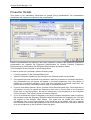
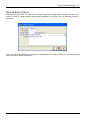
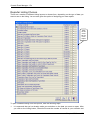
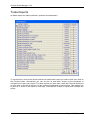
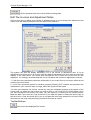
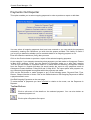
This report shows to what extent presenters have complied with your selected requirements, and it
enables you to follow up presenters individually to ensure compliance. The presenter’s position,
division and organisation and e-mail address and all recorded telephone numbers are printed to
enable ease of contact. The requirements defined in Presenter Rules on the Setup Menu.
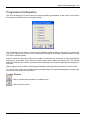
Non-compliance with a requirement is marked with an X, whereas compliance is left blank.
Presenters who have complied with all the requirements will not be printed on the report. The aim
is to get a blank report.
For those rules you have not selected on the Presenter Rules form, the report heads that column
with N/A, for Not Applicable.
Chapter 5: Before - 321