1
Summit Event Manager - Pro
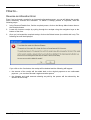
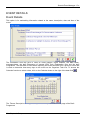
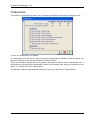
Reassign Organising Tasks
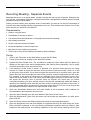
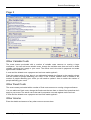
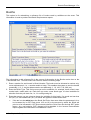
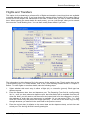
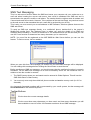
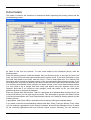
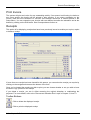
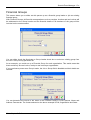
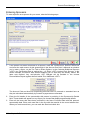
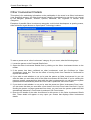
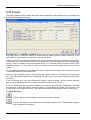
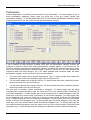
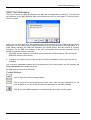
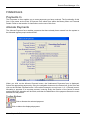
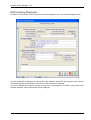
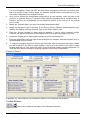
This option enables all the tasks currently assigned to one person to be reassigned to another
person.
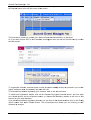
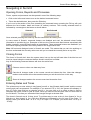
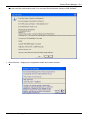
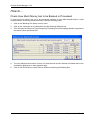
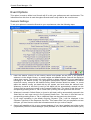
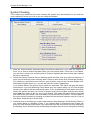
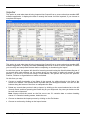
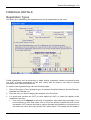
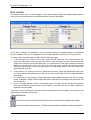
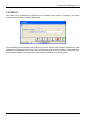
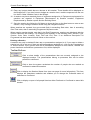
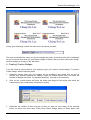
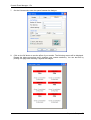
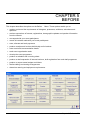
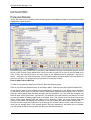
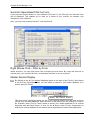
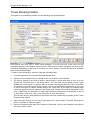
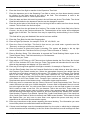
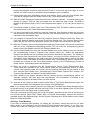
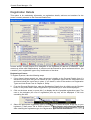
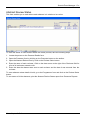
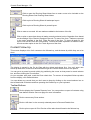
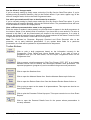
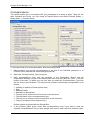
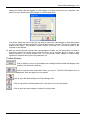
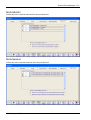
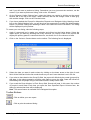
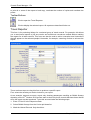
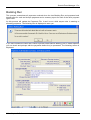
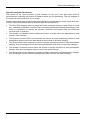
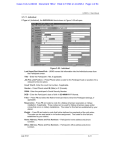
The Reassign Tasks button can be found on the Organiser.
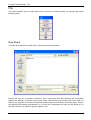
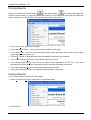
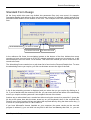
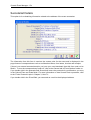
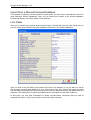
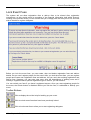
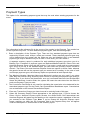
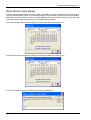
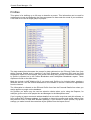
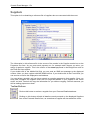
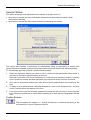
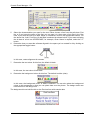
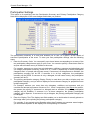
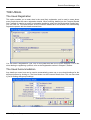
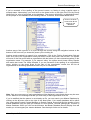
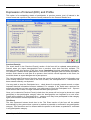
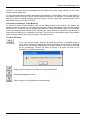
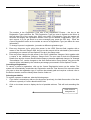
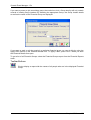
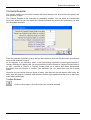
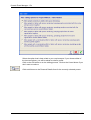
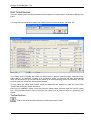
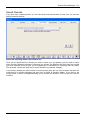
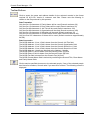
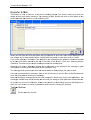
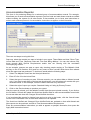
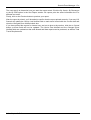
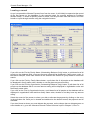
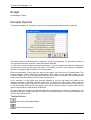
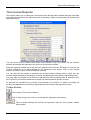
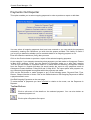
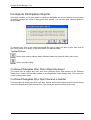
Select or enter the name of the person you’re reassigning all tasks from in the Remove Tasks
From field. The name you enter doesn’t have to match the entries in the combo box pull-down list
as you may already have deleted the person from the Organisers table. However, if the name
doesn’t match any of the Assigned To fields on the organiser, no reassignment will take place.
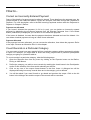
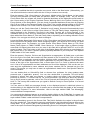
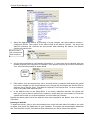
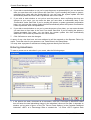
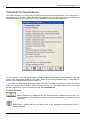
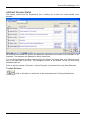
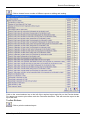
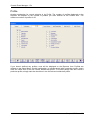
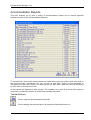
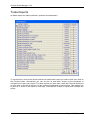
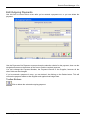
To add, delete or alter Organiser name records, open the Organisers form on the Setup Menu.
This form may be also opened by double-clicking in either the Remove Tasks From or To field.
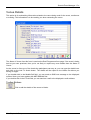
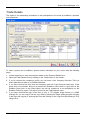
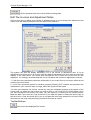
Select the name of the person you’re reassigning the tasks to in the Reassign Tasks To field.
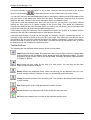
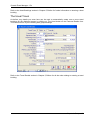
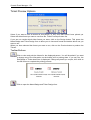
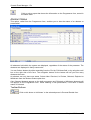
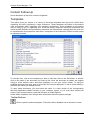
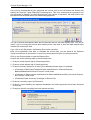
Toolbar Buttons
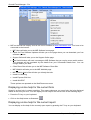
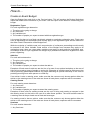
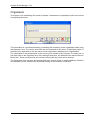
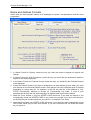
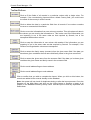
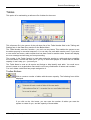
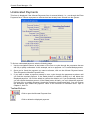
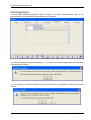
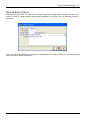
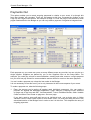
Click to carry out the reassignment.
Chapter 5: Before - 251