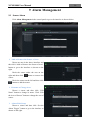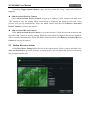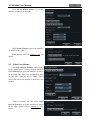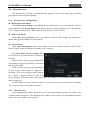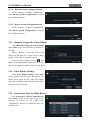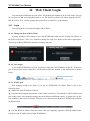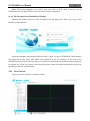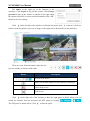
1
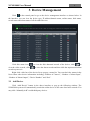
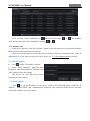
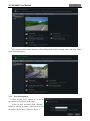
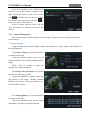
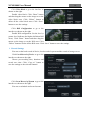
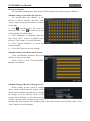
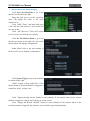
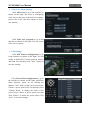
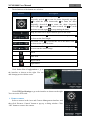
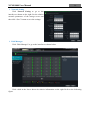
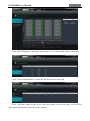
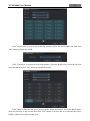
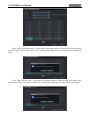
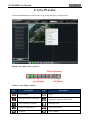
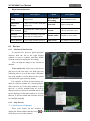
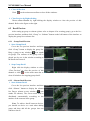
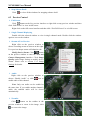
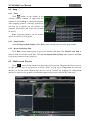
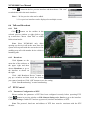
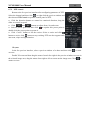
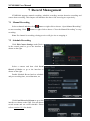
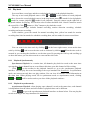
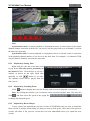
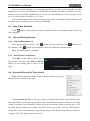
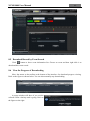
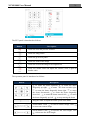
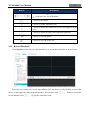
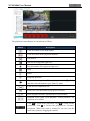
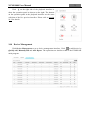
37 NVMS1000 User Manual Stop Scheme Dwell Click to close all the windows for stopping scheme dwell. 6.3 Preview Control Full Screen Click button on the live preview interface or right click on any preview window and then click “Full Screen” to view in full screen. Right click on the full screen interface and then click “Exit Full Screen” to exit full screen. Single Channel Displaying Double click the selected window to view in single channel mode. Double click the window again to recover the window. Stream of Live Preview Right click on the preview window to choose recording stream as shown on the right. Live preview adopts stream self-adaptive rule. Modify Device Stream: Click button on the preview window to enter the Area and Camera Management interface. Click Image Quality under Image Setting to modify device stream. Please refer to section 3.3.2 Image Settings for details. Audio Right click on the preview window to choose “Enable Audio” or click enable audio of this channel. icon to Note: Only one audio can be enabled at the same time. If you enable another channel’s audio, the enabled audio will be closed automatically. Zoom In Click button on the toolbar in the preview window to zoom in the image; click to recover the image.