1
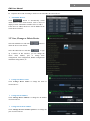
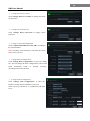
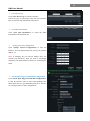
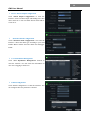
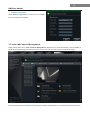
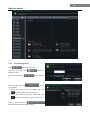
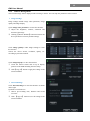
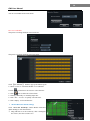
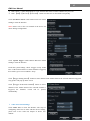
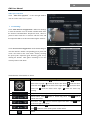
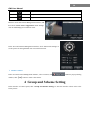
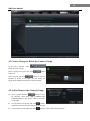
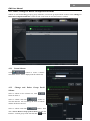
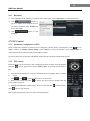
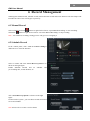
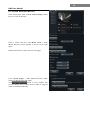
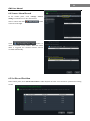
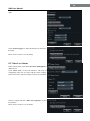
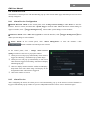
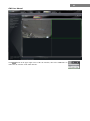
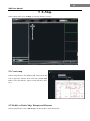
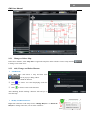
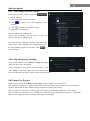
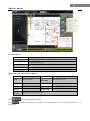
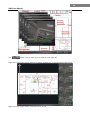
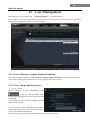
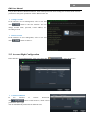
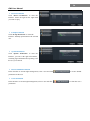
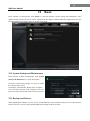
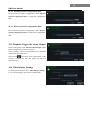
11 CMS User Manual View Device Log Click “View Device Log” to enter the interface. Choose the type of system logs; enter start time and enter time to search the log information of the device. View Disk Information Click “View Disk Information” to check the detail information of disk from the list. Change Network Configuration Click “Change Network Configuration” to enter the interface. You can change HTTP port, Server port; network address, etc. Note: If changing the port and IP address there, the network will disconnect. Then you need to accordingly change the port and IP address of the device connecting the CMS. Alarm Input Trigger and Schedule Configuration Click “Alarm Input Trigger and Schedule Configuration” to enter the interface. Select a sensor corresponding to the alarm input; choose a type and holding time for it. You also can set trigger alarm or other configurations.