1
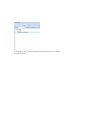
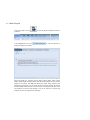
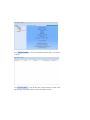
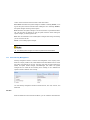
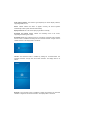
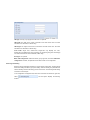
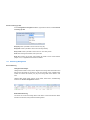
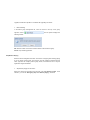
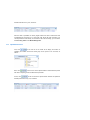
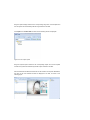
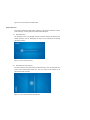
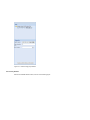
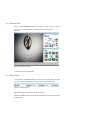
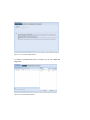
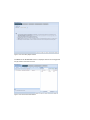
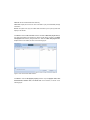
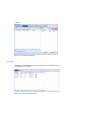
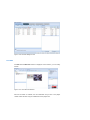
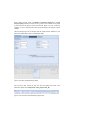
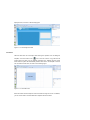
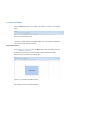
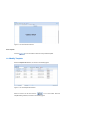
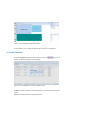
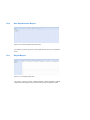
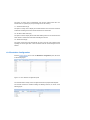
Figure 11- 7 The play area
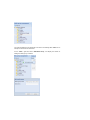
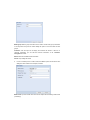
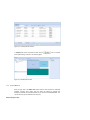
Area name: lists the name of the zones already added into the template.
Layer: displays the layer of each zone in the template.
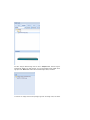
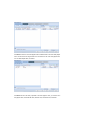
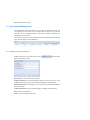
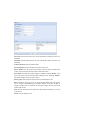
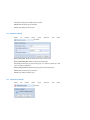
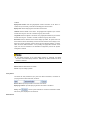
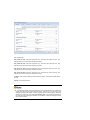
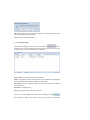
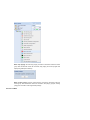
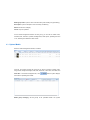
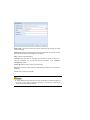
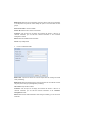
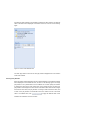
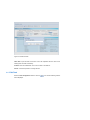
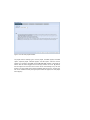
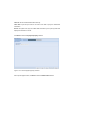
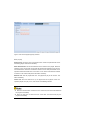
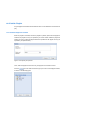
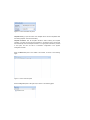
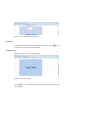
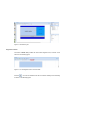
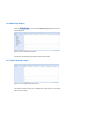
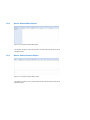
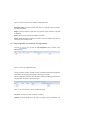
Enter the Area property panel on the right side, as shown in the following figure.
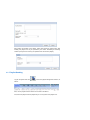
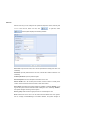
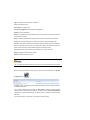
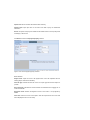
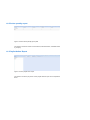
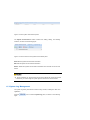
Figure 11- 8 The area property panel
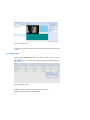
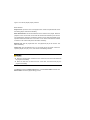
Name: edits the name of the area added in the template.
Type: displays the type of the area which is non-editable. The system provides 4 types
of areas: video area, image area, text area, and background area.
Layer: displays the layer where the selected area in the template locates. It is
non-editable.
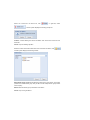
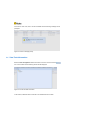
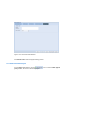
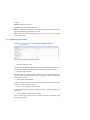
X coordinate: sets the horizontal distance of the upper right corner of the area to the
upper right corner of the screen. The X coordinate must be less than the template width
deducting the area width. This value cannot be negative. This field is mandatory.
Y coordinate: sets the vertical distance of the upper right corner of the area to the
upper right corner of the screen. The Y coordinate must be less than the module height
deducting the area height. This value cannot be negative. This field is mandatory.
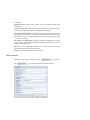
Width: sets the width of the area. The width must be less than the template width
deducting the X coordinate. This field is mandatory.
Height: sets the height of the area. The width must be less than the template width
deducting the X coordinate of the area. This field is mandatory.