1
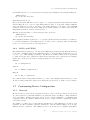
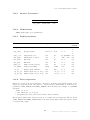
6.32. Real Time Noise Analysis
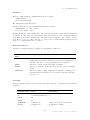
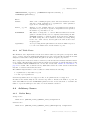
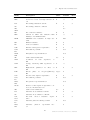
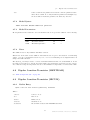
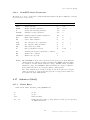
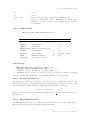
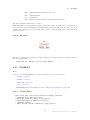
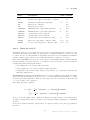
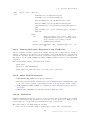
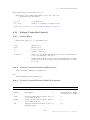
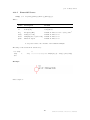
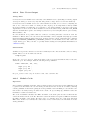
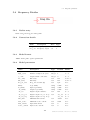
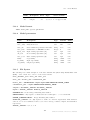
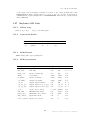
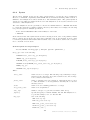
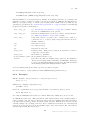
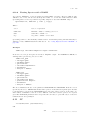
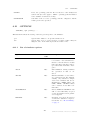
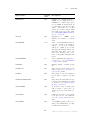
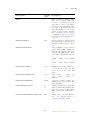
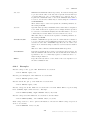
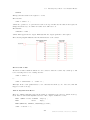
DCOP,
ALL
SAVESTATE,
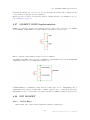
Snapshot mode.
DCOP: Saves bias point information only.
SAVESTATE: Saves state of circuit for subsequent reload for small
signal analysis
ALL: Both of the above
The default is DCOP.
6.31.1
Fast Start
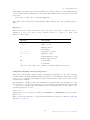
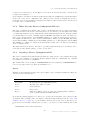
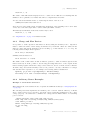
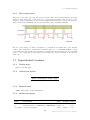
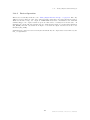
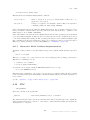
If the FAST parameter is specified, the simulation will begin with a number of tolerances and
internal parameters altered to speed up the simulation at the expense of accuracy. Just before the
end of the fast start period, these tolerances and parameters will be gradually restored to their
normal values. Fast start is an aid for simulating circuits such as switching power supplies and
oscillators for which the initial start up period is not of interest but takes a long simulation time.
Note that although the fast start interval can run sometimes as much as twice as quickly as normal,
the fact that accuracy is impaired can mean that the final steady state reached may not be very
accurate. This means that after the fast start period, an additional settling time may be required
for full accuracy to be reached.
Fast start sets the values of POINTTOL and RELTOL according to the value specified by FASTPOINTTOL and FASTRELTOL respectively.
6.31.2
Snapshots
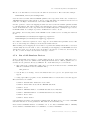
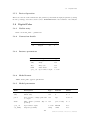
This feature allows the state of a simulation to be saved at user specified times during a transient
analysis. The states saved can subsequently be reloaded to perform small signal AC analyses.
This allows the small signal response of a circuit to be examined at any point during a transient
analysis. This is especially useful in situations where a circuit is found to be unstable in a transient
run but this instability cannot be reproduced at the operating point usually derived for an AC
analysis.
The bias point information at the snapshot time may also optionally be saved. This information
is output to the list file.
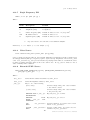
To specify snapshot output, specify either the SNAPSHOT or SNAPSTEP keywords with their
associated parameters.
To initialise a small signal analysis with snapshot data, you must specify the SNAPSHOT step
mode of a multi-step analysis. See “Multi Step Analyses” on page 190 for details.
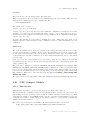
6.32
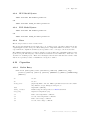
Real Time Noise Analysis
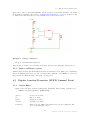
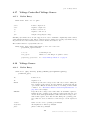
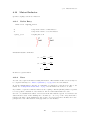
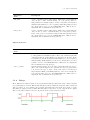
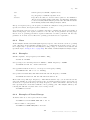
This is an extension of transient analysis rather than a separate analysis mode. When activated,
real time noise sources are added to all noisy devices with a magnitude and frequency distribution
calculated using the same equations used for small signal analysis. This allows noise analysis to
be performed on sampled data systems and oscillators.
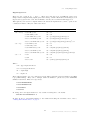
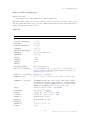
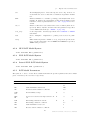
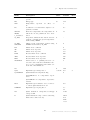
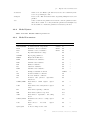
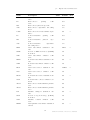
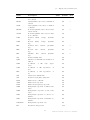
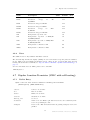
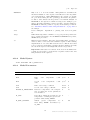
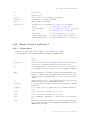
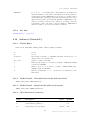
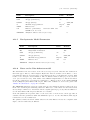
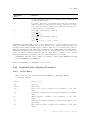
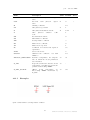
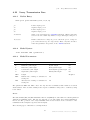
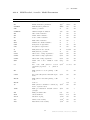
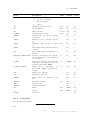
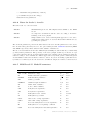
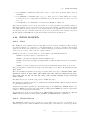
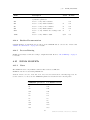
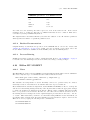
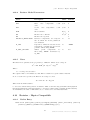
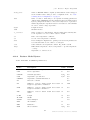
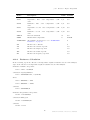
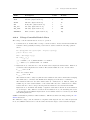
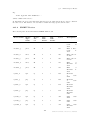
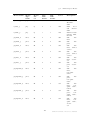
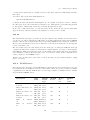
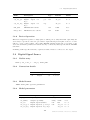
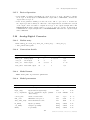
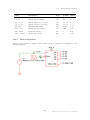
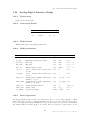
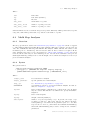
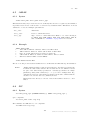
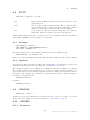
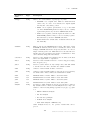
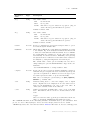
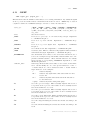
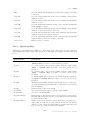
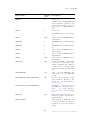
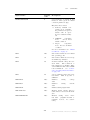
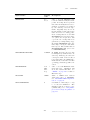
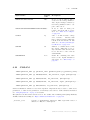
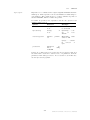
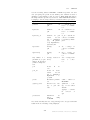
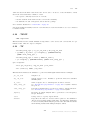
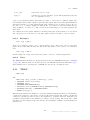
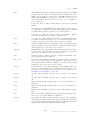
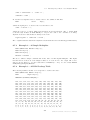
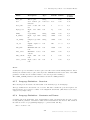
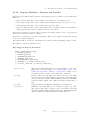
To use real time noise analysis, the following parameters may be added to the .TRAN analysis
line.
247
SIMetrix Simulator Reference Manual