1
User’s Manual
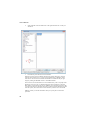
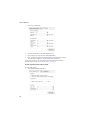
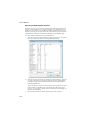
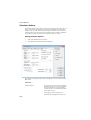
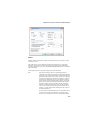
2.
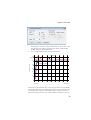
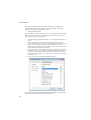
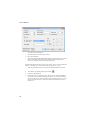
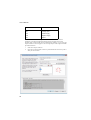
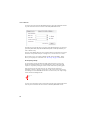
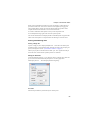
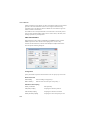
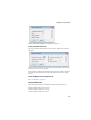
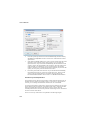
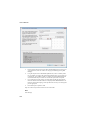
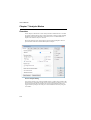
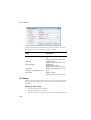
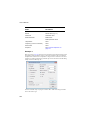
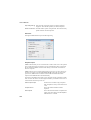
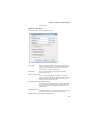
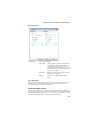
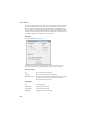
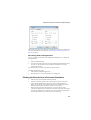
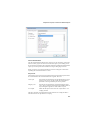
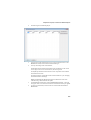
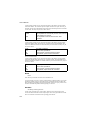
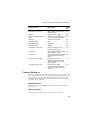
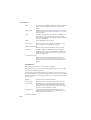
Enter the required specification in the DC Forward bias spec, Reverse recovery
specification and Capacitance sections. See below for technical details of these
specifications.
3.
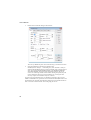
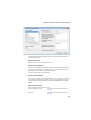
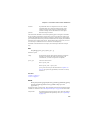
Select Save to schematic symbol if you wish to store the specification and model
parameters on the schematic symbol. This will allow to you to modify the
specification later. If you select Save to model library, then the definition will be
written to a library file and installed in the parts library. This will make the new
model available as a standard part, but you will not be able to subsequently
modify it other than by re-entering the specification manually. If you choose this
option, you must specify a device name in the box below.
4.
Press Ok to place diode on the schematic. If you selected Save to model library,
the model file for the device will also be created at this point. The file will be
saved in your user models directory. On windows this is located at “My
Documents\SIMetrix\Models” and on Linux it is at $HOME/simetrix/Models.
Soft Recovery Diode Specification
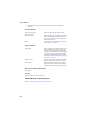
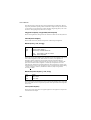
The parameter extractor allows the specification of three important characteristics of
the diode. These are the DC forward bias voltage, reverse recovery and capacitance.
Currently, reverse leakage and breakdown characteristics are not modelled.
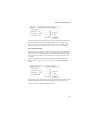
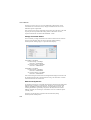
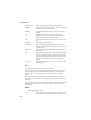
To specify the forward bias characteristics, simply enter the coordinates of two points
on the graph showing forward drop versus diode current which is found in most data
sheets. You should choose values at the extremes. The low current value will
essentially determine the value of the IS parameter while the high current value defines
the series resistance of the device.
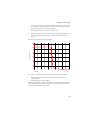
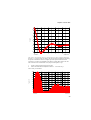
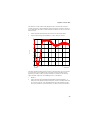
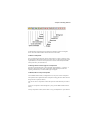
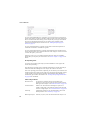
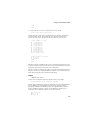
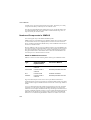
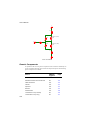
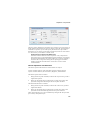
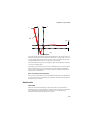
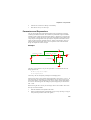
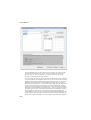
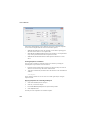
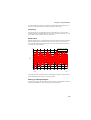
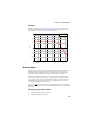
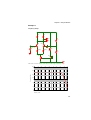
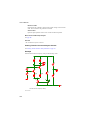
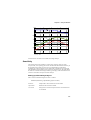
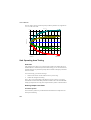
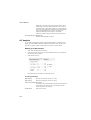
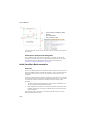
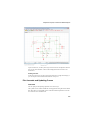
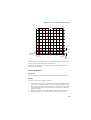
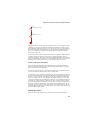
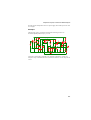
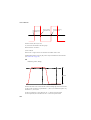
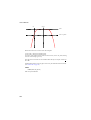
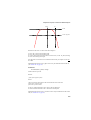
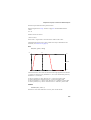
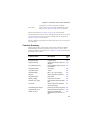
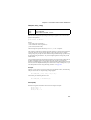
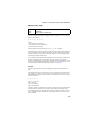
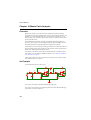
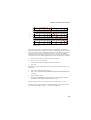
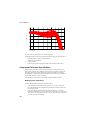
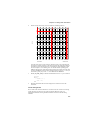
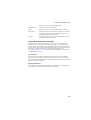
The reverse recovery characteristics are explained in the following diagram.
152