1
Additional QAD Configurator Features
COP Report
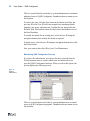
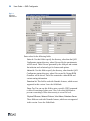
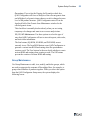
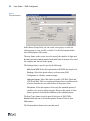
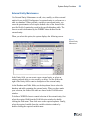
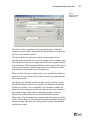
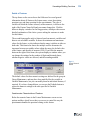
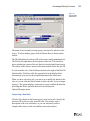
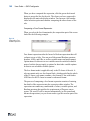
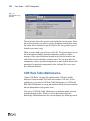
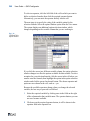
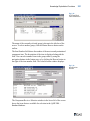
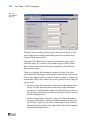
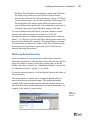
The COP Report provides information on the COP rules that have been
defined in the current group. When you select this report, the system
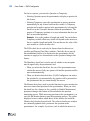
displays a screen for you to select the following options for the report:
• The range of generic items to report on
• The range of component items to report on. You can then select check
boxes to include formulas for the following elements in the report
• Variant item
• Part and external entities
• Generic BOM
• Generic routing
• Variant item numbers
• Multi-level: the report includes all lower-level items as well
Finally, you can select:
• Whether to include comments.
• Whether to organize the report by page
Click OK when you have made your selections to display the report on
the screen.
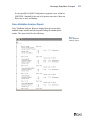
COP Rule Table Report
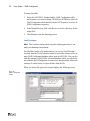
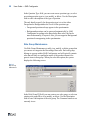
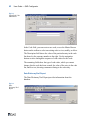
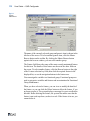
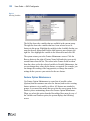
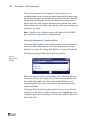
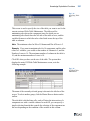
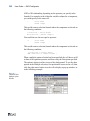
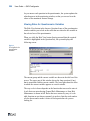
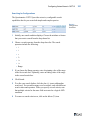
The COP Rule Table Report provides information on the COP Rule Table
rules that have been defined in the current group. When you select this
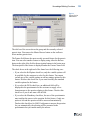
report, the system displays a screen for you to select the following options
for the report:
• The master item to report on
• The range of component items to report on
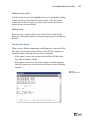
Click OK when you have made your selections to display the report on
the screen.
321