1
Knowledge Exploitation Functions
251
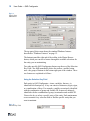
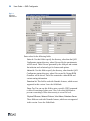
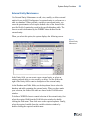
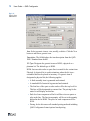
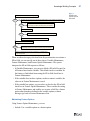
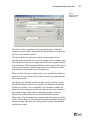
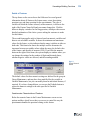
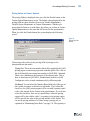
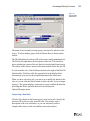
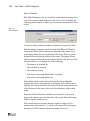
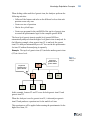
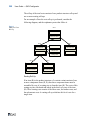
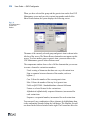
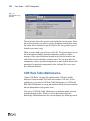
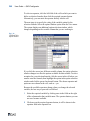
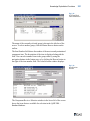
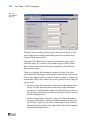
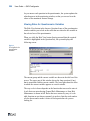
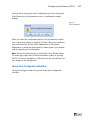
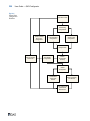
Fig. 7.22
COP Detail Rule
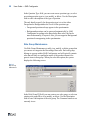
Table Maintenance
The name of the currently selected group is shown in the title bar of the
screen. To select another group, click the Master Browse button on the
toolbar.
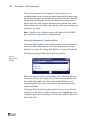
The Item Number field shows the number of the most recently maintained
component item. The description of the item is displayed alongside the
field. You can select another item in the group either by using the
navigation buttons in the button area, or by clicking the Browse button to
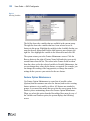
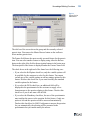
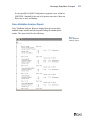
the right of the item number field. The Item Selection window displays.
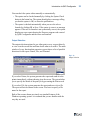
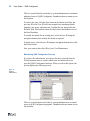
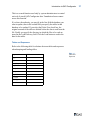
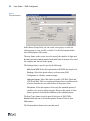
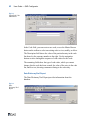
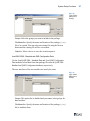
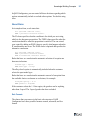
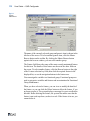
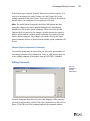
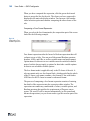
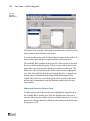
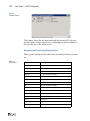
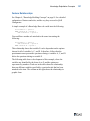
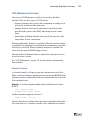
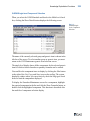
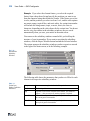
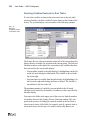
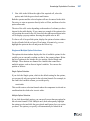
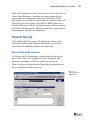
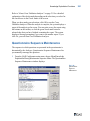
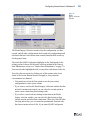
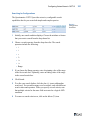
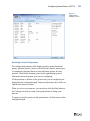
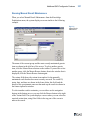
Fig. 7.23
Item Selection
Window
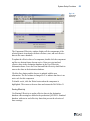
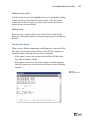
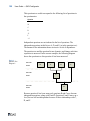
The Component Review–Selection window in the lower left of the screen
shows the items that are available for selection in the QAD 2008 Standard database.