1
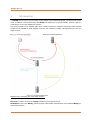
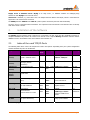
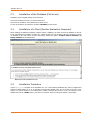
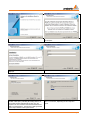
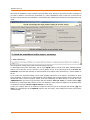
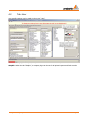
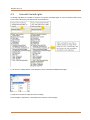
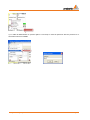
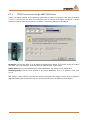
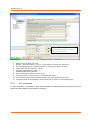
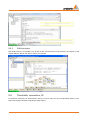
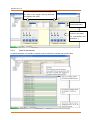
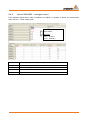
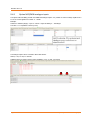
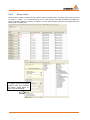
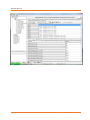
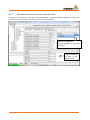
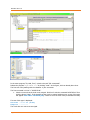
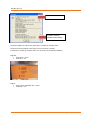
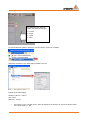
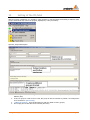
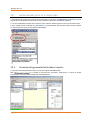
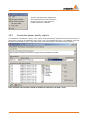
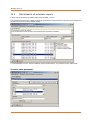
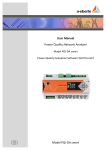
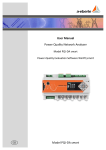
The notification LED shows the transfer rate (bit/s) of the PQI-D: 1 – 115.000 2 – 57600 3 – 19200 4 – 9600 To send the firmware update to the device, use the program “Comm.exe” in WinPQ. Change the parameter of your COM settings suitable to your PC. Example of the COM settings: Interface of the PC = COM 11 Flow control Bautrade = 115.000 If the device is not in “urloader mode”, and if the settings of the interface are correct the devices will answer with its name (i. e. Q4) Firmware update PQI-D and PQI-DA Page 69