1
We take care of it
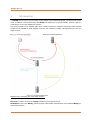
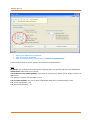
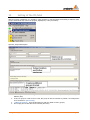
Notes on the commissioning instructions:
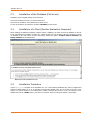
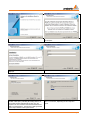
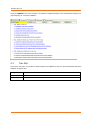
After installing the WinPQ software and the MySQL database in sections 2 and 3 of the instructions, select one of
the chapters highlighted in colour for data communication between the software and the measuring devices.
The selected section (e.g. 6. Device Connection via TCP/IP) describes the required operating steps for the software
and hardware. Any other, alternative chapters for connecting a device can be skipped.
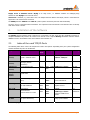
If different communication paths are to be operated in parallel, work through all points of the respective data connections used (e.g. MODEM and TCP/IP).
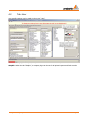
WinPQ Para Express
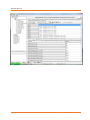
Additional to WinPQ there is a small software WinPQ Para Express available only for setup the parameters in PQI-D and PQI-DA. This software is free of charge and available on
www.a-eberle.de.
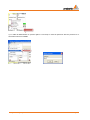
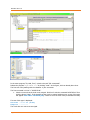
All settings for the hardware could be made with this software. It is possible to check with online data
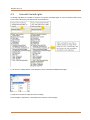
the correct connection of the device. It is possible to start this SW directly from an USB-stick.
Please use all information from chapter 9.
A. Eberle GmbH & Co. KG
Aalener Straße 30/32
D-90441 Nuremberg
Tel.: 0911 / 62 81 08 0
Fax: 0911 / 62 81 08 96
E-Mail: info@a-eberle.de
Internet:
www.a-eberle.de
A.-Eberle GmbH & Co. KG cannot be held liable for any damage or losses resulting from printing errors or changes to this operating manual.
Furthermore, A. Eberle GmbH & Co. KG does not assume responsibility for any damage or losses resulting from defective devices or from devices altered by the user.
Copyright 2010 by A. Eberle GmbH & Co. KG
All rights reserved.
Page 2