1
Chapter 11
Car Audio Applications
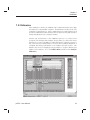
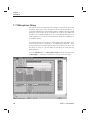
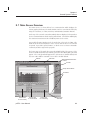
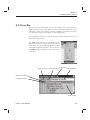
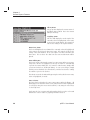
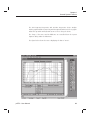
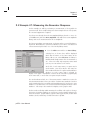
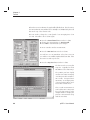
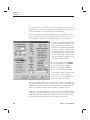
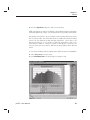
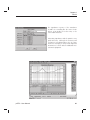
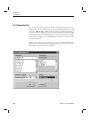
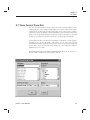
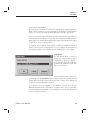
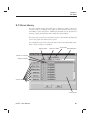
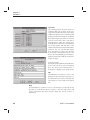
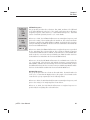
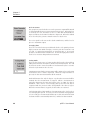
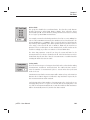
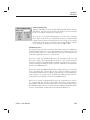
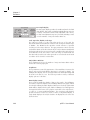
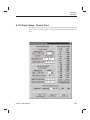
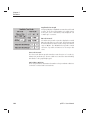
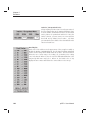
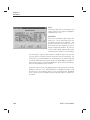
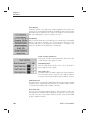
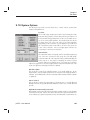
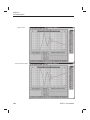
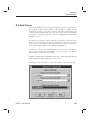
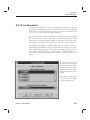
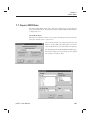
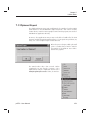
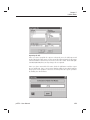
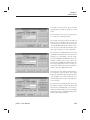
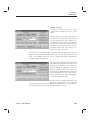
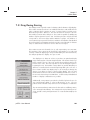
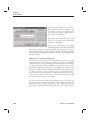
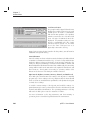
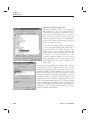
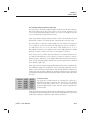
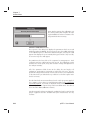
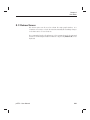
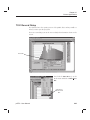
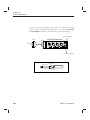
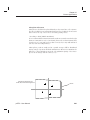
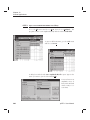
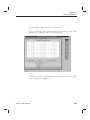
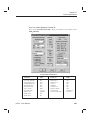
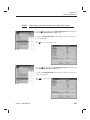
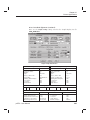
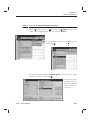
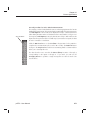
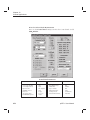
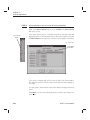
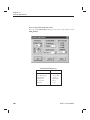
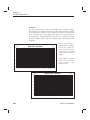
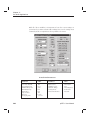
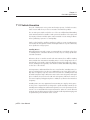
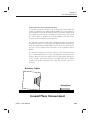
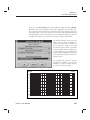
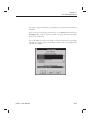
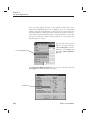
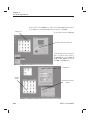
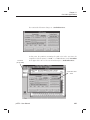
Now, enter the name of the competition. To do this, click the mouse inside the
area that says Event Title. Erase the old name and type in the name of the
competition.
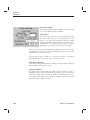
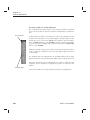
Event Title field
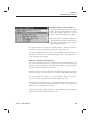
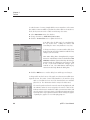
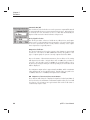
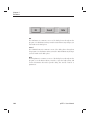
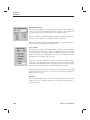
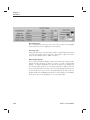
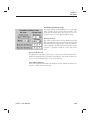
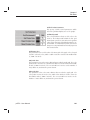
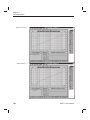
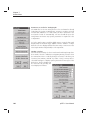
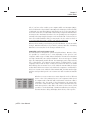
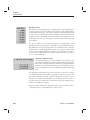
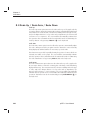
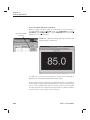
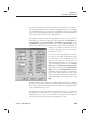
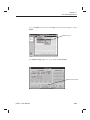
Mic-1 Input button
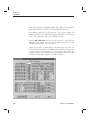
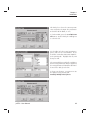
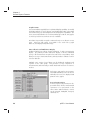
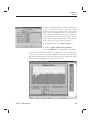
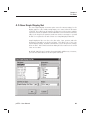
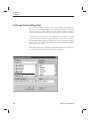
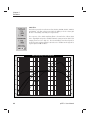
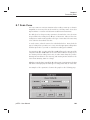
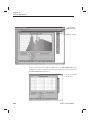
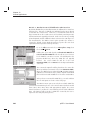
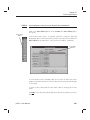
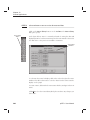
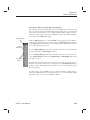
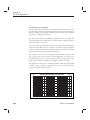
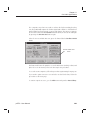
The pcRTA has the ability to use any of the four mic inputs or the Line Input as
sources for the scoring. This allows for multiple lanes to be measured with one
pcRTA. For single lane testing, the Mic-1 input should always be selected. Verify
that this is true.
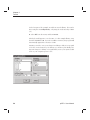
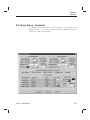
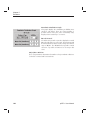
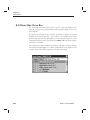
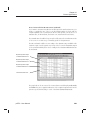
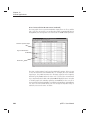
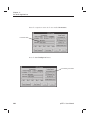
You are now ready to start scoring. The preceding steps should only need to
be done once, at the beginning of a competition.
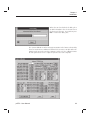
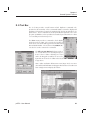
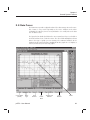
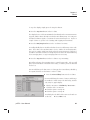
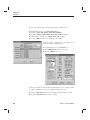
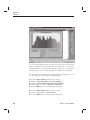
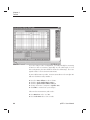
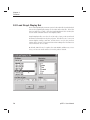
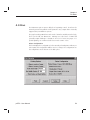
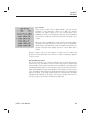
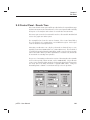
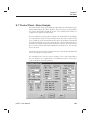
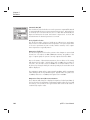
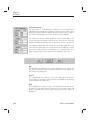
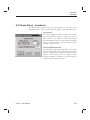
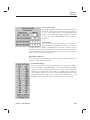
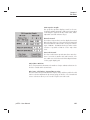
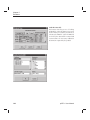
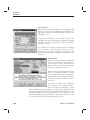
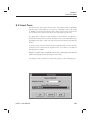
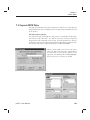
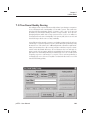
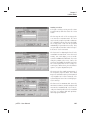
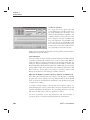
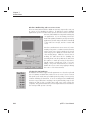
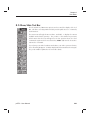
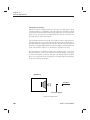
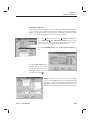
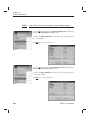
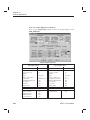
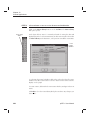
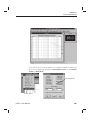
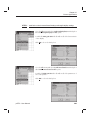
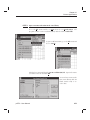
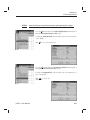
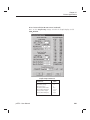
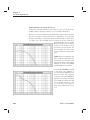
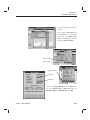
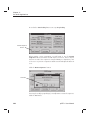
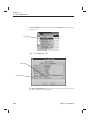
Click the Print Each Graph button if you want printouts of each competitor's
results.
Print Each Graph
button
pcRTA - User Manual
325