1
Quick-start guide for host • 21
21/3/2013
Appendix 2: Removing cookies
In certain cases, cookies (small data files saved on your computer when you visit
various websites) can affect the use and adaptation of Telia Webbmöte. We
therefore recommend that you remove cookies from time to time. How you do this
depends on which browser you use. The following description applies to Internet
Explorer 9. If you use a different browser, consult the help function.
1
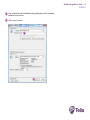
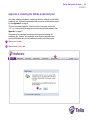
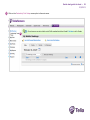
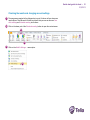
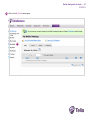
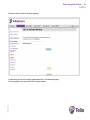
Press Ctrl-Shift-Del. Internet Explorer will open the Delete Browsing History dialogue
box.
2
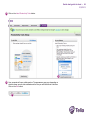
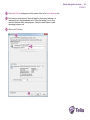
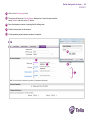
Uncheck the Preserve Favorites website data check box.
3
Check the Cookies check box. (You can choose any settings for the remaining
check boxes.)
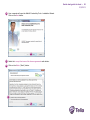
4
Click on the Delete button.
1
2
3
4
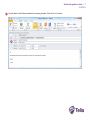
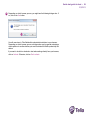
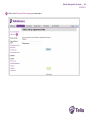
Your browser will confirm the action via a message at the bottom of the program window.