1
Features – Function and Configuration
CTI – Computer assisted Telephony
Operation/Check of the Feature
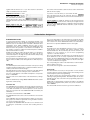
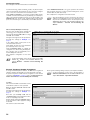
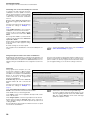
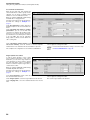
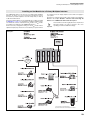
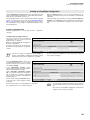
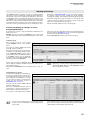
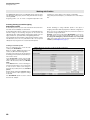
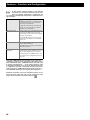
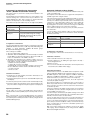
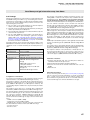
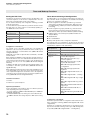
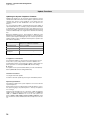
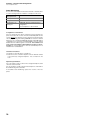
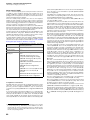
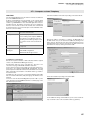
For a simple function check of the TAPI driver (TSP) as well as of the
settings done in the PBX, you can use the Windows dialer on the
server PC. Start it by execution of “dialer.exe“.
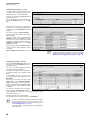
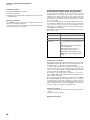
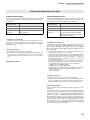
Select an internal or external telephone number. Enter the telephone
number the same way as you would dial it on the telephone. Now the
controlled telephone (in this example 36) will be called first. As soon
as you pick up the receiver, the dialled destination number (in this
example 422) will be called.
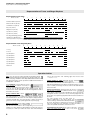
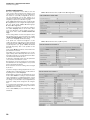
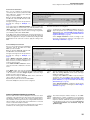
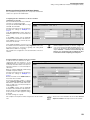
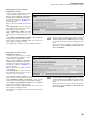
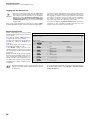
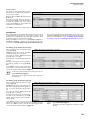
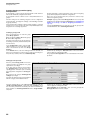
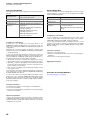
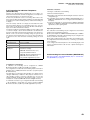
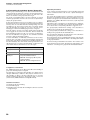
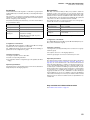
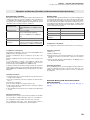
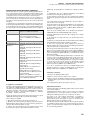
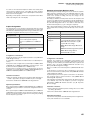
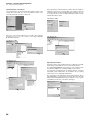
with Windows 2003
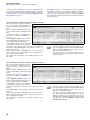
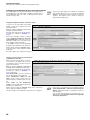
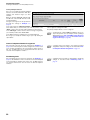
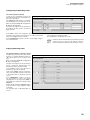
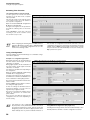
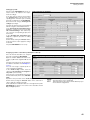
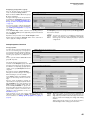
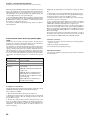
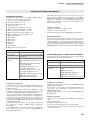
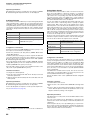
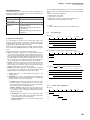
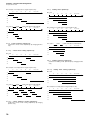
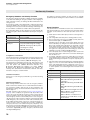
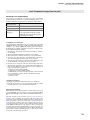
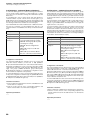
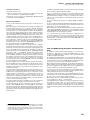
Select one of the offered telephones for controlling. The telephone
selected here has to be also entered on the page LAN TAPI
LAN TAPI subscriber.
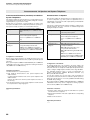
with Windows XP
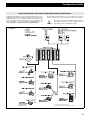
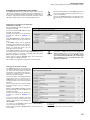
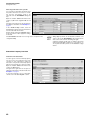
with Windows 2003
with Windows XP
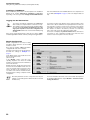
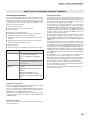
Dependency/Limitations
Consult the vendor of the used CTI software (e.g. Ositron) for all additional settings and installations (on the server and the clients).
The software OSITRON CTI server needs a server operation system
(e.g. Windows 2000 server or Windows 2003 server) as basis.
If you integrate the LAN-TAPI into an existing network, contact the
responsible system administrator. An intervention into an existing
network may cause considerable malfunctions.
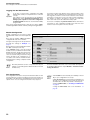
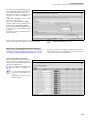
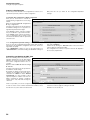
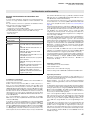
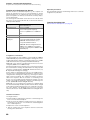
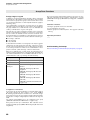
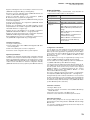
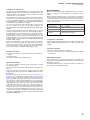
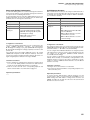
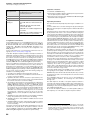
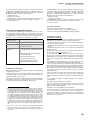
The configuration of the TAPI driver may be changed via the “Phone
and Modem Options” in the Control Panel later. Select the list entry
“Ositron/Auerswald COMmander Telefon Anbieter” on the register
card “Advanced” and click on the button “Configure“.
88