1
Features – Function and Configuration
Update Functions
Update Functions
Updating the System Telephone Firmware
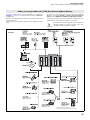
Updating the firmware for all connected system telephones can be
started via the PBX. This means that an update is performed “via the
exchange line” using a system telephone of any design; the new
operating software is then “distributed” to the other system telephones.
You can program the PBX to automatically perform this update at
specified time intervals (for example, yearly). The PBX then attempts
to download the current firmware from the server during a four hour
period. If the update could not be performed during the preset period
of time, the PBX attempts to do it again at the same time the following
day.
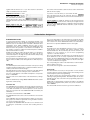
During the distribution process, “Server Mode” is displayed on the
display panel of the distributing system telephone. It is not possible to
use the system telephone during this process. It is best to perform the
update at night in order to not disrupt normal telephone operation (the
time frame is adjustable).
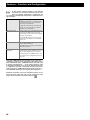
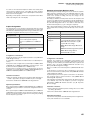
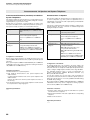
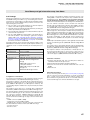
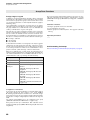
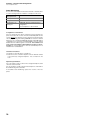
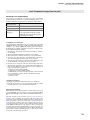
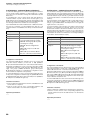
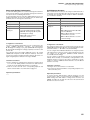
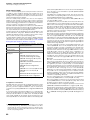
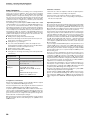
HW requirements
system telephones COMfort 1000/1200/
2000 plus or COMfortel 1500/2500
SW requirements
Version 1.4 (PBX)
Dongle release
–––
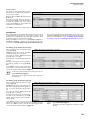
Configuration via /
Setting via
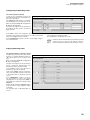
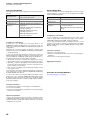
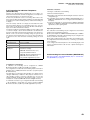
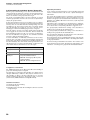
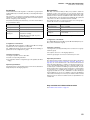
COMset General settings General
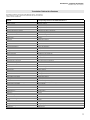
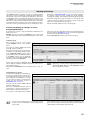
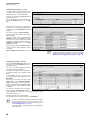
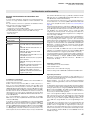
for explanations concerning the table see page 46
Configuration of the Feature
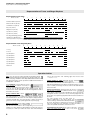
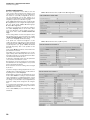
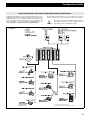
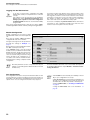
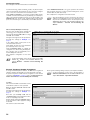
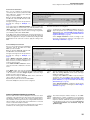
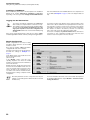
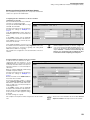
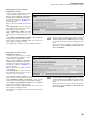
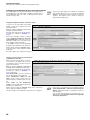
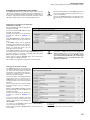
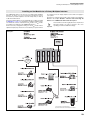
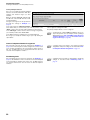
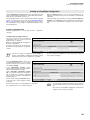
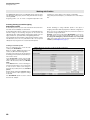
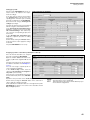
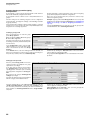
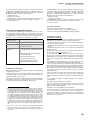
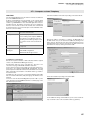
If an automatic update is to be performed, a time interval (every 12
weeks, twice a year, yearly) must be selected. In addition, set a
meaningful time frame for performing the update so that normal telephone operation is not disrupted (COMset General settings
General).
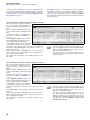
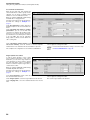
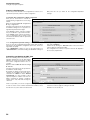
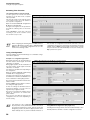
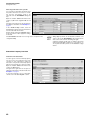
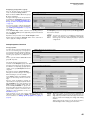
If an update is to be performed immediately, click the “Immediately”
button (COMset General settings General).
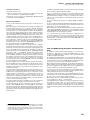
Use/Check of Features
1. Configure Automatic Update.
2. Start the automatic update by pressing the “Immediately” button.
Dependency/Limitations
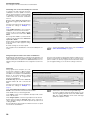
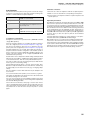
The telephone number of the system telephone server is stored in the
system telephones.
Aside from the charges resulting from the required telephone connection (after first going to System telephone -> Server), the update is
free of charge.
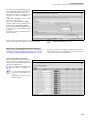
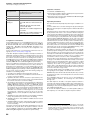
If different system telephones are connected to a PBX, the firmware
update “Via the exchange line” must be performed on a COMfortel
1500, on a COMfortel 2500 and on one of the older system telephones (COMfort 1000, COMfort 1200 and COMfort 2000 plus). After
this, the firmware can be distributed from these telephones to the others.
74