1
Using the Configuration Manager
Configuration Manager
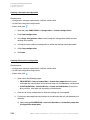
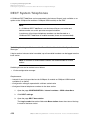
Configuring the Port on the Web Server
Configuring the Port on the Web Server
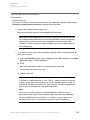
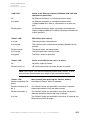
Port 80 is used for accessing the Web server by default.
The configuration can be made as follows:
• Via the configuration manager
Requirements:
– Configuration manager, opened with sufficient authorization
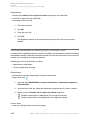
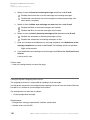
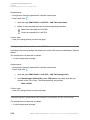
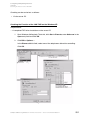
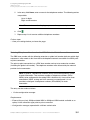
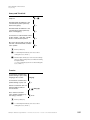
1. Open the page CONFIGURATION > Server configuration > Network.
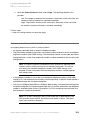
2. Enter the port number (port) of the Web server in the Port of the webserver entry
field under Webserver configuration. The following entries are possible:
1 to 65535
Further steps:
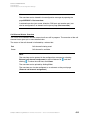
– Save your settings before you leave the page.
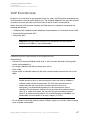
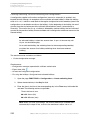
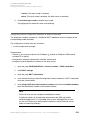
Configuring the Maximum Number of Simultaneously Logged-in Users
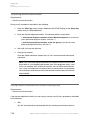
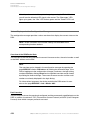
The maximum number of simultaneously logged-in users indicates how many users may, in
addition to the administrator, log in simultaneously in the configuration manager.
The configuration can be made as follows:
• Via the configuration manager
Requirements:
– Configuration manager, opened with sufficient authorization
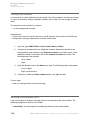
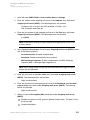
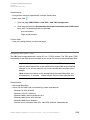
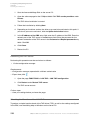
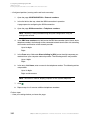
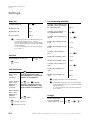
1. Open the page CONFIGURATION > Server configuration > Access and PBX data.
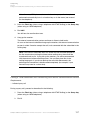
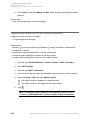
2. Enter a value in the Max. number of logged-in users at the same time entry field
under Log-in. The following entries are possible:
0 to 10: A range of 0 to 10 users can log in simultaneously in the configuration
manager.
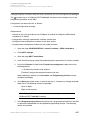
Further steps:
– Save your settings before you leave the page.
88
COMpact 3000 analog/ISDN/VoIP - Firmware Version 4.0 - Version of the Manual 03 02/11