1
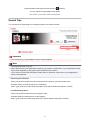
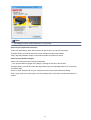
Cannot Scan Properly with Auto Scan
Check 1
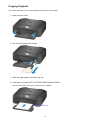
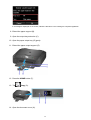
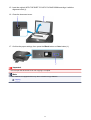
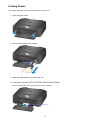
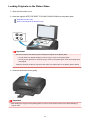
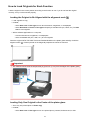
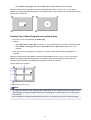
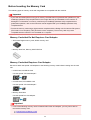
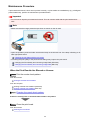
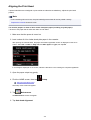
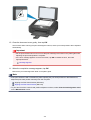
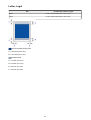
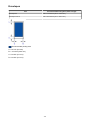
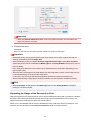
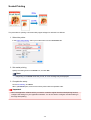
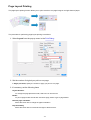
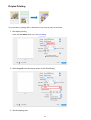
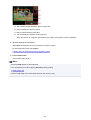
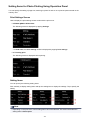
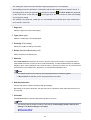
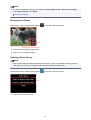
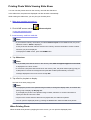
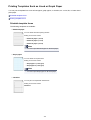
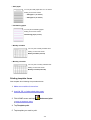
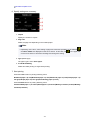
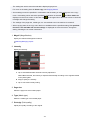
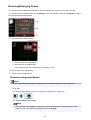
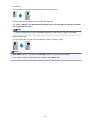
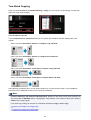
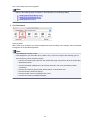
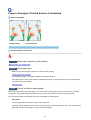
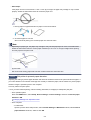
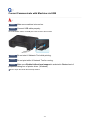
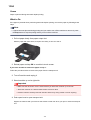
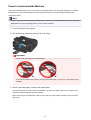
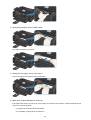
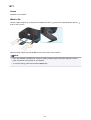
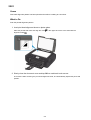
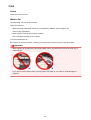
Make sure that the items are placed correctly.
Positioning Originals (Scanning from Computer)
Check 2
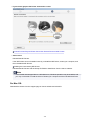
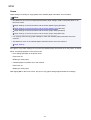
Multiple item scanning may not be supported.
Some applications do not support multiple image scanning. In that case, scan each item individually.
712