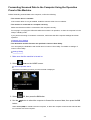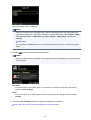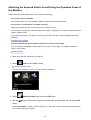
1
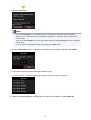
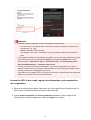
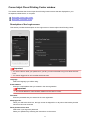
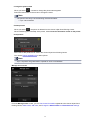
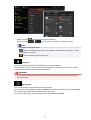
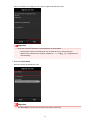
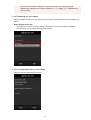
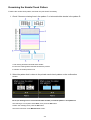
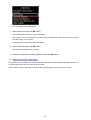
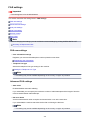
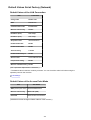
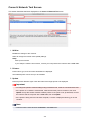
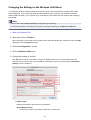
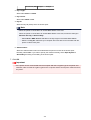
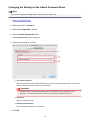
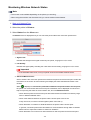
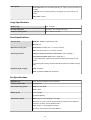
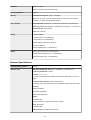
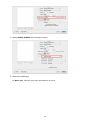
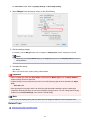
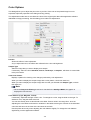
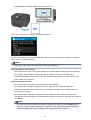
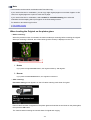
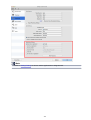
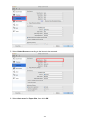
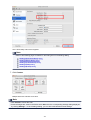
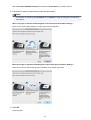
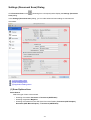
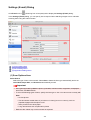
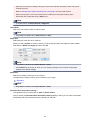
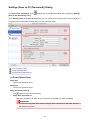
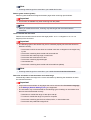
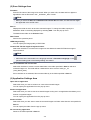
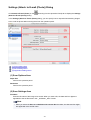
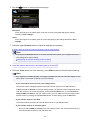
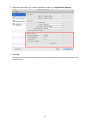
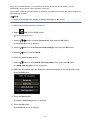
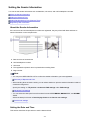
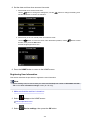
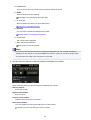
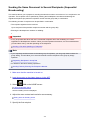
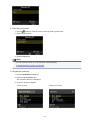
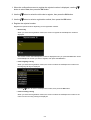
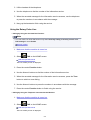
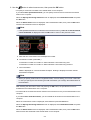
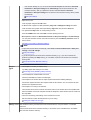
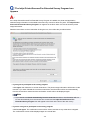
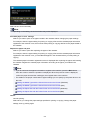
• Select 1 for Key ID:. Otherwise your computer will not be able to communicate with the
machine via the access point.
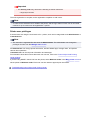
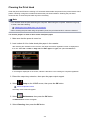
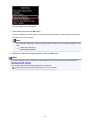
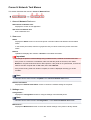
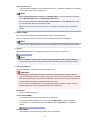
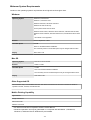
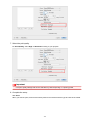
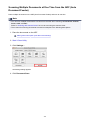
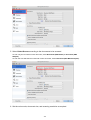
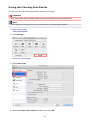
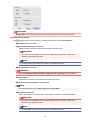
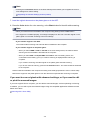
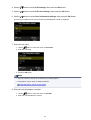
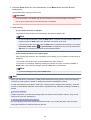
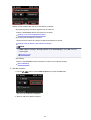
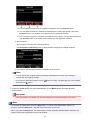
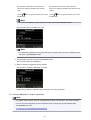
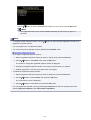
• When using WPA/WPA2
The authentication method, passphrase, and dynamic encryption type must match on the access
point, the machine, and the computer.
Enter the passphrase configured on the access point (a sequence of between 8 and 63 alphanumeric
characters, or a 64-character hexadecimal number).
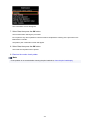
Either TKIP (basic encryption) or AES (secure encryption) is selected automatically for the dynamic
encryption method.
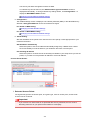
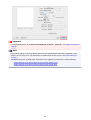
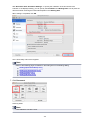
For details, see Changing the WPA/WPA2 Detailed Settings.
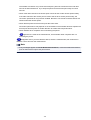
Note
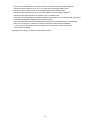
• This machine supports WPA/WPA2-PSK (WPA/WPA2-Personal) and WPA2-PSK (WPA2Personal).
692