1
0L40-0A3
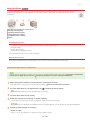
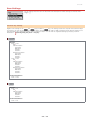
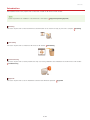
For Mac OS Users
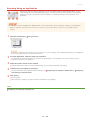
Your machine may have not come with a driver for Mac OS depending on when you purchased the machine. The drivers
are uploaded to the Canon website when they become needed. Check the operating system of your computer and
download the appropriate driver from the Canon website. For the driver installation procedure and how to operate the
driver, see the "MF Driver Installation Guide."
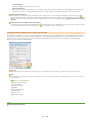
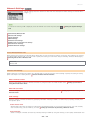
In the e-Manual and MF Driver Installation Guide, methods to operate in the Windows environment are explained as examples. To view
how to use the driver and utility for Mac OS, see the following guide or help.
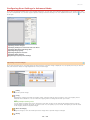
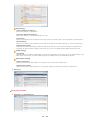
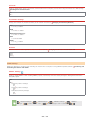
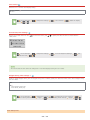
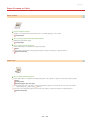
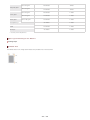
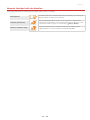
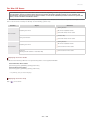
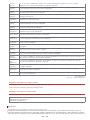
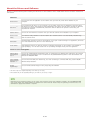
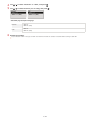
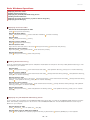
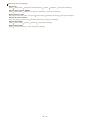
Function
Object
Reference
Getting Started
MF Driver Installation Guide
Installing the Driver
Canon MF Printer Driver Guide
Print function
Driver's Help
Using each feature
Canon MF Printer Driver Guide
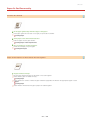
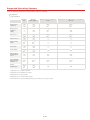
Getting Started
MF Driver Installation Guide
Installing the Driver
Canon Scanner Driver Guide
Scan function
Scanning
(Setting the MF Toolbox or ScanGear MF)
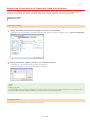
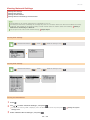
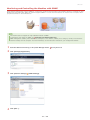
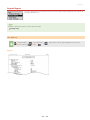
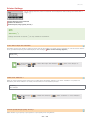
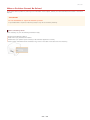
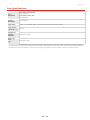
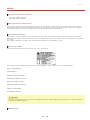
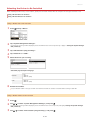
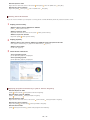
Displaying the Driver Guide
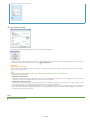
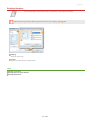
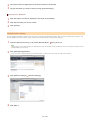
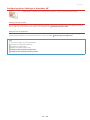
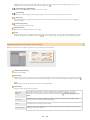
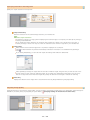
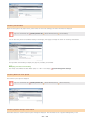
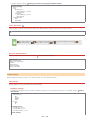
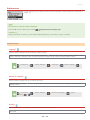
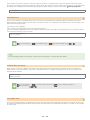
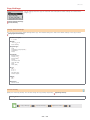
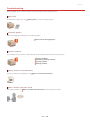
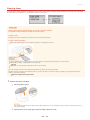
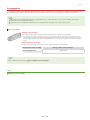
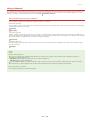
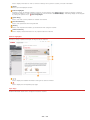
Double-click the following HTML file in the [Documents] folder on the supplied DVD-ROM.
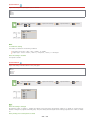
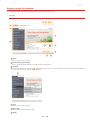
Canon MF Printer Driver Guide
[Documents]-[Print]-[XXXXXX]*-[Guide]-[index.html]
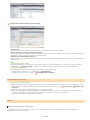
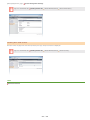
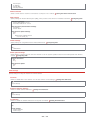
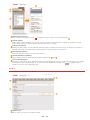
Canon Scanner Driver Guide
[Documents]-[Scan]-[XXXXXX]*-[Guide]-[index.html]
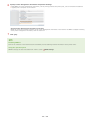
* For [XXXXXX], select your desired language.
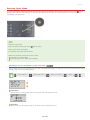
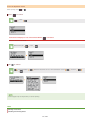
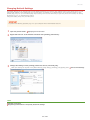
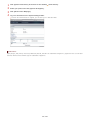
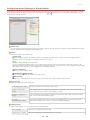
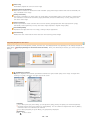
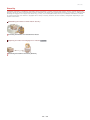
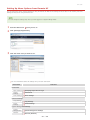
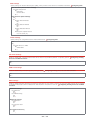
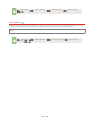
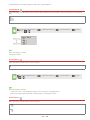
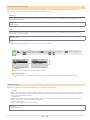
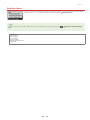
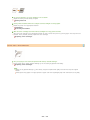
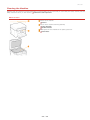
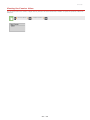
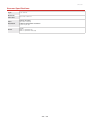
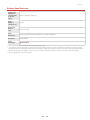
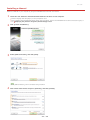
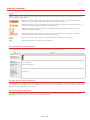
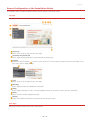
Displaying the Driver Help
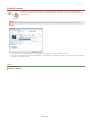
Click [
] on the driver.
㻟㻟㻝㻌㻛㻌㻟㻟㻢
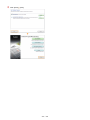
Canon Scanner Driver Guide