1
Chapter 5
5-11
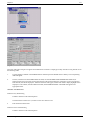
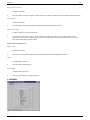
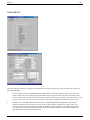
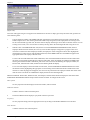
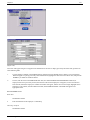
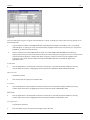
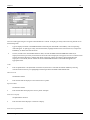
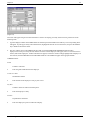
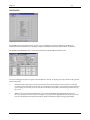
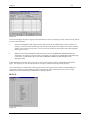
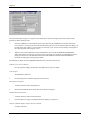
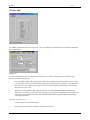
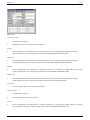
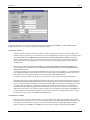
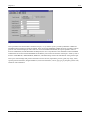
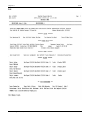
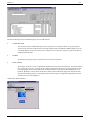
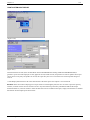
Per Pay Prd.
No entry required. This field will automatically be calculated.
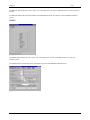
Position
15 alphanumeric characters.
•
Enter the position assigned to the employee. Examples: Programmer, Accountant.
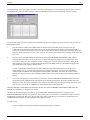
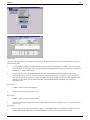
Salary Amount
11 numeric characters with 2 decimal places.
**
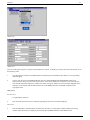
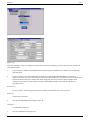
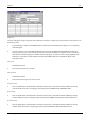
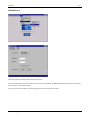
If the pay grade for the employee's position, identifies as being compensated at as amount per year, the user may use
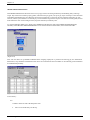
this field to enter the employee's annual salary. The salary range for the employee' s pay step displays at the bottom of
the panel when the cursor is on the salary amount field. The annual salary amount entered must fall within this range.
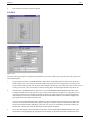
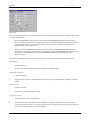
Shift Code
1 alphanumeric character.
•
Enter the code/symbol for the shift the employee works.
Shift Premium
4 numeric characters with 2 decimal places.
•
If applicable, enter the amount or premium assigned to the employee’s shift.
Start Date
Standard date format.
•
Enter the date on which the employee will begin work in his/her currently assigned position.
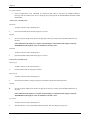
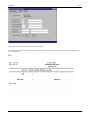
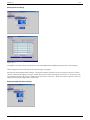
Step
2 alphanumeric characters.
Low and high salary steps are established for each position in THE POSITION ADMINISTRATION FILE. Each
salary step defines a range of compensation amounts. The steps taken together represent a "line of progression" in
compensation associated with the position.
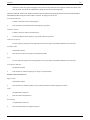
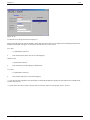
Supervisor
15 alphanumeric characters.
•
Enter the name of the employee's supervisor.
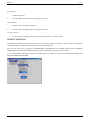
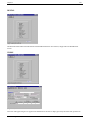
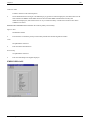
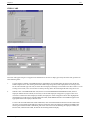
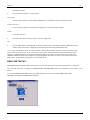
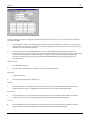
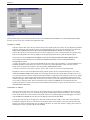
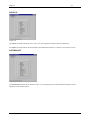
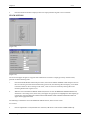
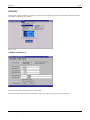
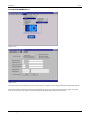
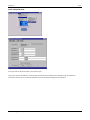
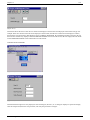
ORGANIZATION:
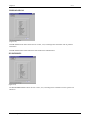
Date Assigned
Standard date format.
•
Enter the date on which the employee was assigned to work in the division
Essential Integrated Data, Ltd.
Essential*HR