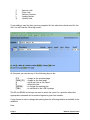
1
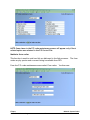
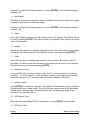
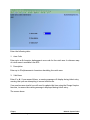
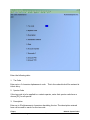
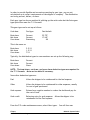
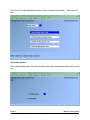
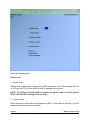
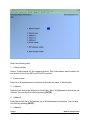
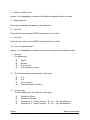
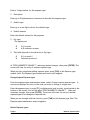
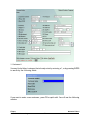
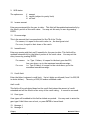
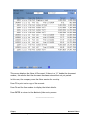
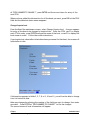
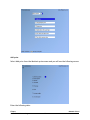
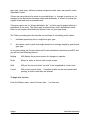
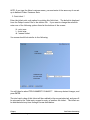
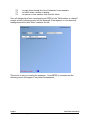
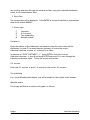
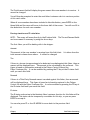
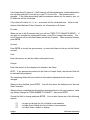
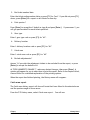
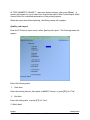
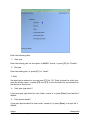
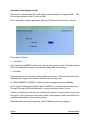
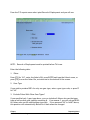
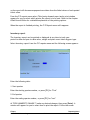
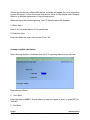
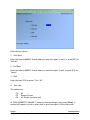
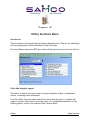
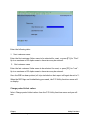
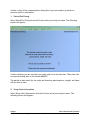
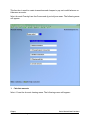
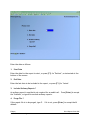
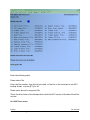
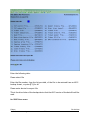
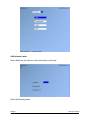
Press TAB when finished entering the lines and the screen will clear for entry of another
species export.
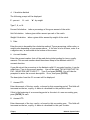
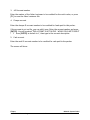
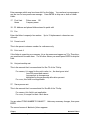
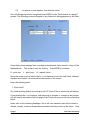
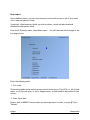
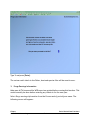
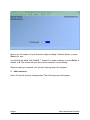
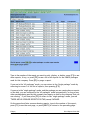
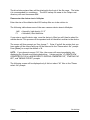
When you have completed adding species exports, press [TAB] at the Species export
number field. The Species export maintenance menu will reappear.
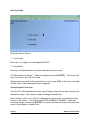
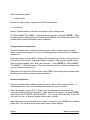
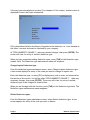
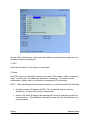
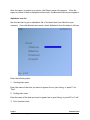
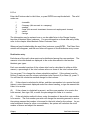
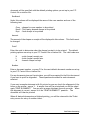
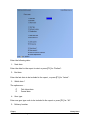
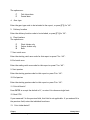
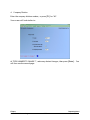
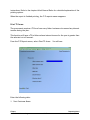
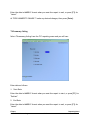
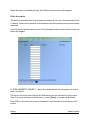
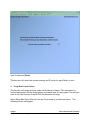
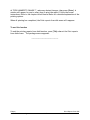
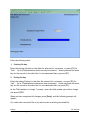
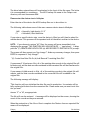
Change/inquire Species export
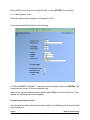
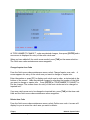
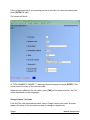
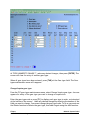
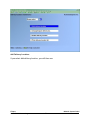
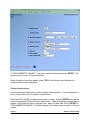
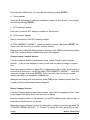
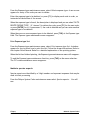
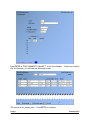
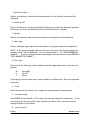
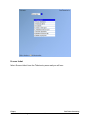
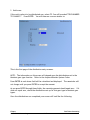
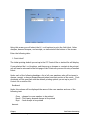
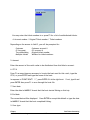
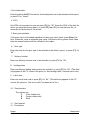
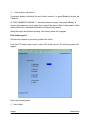
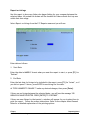
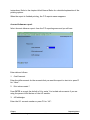
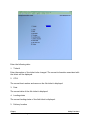
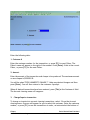
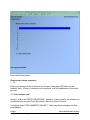
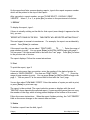
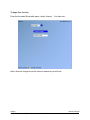
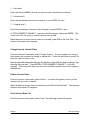
From the species exports maintenance menu, select Change/inquire species export. A
new screen displays for entry of the code you want to change or inquire into.
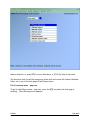
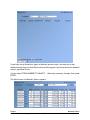
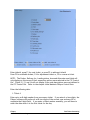
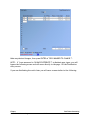
Enter the species export, or press [F1] to display each code in order, as instructed at
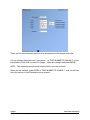
the bottom of the screen. You will be asked "FIELD NUMBER TO CHANGE ?". Make any
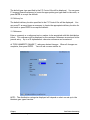
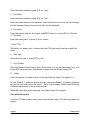
necessary changes, then press [ENTER]. The screen will clear for entry of another
species export to be changed or inquired into.
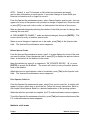
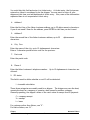
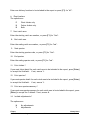
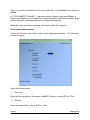
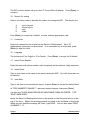
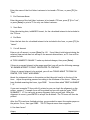
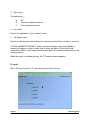
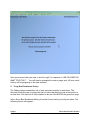
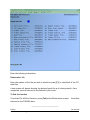
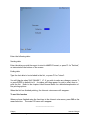
When you are through with this function, press [TAB] at the Species export field. The
Species exports maintenance menu reappears.
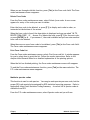
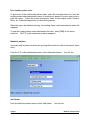
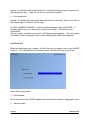
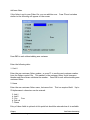
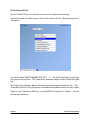
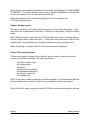
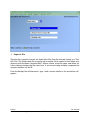
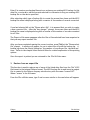
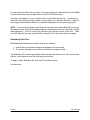
Delete Species exports
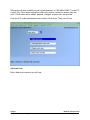
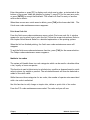
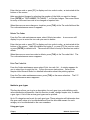
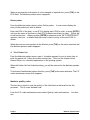
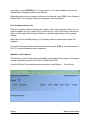
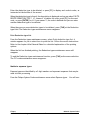
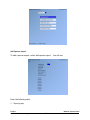
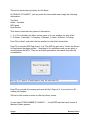
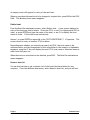
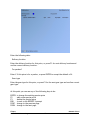
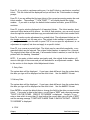
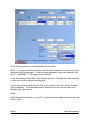
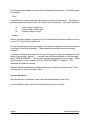
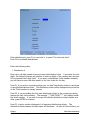
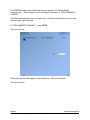
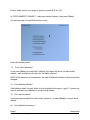
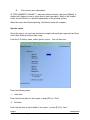
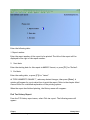
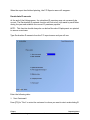
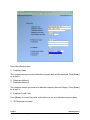
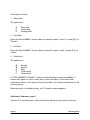
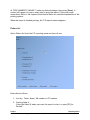
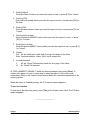
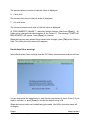
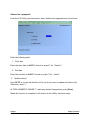
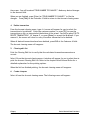
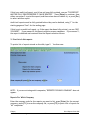
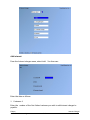
From the Species exports maintenance menu, select Delete species export. A new
screen appears for entry of the code you want to delete.
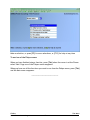
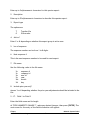
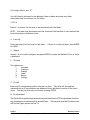
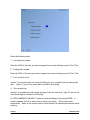
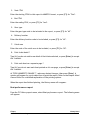
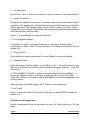
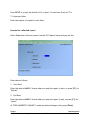
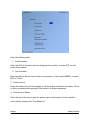
Enter the species export to be deleted, or press [F1] to display each code in order, as
instructed at the bottom of the screen.
Fishpro
Samco Power Accounting
Maintain System Codes
6.59