1
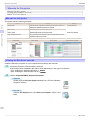
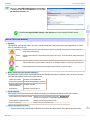
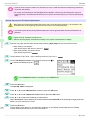
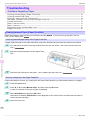
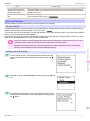
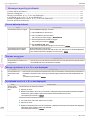
Roll paper is not securely in contact with roll holder.
iPF6400
Roll paper is not securely in contact with roll holder.
Cause
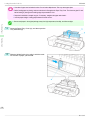
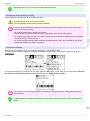
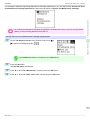
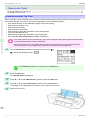
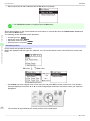
Skew Check Lv. on the Control Panel menu is set to something other than Off and the roll paper is not placed securely in the Roll Holder during loading.
Corrective Action
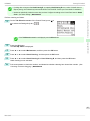
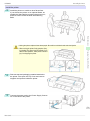
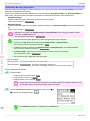
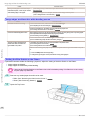
Follow these steps to reload the roll.
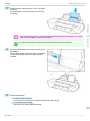
1.
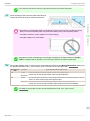
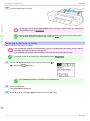
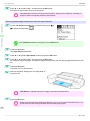
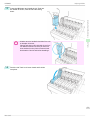
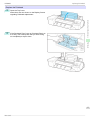
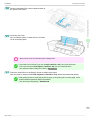
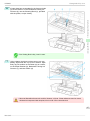
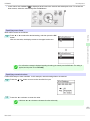
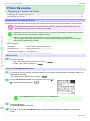
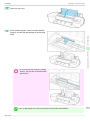
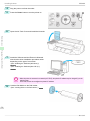
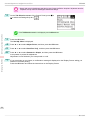
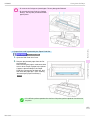
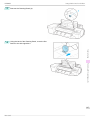
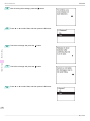
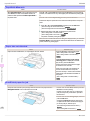
Press the OK button and remove the roll holder from the printer.
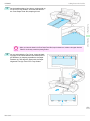
2.
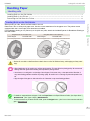
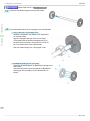
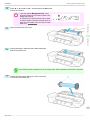
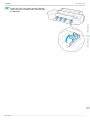
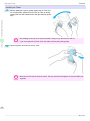
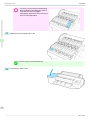
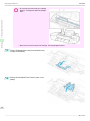
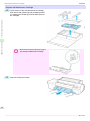
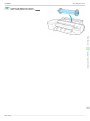
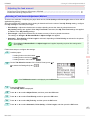
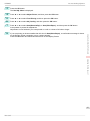
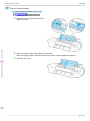
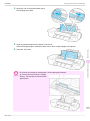
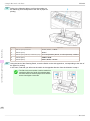
Insert the roll firmly on the Roll Holder until it touches the flange.
(See "Loading Rolls on the Roll Holder.") →P.9
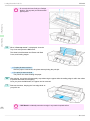
3.
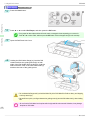
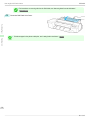
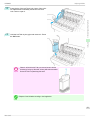
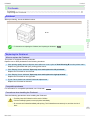
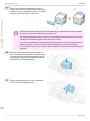
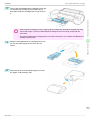
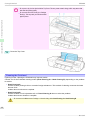
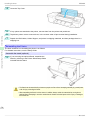
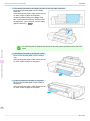
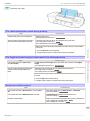
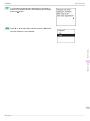
Load the Roll Holder in the printer.
Error Message
Messages regarding paper
128
Basic Guide