1
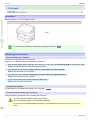
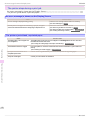
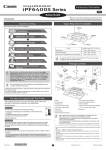
Cut sheets cannot be pulled out from the front paper feed slot
iPF6450
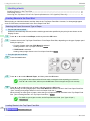
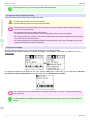
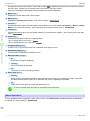
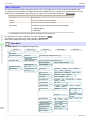
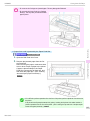
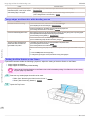
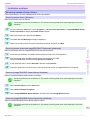
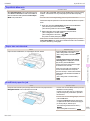
• If paper is jammed in the back of the printer
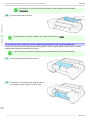
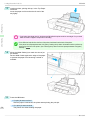
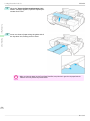
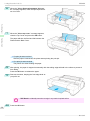
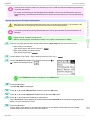
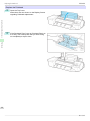
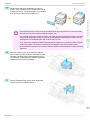
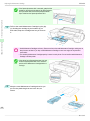
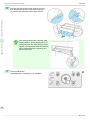
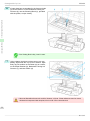
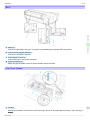
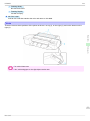
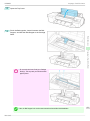
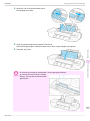
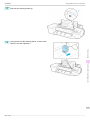
Remove the jammed paper from the back of
the printer.
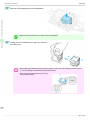
After removing the paper, make sure there are
no other scraps of paper in the printer.
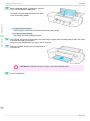
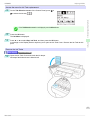
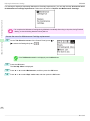
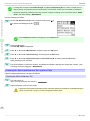
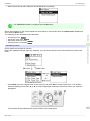
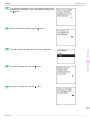
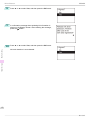
3
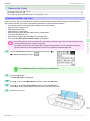
Press the OK button.
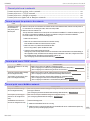
Cause
You have loaded paper other
than POP
board.
Corrective Action
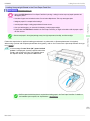
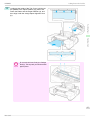
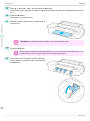
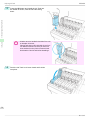
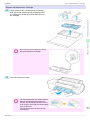
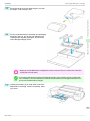
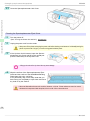
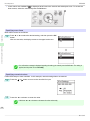
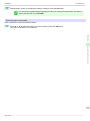
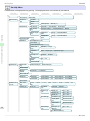
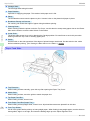
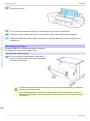
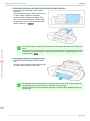
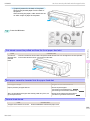
Push the cut sheet from the front side of the printer towards the back side. Once the edge of the cut sheet protrudes
from the back side of the printer, pull it out from the back side.
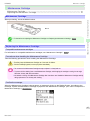
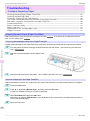
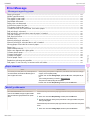
Troubleshooting
Cut sheets cannot be pulled out from the front paper feed slot
Problems Regarding Paper
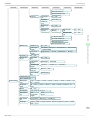
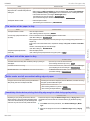
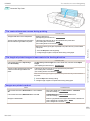
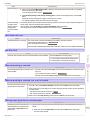
Roll paper cannot be inserted into the paper feed slot
Cause
Corrective Action
The roll paper is warped.
Straighten out curls and reload the roll.
Paper is jammed by the paper feed slot.
Remove the jammed paper.
(See "Clearing Jammed Roll Paper.") →P.103
(See "Clearing a Jammed Sheet, Fed Manually.") →P.106
After a roll was advanced, the paper was manually pulled out by force, closing the Paper Feed Slot.
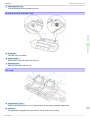
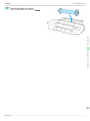
Remove the roll and open the paper feed slot.
(See "Removing the Roll from the Printer.") →P.14
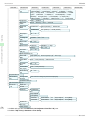
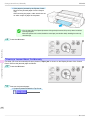
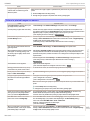
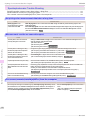
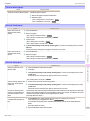
Cannot load sheets
Cause
Corrective Action
The paper source selection is incorrect.
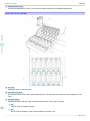
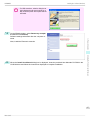
Press the Load button and select the paper source.
109
Basic Guide