1
Services
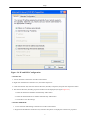
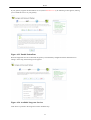
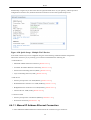
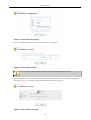
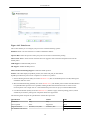
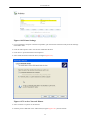
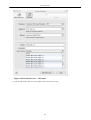
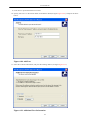
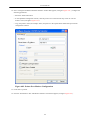
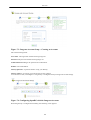
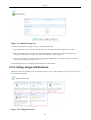
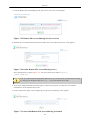
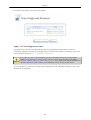
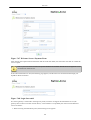
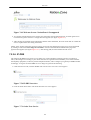
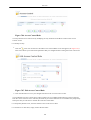
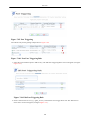
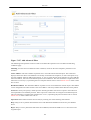
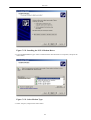
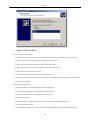
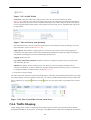
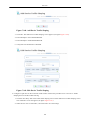
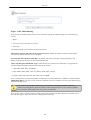
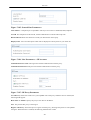
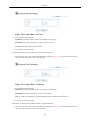
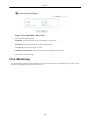
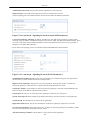
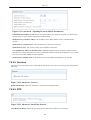
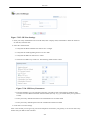
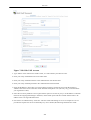
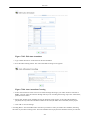
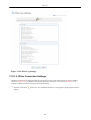
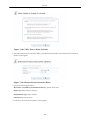
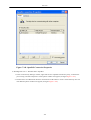
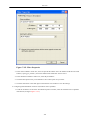
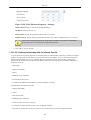
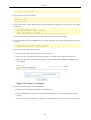
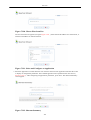
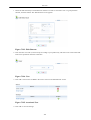
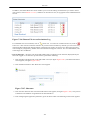
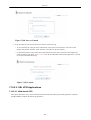
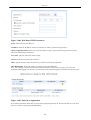
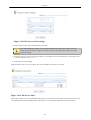
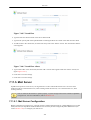
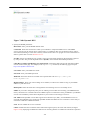
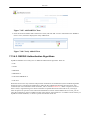
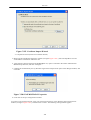
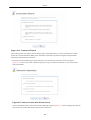
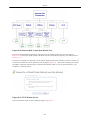
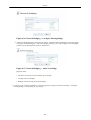
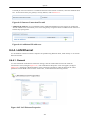
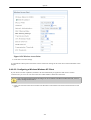
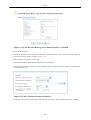
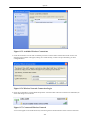
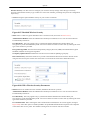
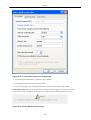
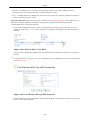
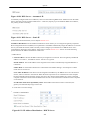
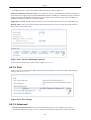
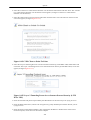
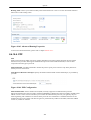
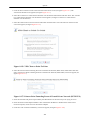
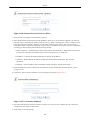
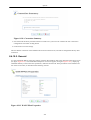
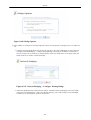
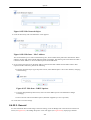
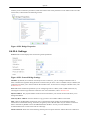
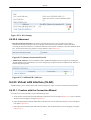
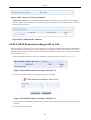
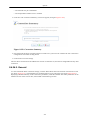
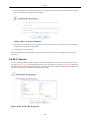
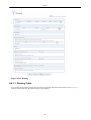
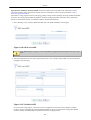
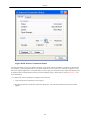
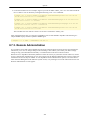
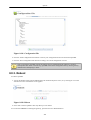
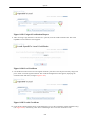
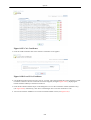
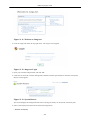
Figure 7.352. Filter Properties
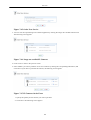
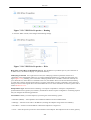
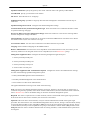
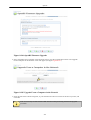
5. In the 'Source address' combo box, select 'My IP Address'.
6. In the 'Destination address' combo box, select 'A Specific IP Subnet'. In the 'IP Address' field enter the
LAN Subnet (<openrg_lan_subnet>), and in the 'Subnet mask' field enter 255.255.255.0.
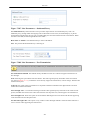
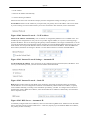
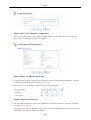
7. Click the Description tab if you would like to enter a description for your filter.
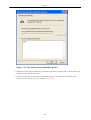
8. Click the 'OK' button. Click 'OK' again in the 'IP Filter List' window to save the settings.
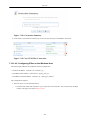
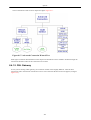
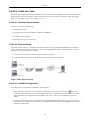
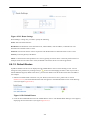
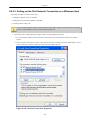
3. Building Filter List 2 - OpenRG to Windows XP:
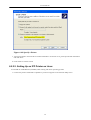
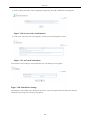
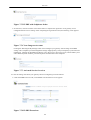
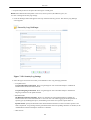
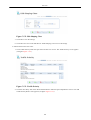
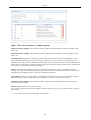
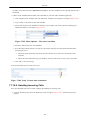
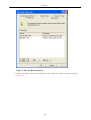
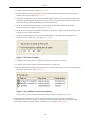
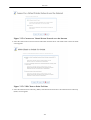
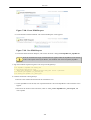
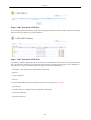
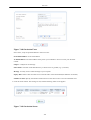
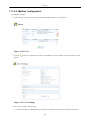
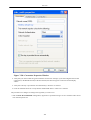
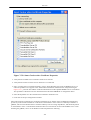
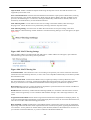
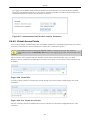
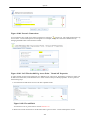
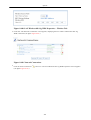
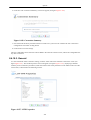
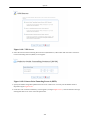
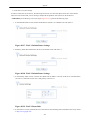
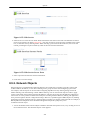
1. Under the IP Filter List tab of the 'New Rule Properties' window, click the 'Add' button. The 'IP Filter
List' window will appear (see figure Figure 7.351 ).
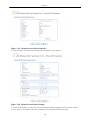
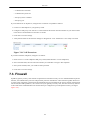
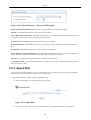
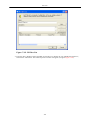
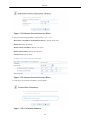
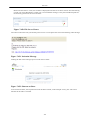
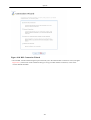
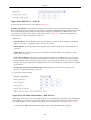
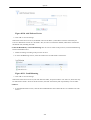
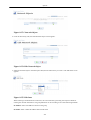
2. Enter the name "OpenRG to Windows XP" for the filter list, deselect the 'Use Add Wizard' check box,
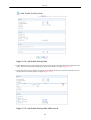
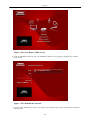
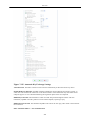
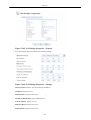
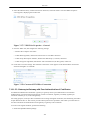
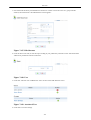
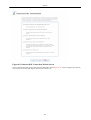
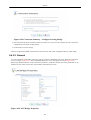
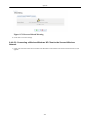
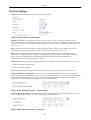
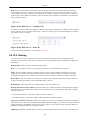
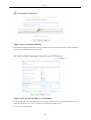
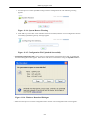
and click the 'Add' button. The 'Filter Properties' window will appear (see figure Figure 7.353 ).
304