1
System
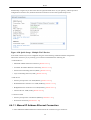
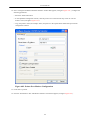
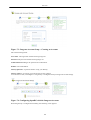
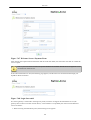
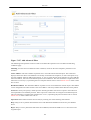
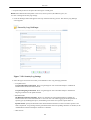
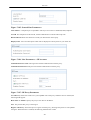
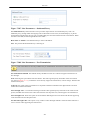
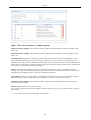
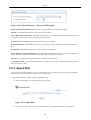
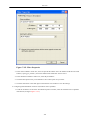
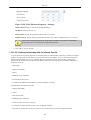
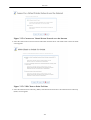
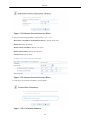
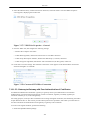
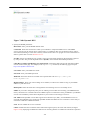
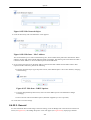
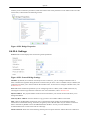
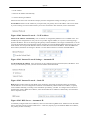
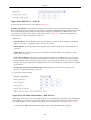
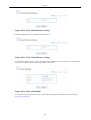
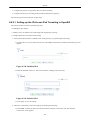
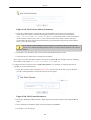
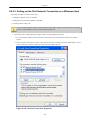
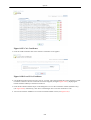
Basing on the same principle, configure OpenRG B .
8.6.2.2. Setting up the IPv6 Network Connection on a Linux Host
This setup procedure consists of three steps:
• Adding IPv6 support, if not yet enabled
• Adding the new LAN subnet defined in OpenRG
• Creating an IPv6 routing rule
1. Verify that the Linux host supports IPv6, by performing the following:
1. Open a shell and switch to the root user, by entering the su command.
2. Enter the following command: lsmod | grep ipv6 . If the command returns no result, it means that
IPv6 support is disabled. To enable IPv6 support, enter the following command as the root user: insmod
ipv6 .
2. Add the IPv6 address defined in the new LAN subnet to the host's network settings. For example, assign the
IPv6 address of the OpenRG A LAN subnet to the Host A network device. To perform this, run the following
command as the root user: ip -6 addr add fec0::100:1111:2222:3333:4444/64 dev
<Host A LAN connection label> .
Note: To check the network connection label in Linux, go to its shell and run the ifconfig
command.
If Host B runs Linux too, follow the procedure described above. In this case, however, you must specify the
IPv6 address defined in the OpenRG B LAN subnet, and enter the network connection label of the Host B
machine.
3. Add a routing rule directing the host's outgoing IPv6 packets to OpenRG, which will route them to the
destination. For example, to add this routing rule to the network settings of Host A , run the following
command as the root user: ip -6 route add fec0::200:1111:2222:3333:4444/64 via
fec0::100:aaaa:bbbb:cccc:dddd dev <Host A LAN connection label> . If Host
B runs Linux too, go to its shell and run the following command as the root user: ip -6 route add
fec0:0:0:100:1111:2222:3333:4444/64 via fec0::200:aaaa:bbbb:cccc:dddd dev
<Host B LAN connection label>
To test the connection, ping through the IPv6-over-IPv4 tunnel.
• In Linux Host A run: ping6 -I <LAN connection label>
fec0::200:1111:2222:3333:4444
• In Linux Host B run: ping6 -I <LAN connection label>
fec0::100:1111:2222:3333:4444
The following are additional commands for testing the IPv6 connection:
• To show the IPv6 routing table, enter: ip -6 route
• To show the network device's IPv6 address, enter: ip -6 addr
If the second host runs Windows, refer to section Section 8.6.2.3 for explanations about configuring a Windows
host.
569