1
System
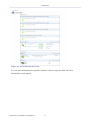
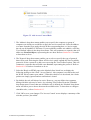
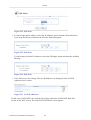
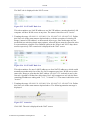
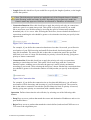
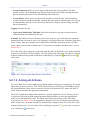
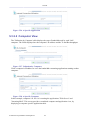
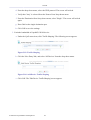
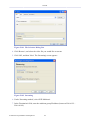
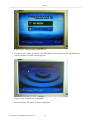
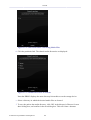
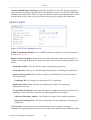
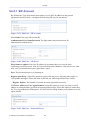
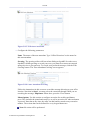
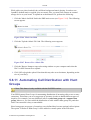
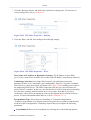
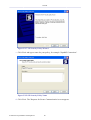
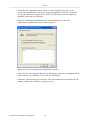
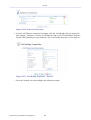
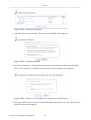
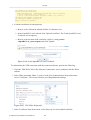
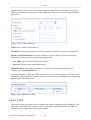
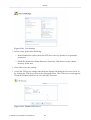
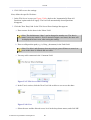
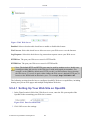
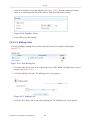
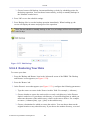
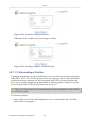
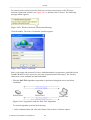
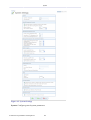
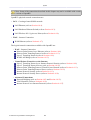
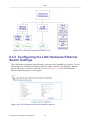
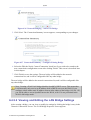
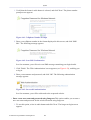
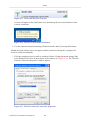
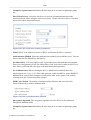
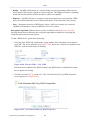
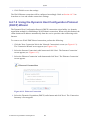
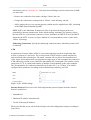
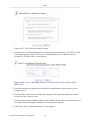
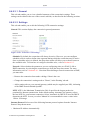
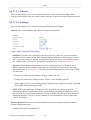
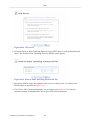
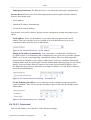
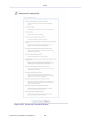
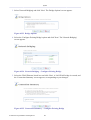
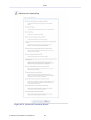
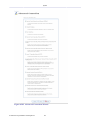
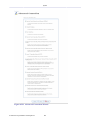
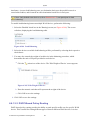
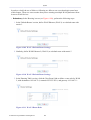
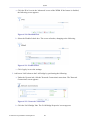
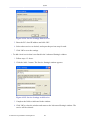
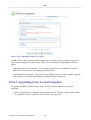
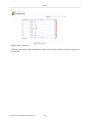
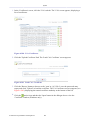
Figure 6.261 LAN Hardware Ethernet Switch Properties – Switch
b.
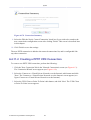
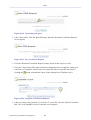
Click the
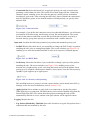
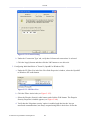
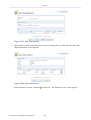
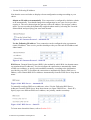
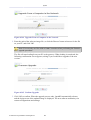
action icon that corresponds to the port you would like to configure. The
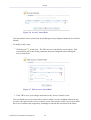
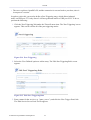
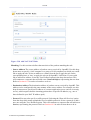
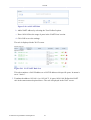
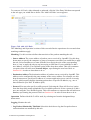
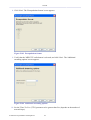
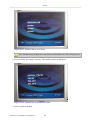
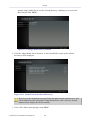
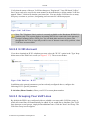
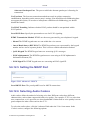
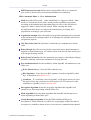
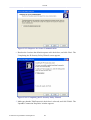
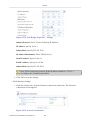
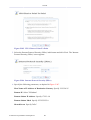
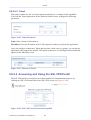
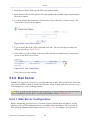
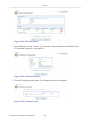
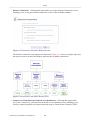
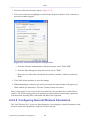
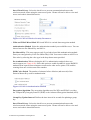
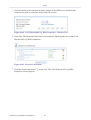
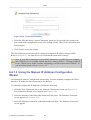
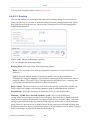
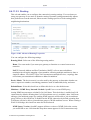
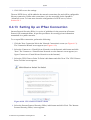
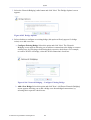
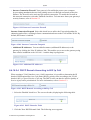
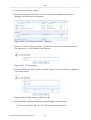
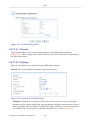
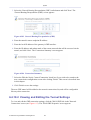
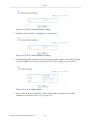
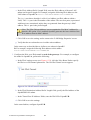
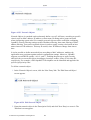
'Port Settings' screen appears.
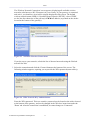
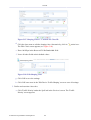
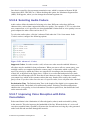
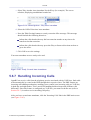
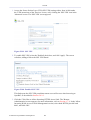
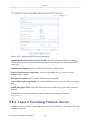
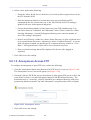
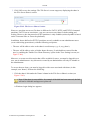
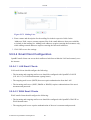
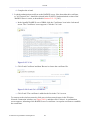
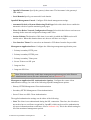
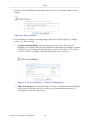
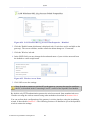
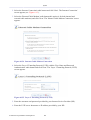
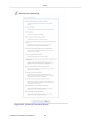
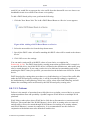
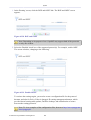
Figure 6.262 Port Settings
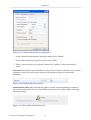
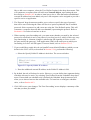
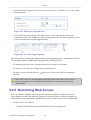
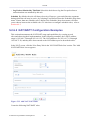
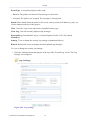
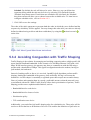
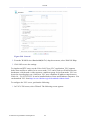
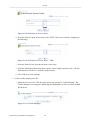
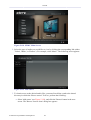
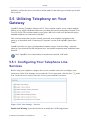
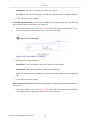
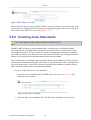
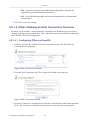
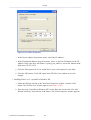
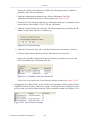
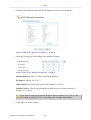
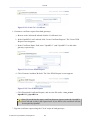
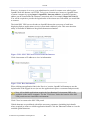
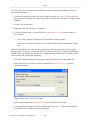
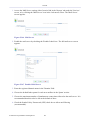
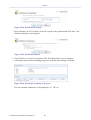
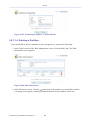
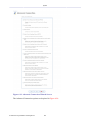
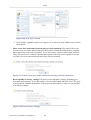
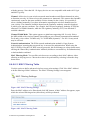
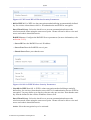
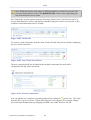
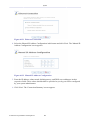
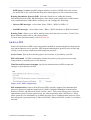
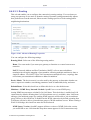
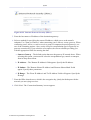
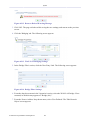
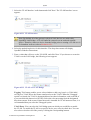
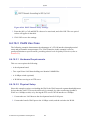
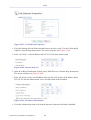
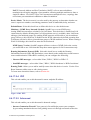
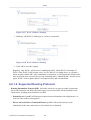
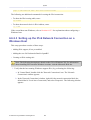
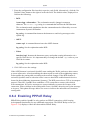
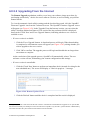
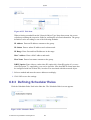
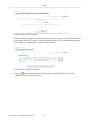
c. From the 'Ingress Policy' drop-down menu, select the 'Tagged' option. The screen
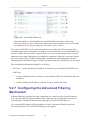
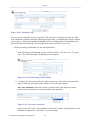
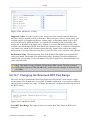
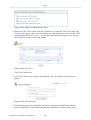
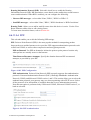
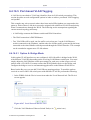
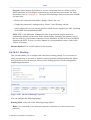
refreshes, displaying the 'Default VLAN ID' field (see Figure 6.263).
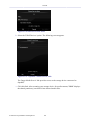
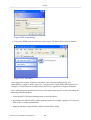
d. Enter an ID of the VLAN that will be created on the port. The incoming (ingress)
frames will be marked with this ID.
e. From the 'Egress Policy' drop-down menu, select the 'Untagged' option.
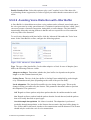
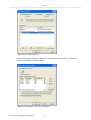
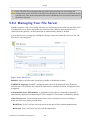
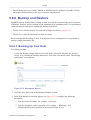
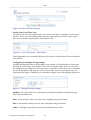
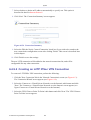
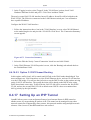
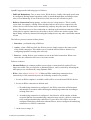
Figure 6.263 Port Settings – VLAN
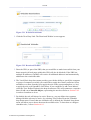
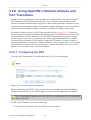
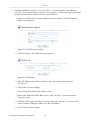
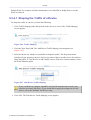
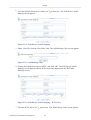
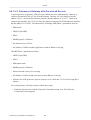
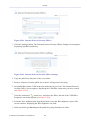
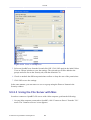
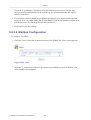
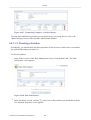
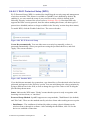
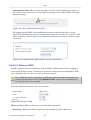
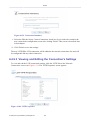
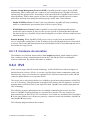
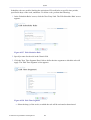
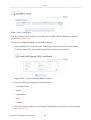
f. Click 'OK' to save the settings. OpenRG will request browser reloading.
© 1998-2010 Jungo Software Technologies Ltd.
460