1
User Manual
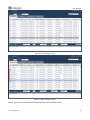
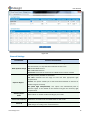
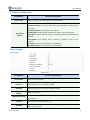
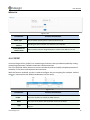
Exposure Mode
Maximum Exposure
Time
IR-CUT Interval
IR-CUT
Color Mode
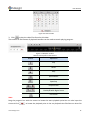
Schedule Mode
Note:
Wide Dynamic Range
Auto mode/Customize mode.If you choose customize mode,the camera
adjusts the brightness according to the value you set.The higher the value,the
brighter the image is.
Set the maximum exposure time to 1/5~1/100000
IR-CUT switch time between each mode
Choose to turn on or turn off under the mode
Here can choose B/W or color mode under Day/Night mode
Here you can customize your special demands for different time, then the Day
mode and Night mode will switch according to your settings
The function is only applicable for models MS-C23XX,
MS-C33XX.
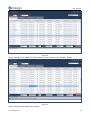
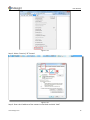
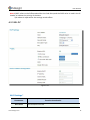
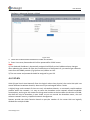
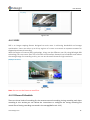
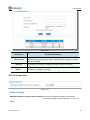
Figure 4-10
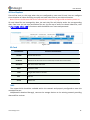
Advanced Settings
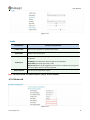
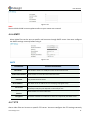
Parameters
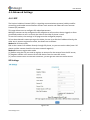
Local Display Video
Video Orientation
Function Introduction
Off: Switch off the Video
NTSC: Switch video to NTSC standard
PAL : Switch video to PAL standard
Normal: Remain the image in normal direction
Flip Horizontal: Flip the image horizontally
Flip vertical: Flip the image vertically
Rotating 180°: The images is presented upside down
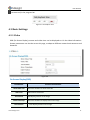
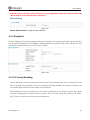
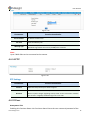
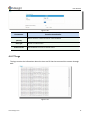
4.3.3 Audio
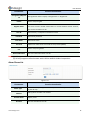
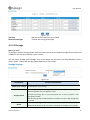
Audio input and output can work with alarms to achieve various alarm functions. Alarm
willbetriggered when there is audio input or play the configured audio when an alarm occurs.
www.milesight.com
31