1
Desktop Behavior
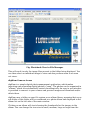
Multiple Desktops
Screen Savers
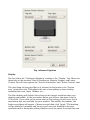
Display
Chapter 2 – Part 2
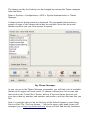
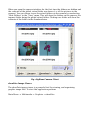
Desktop Themes
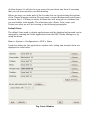
Default Fonts
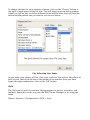
Style
Icons
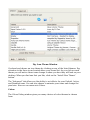
Colors
Using the Desktop
Running Applications
The Panel
Placing an Applet on the Panel
Removing an Applet from the Panel
Configuring the Panel
Launchers
Setting the Date and Time
Chapter 3: Files and folders
The File System
Ownerships and Permissions
Viewing and Modifying the Permissions of a File or Folder
Using the File Manager
Accessing Files and Programs
Creating New Folders
Copy Files and Folders
Moving Files and Folders
Renaming Files and Folders
Deleting Files and Folders
The Trash Can
Using A Text Editor
Starting KWrite
Inputing Text
Marking Text
Deleting Text
Copy, Cut, and Paste
Undo
Saving Text
Find and Replace
Opening A File
Preferences
Help
Chapter 4: Using Common Mass Storage Peripherals
The Floppy Disk Drive
Mounting and Using the Diskette
Formatting the Diskette
The CD-ROM Drive