1
Performing Operations and Settings as the Administrator
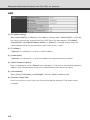
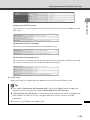
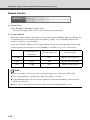
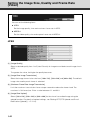
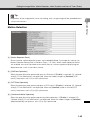
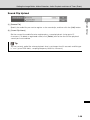
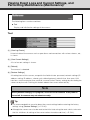
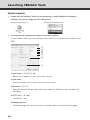
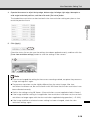
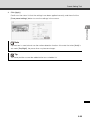
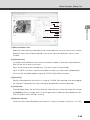
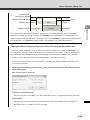
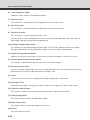
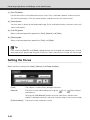
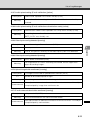
(6) [Gain]
When [Manual] is selected as the exposure mode, set a desired value of gain.
Moving the slider to the left decreases the gain (sensitivity to brightness) and darkens the
image. Moving the slider to the right increases the gain and brightens the image.
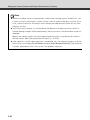
Note
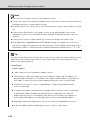
If the subject is a traffic signal, electronic scoreboard, etc., the captured image may flicker.
In this case, try changing the exposure mode to [Auto (Shutter-priority AE)] and then select a
VB-C60 Viewer
shutter speed lower than 1/100, to see if the situation improves.
Setting the White Balance
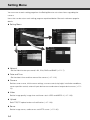
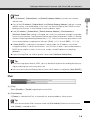
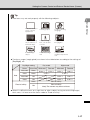
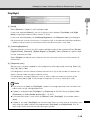
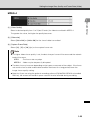
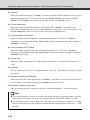
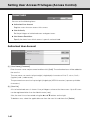
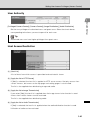
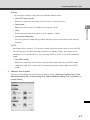
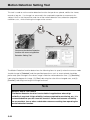
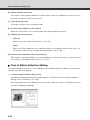
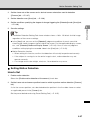
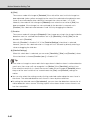
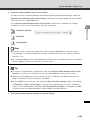
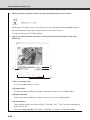
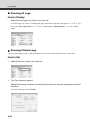
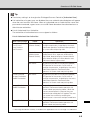
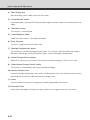
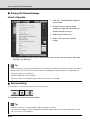
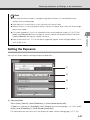
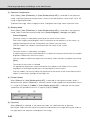
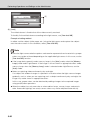
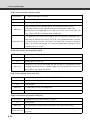
Select a desired white balance setting from [Auto], [Light Source] and [Lock].
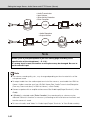
(1)
(2)
(1) [Auto]
The white balance is adjusted automatically.
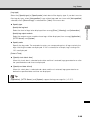
(2) [Light Source]
Select the light source from the pull-down menu below according to the condition in which the
camera is used.
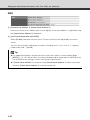
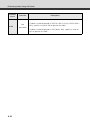
[Daylight Fluorescent] : Select this option to capture video under daylight fluorescent lighting.
[White Fluorescent]
: Select this option to capture video under neutral white or cool white
fluorescent lighting.
[Warm Fluorescent]
: Select this option to capture video under warm color fluorescent
[Mercury Lamp]
: Select this option to capture video under mercury lamps.
[Sodium Lamp]
: Select this option to capture video under orange sodium lamps.
[Halogen Lamp]
: Select this option to capture video under halogen bulbs or
lighting.
incandescent bulbs.
3-29