1
5.11 Group Library
“Group Libraries” enable multiple parts and drawing objects to be combined and saved, and then called
up whenever necessary. The Group objects saved in these libraries can be viewed and selected using the
Browser function. Since groups of objects may include parts that refer to Shape or Bitmap graphics, the
related Shape and Bitmap libraries must be attached to the project before calling up group objects.
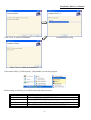
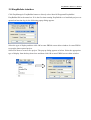
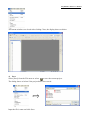
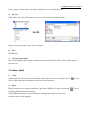
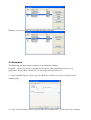
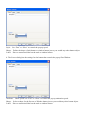
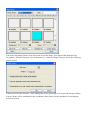
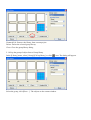
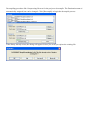
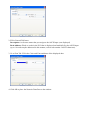
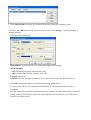
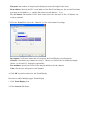
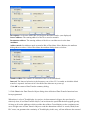
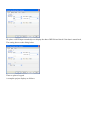
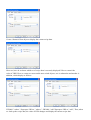
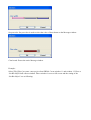
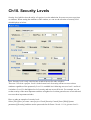
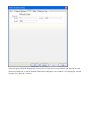
Click on the Select Lib… button. A Standard Dialog Box for selecting a file appears. Select the name of
the Group library to be opened.
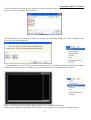
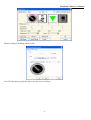
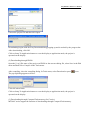
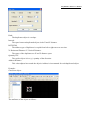
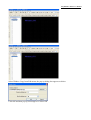
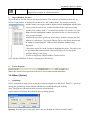
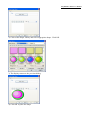
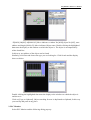
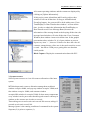
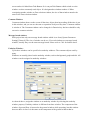
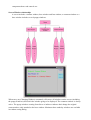
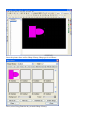
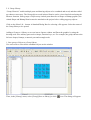
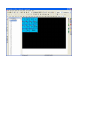
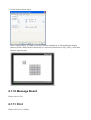
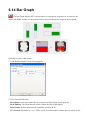
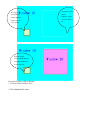
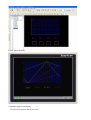
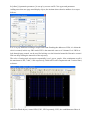
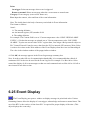
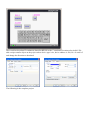
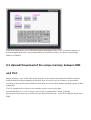
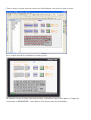
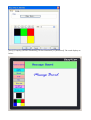
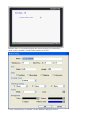
Adding a Group to a Library or save an item to Open a window and Draw the graphics by using the
drawing tools. Also add any parts such as lamps, function keys, etc. For example, the group shown to the
left uses shapes, bitmaps, a numeric part and rectangle tools.
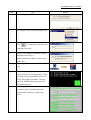
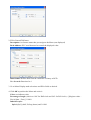
1. Save group of object to a Group library
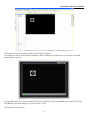
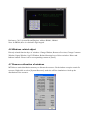
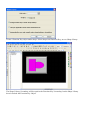
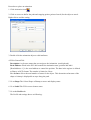
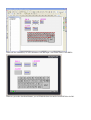
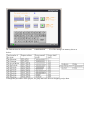
Use arrow tool to select all the candidate objects on the window.
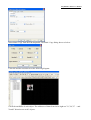
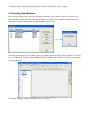
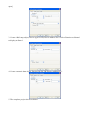
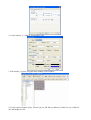
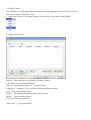
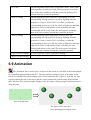
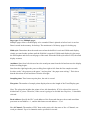
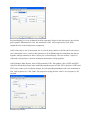
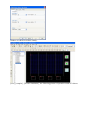
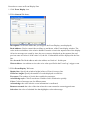
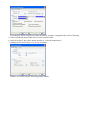
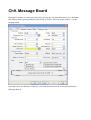
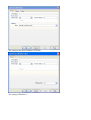
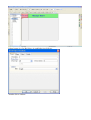
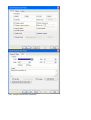
Then, in the [Library] menu, select [Group]/[Save to library] or click
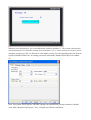
icon. The dialog will appear.