1
SHRM03/ET100R Router User Manual
VLAN
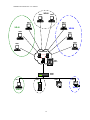
Virtual LAN (VLAN) is defined as a group of devices on one or more LANs that are configured so
that they can communicate as if they were attached to the same wire, when in fact they are located
on a number of different LAN segments. Because VLAN is based on logical instead of physical
connections, it is extremely flexible.
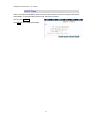
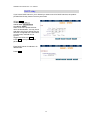
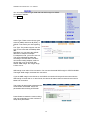
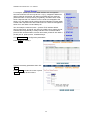
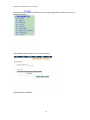
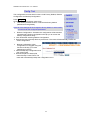
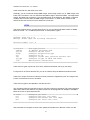
Click VLAN to configure VLAN.
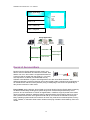
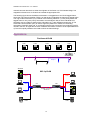
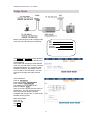
The product supports two types of VLAN,
802.1Q and Port-Based. User can configure
one of them into the router.
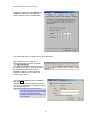
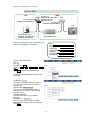
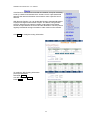
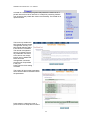
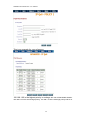
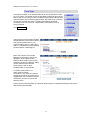
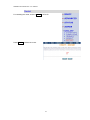
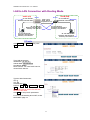
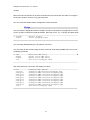
For setting 802.1Q VLAN click the 802.1Q
Tag-Based VLAN. The screen will prompt as
follows.
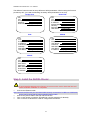
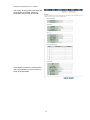
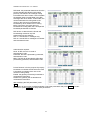
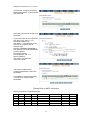
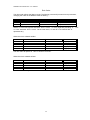
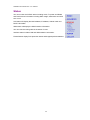
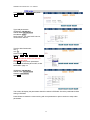
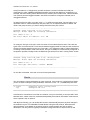
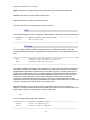
VID: Virtual LAN ID. It is an definite number ID which is from 1 to 4094.
PVID: Port VID which is an untagged member of default VLAN.
Link Type: Access means the port can receive or send untagged packets.
Link Type: Trunk means that the port can receive or send tagged packets.
42