1
EasyBuilder 500 User Guide
d) Connect DC 24V power to the power connector. Fail to connect the right pole may
cause fuse in the MT500 burn out.
e) Apply power and calibrate contrast adjust VR to the best viewing performance. (For
MT500S only, not applicable for MT500T)
f) Install EasyBuilder 500 on your PC and enter EasyManager after you finish the
installation process.
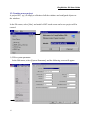
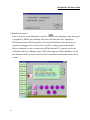
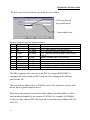
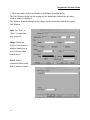
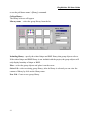
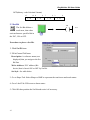
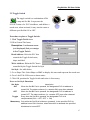
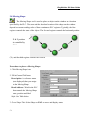
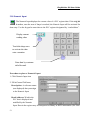
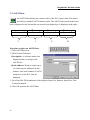
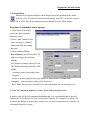
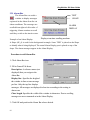
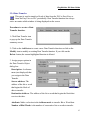
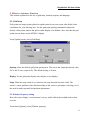
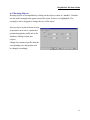
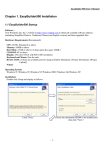
The Easy Manager is a software shell program for
EasyBuilder : screen editor to configure EasyView MT5xx
HMI (abbreviated as EB500).
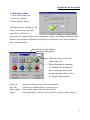
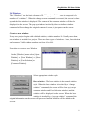
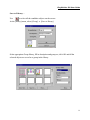
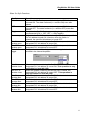
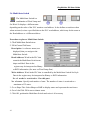
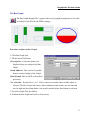
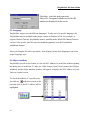
EasyWindow: simulate EasyView on the PC, after the
project is complied by EB500(file with extension *.eob),
the EasyWindow will retrieve the data from PLC through
the EasyView and simulate the operation of EasyView on
the PC screen. Using the Simulator on your debug process
will save on time spent in repeat downloads.
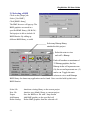
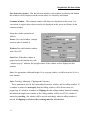
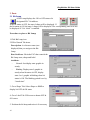
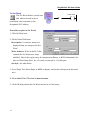
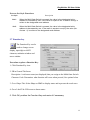
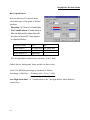
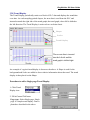
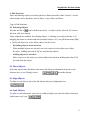
EasyView communicator: download/upload project and
switch operation mode.
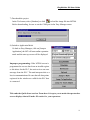
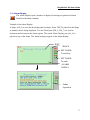
Download :Download the project complied by EB500 to the EasyView.
Upload : Upload the project image from EasyView to an object file (*.eob). The
upload file cannot be opened by EB500 but can be transferred to another EasyView.
This is useful for retrieving data from installed units to make a duplicate setup.
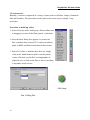
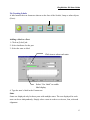
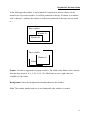
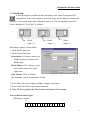
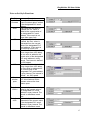
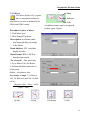
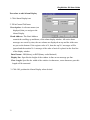
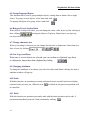
Mode Change: The EasyView operates in three modes:
RDS (Remote Debug & Simulation) mode: Used for simulation and
download/upload.
6