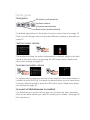
1
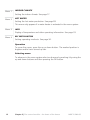
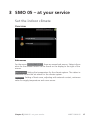
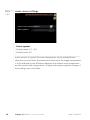
4XLFN JXLGH
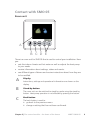
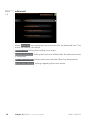
1DYLJDWLRQ
2N EXWWRQ FRQILUPVHOHFW
8SGRZQ EXWWRQV
PRYHLQFUHDVHUHGXFH
%DFN EXWWRQ EDFNXQGRH[LW
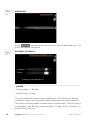
A detailed explanation of the button functions can be found on page 10.
How to scroll through menus and make different settings is described on
page 12.
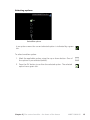
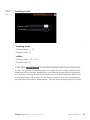
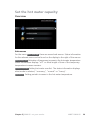
6HW WKH LQGRRU FOLPDWH
LQGRRU FOLPDWH
KRW ZDWHU
LQIR
P\ V\VWHP
;
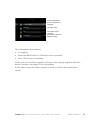
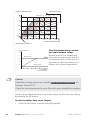
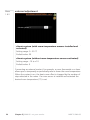
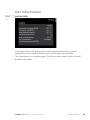
The mode for setting the indoor temperature is reached, when in the start
mode in the main menu, by pressing the OK button twice. Read more
about the settings on page 18.
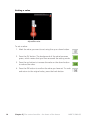
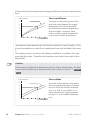
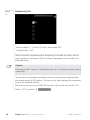
,QFUHDVH KRW ZDWHU YROXPH
7(0325$5< /8; RII
;
;
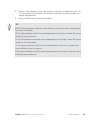
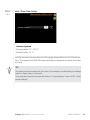
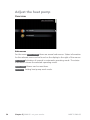
To temporarily increase the amount of hot water (if a hot water heater is
installed to your SMO 05), first push the down button once to mark menu
2 (water droplet) and then press the OK button twice. Read more about
the settings on page 30.
In event of disturbances in comfort
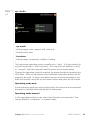
If a disturbance in comfort of any type occurs there are some measures
that can be taken before you need to contact your installer. See page 43
for instructions.