1
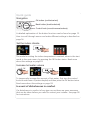
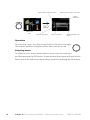
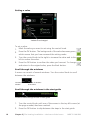
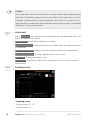
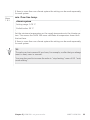
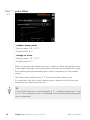
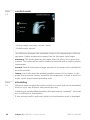
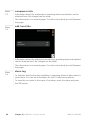
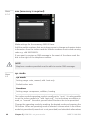
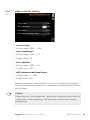
To select another heat curve (slope):
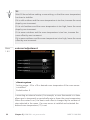
NOTE
If you only have one heating system, the number of the curve is already
marked when the menu window opens.
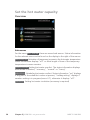
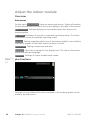
1. Select the system (if more than one) for which the heat curve is to be
changed.
2. When the system selection has been confirmed the heat curve number
is marked.
3. Press the OK button to access the setting mode
4. Select a new heating curve. The heat curves are numbered from 0 to 15,
the greater the number, the steeper the slope and the greater the supply
temperature. Heating curve 0 means that own curve (menu 1.9.7) is
used.
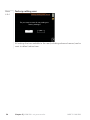
5. Press the OK button to exit the setting.
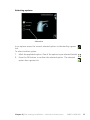
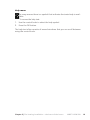
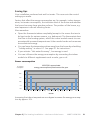
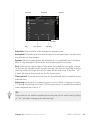
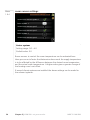
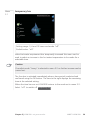
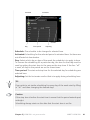
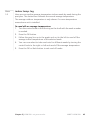
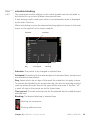
To read off a heating curve:
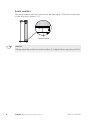
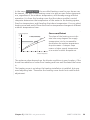
1. Turn the control knob so that the ring on the shaft with the outdoor
temperature is marked.
2. Press the OK button.
3. Follow the grey line up to the heat curve and out to the left to read off
the value for the supply temperature at the selected outdoor temperature.
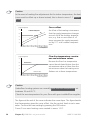
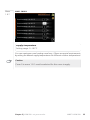
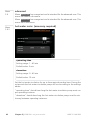
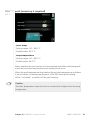
4. You can now select to take read outs for different outdoor temperatures
by turning the control knob to the right or left and read off the corresponding flow temperature.
5. Press the OK or Back button to exit read off mode.
Chapter 3 | VVM 500 – at your service
NIBE™ VVM 500
31